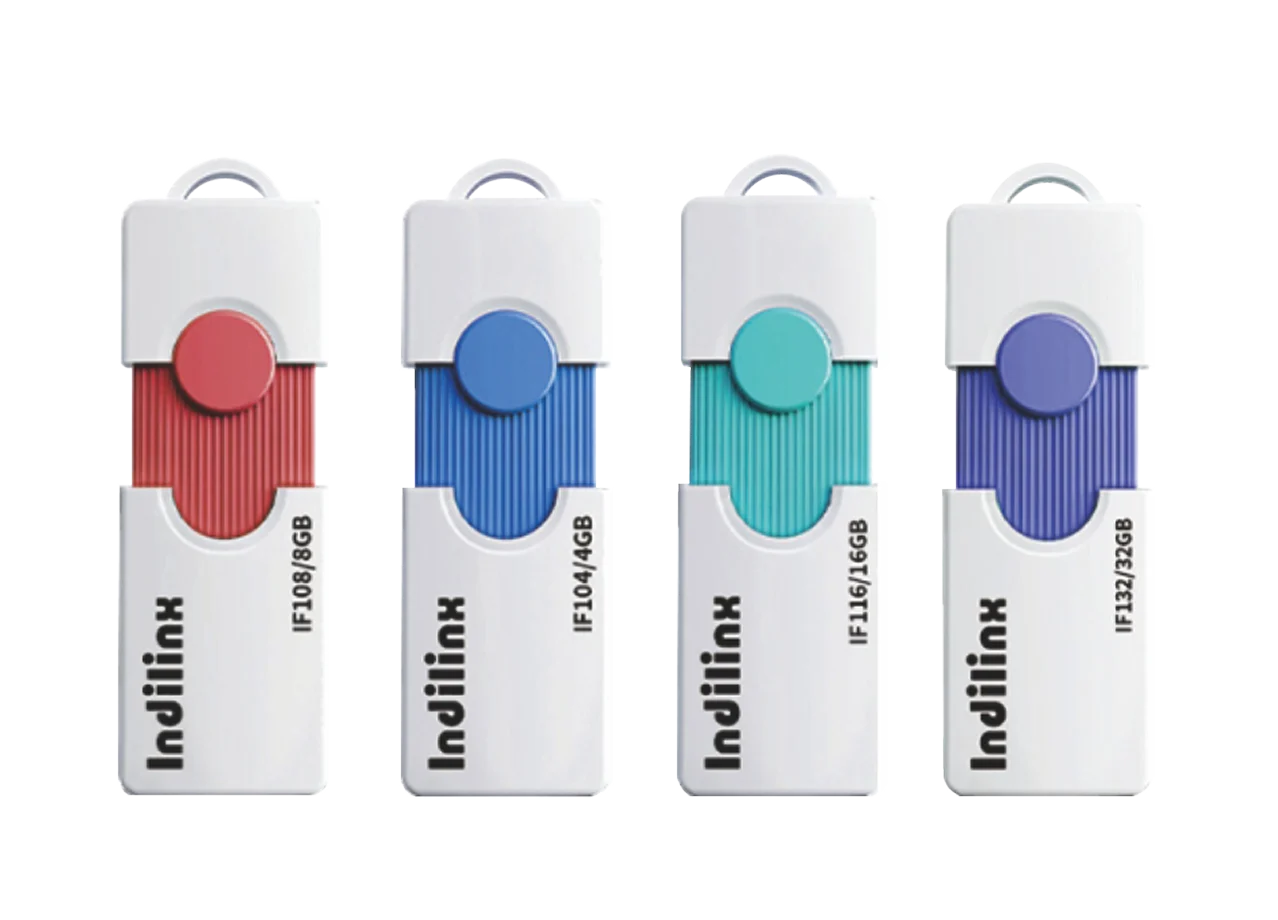
Founded in 2012,Indilinx is a natinal high-tech enterprise in the field of design,software development, packaging and testing, manufacturering and application of memory chips.
Building C, BaiYang Industrial Zone, No. 44 KengweiRoad, Shiyan Street, Bao’an District, ShenZhen, china
Founded in 2012,Indilinx is a natinal high-tech enterprise in the field of design,software development, packaging and testing, manufacturering and application of memory chips.
Building C, BaiYang Industrial Zone, No. 44 KengweiRoad, Shiyan Street, Bao’an District, ShenZhen, china
Ryan@indilinx.cn
+86 755 28234608
USB Flash Drive
Indilinx Titan X SSD: USB3.2 Gen1, military-grade, 256-bit AES, 128GB-1TB for professionals
Founded in 2012,Indilinx is a natinal high-tech enterprise in the field of design,software development, packaging and testing, manufacturering and application of memory chips.
Building C, BaiYang Industrial Zone, No. 44 KengweiRoad, Shiyan Street, Bao’an District, ShenZhen, china
Ryan@indilinx.cn
+86 755 28234608
Micro SD
Indilinx Micro SD: compact portable, seamless data flow across phones, cameras, game consoles
Founded in 2012,Indilinx is a natinal high-tech enterprise in the field of design,software development, packaging and testing, manufacturering and application of memory chips.
Building C, BaiYang Industrial Zone, No. 44 KengweiRoad, Shiyan Street, Bao’an District, ShenZhen, china
Founded in 2012,Indilinx is a natinal high-tech enterprise in the field of design,software development, packaging and testing, manufacturering and application of memory chips.
Building C, BaiYang Industrial Zone, No. 44 KengweiRoad, Shiyan Street, Bao’an District, ShenZhen, china
Ryan@indilinx.cn
+86 755 28234608
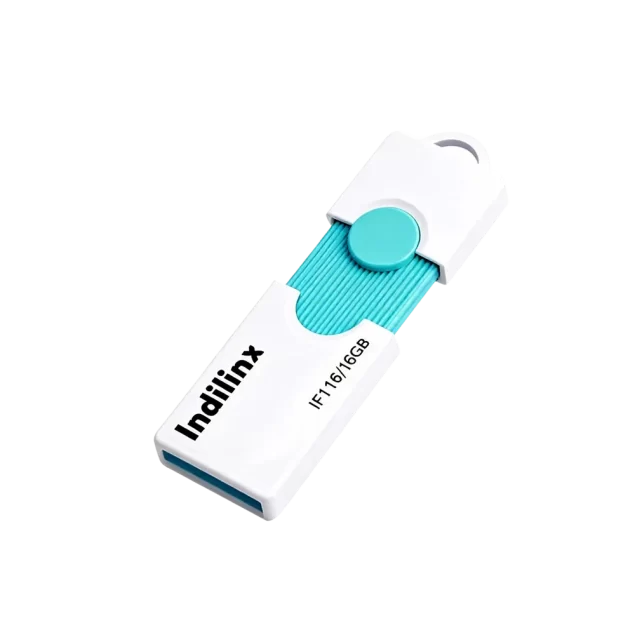
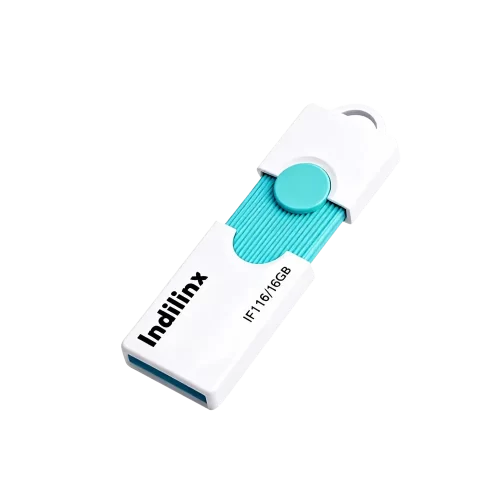
Type-C 3.0 + USB 3.0 Flash Drive (16GB–128GB) – IF1
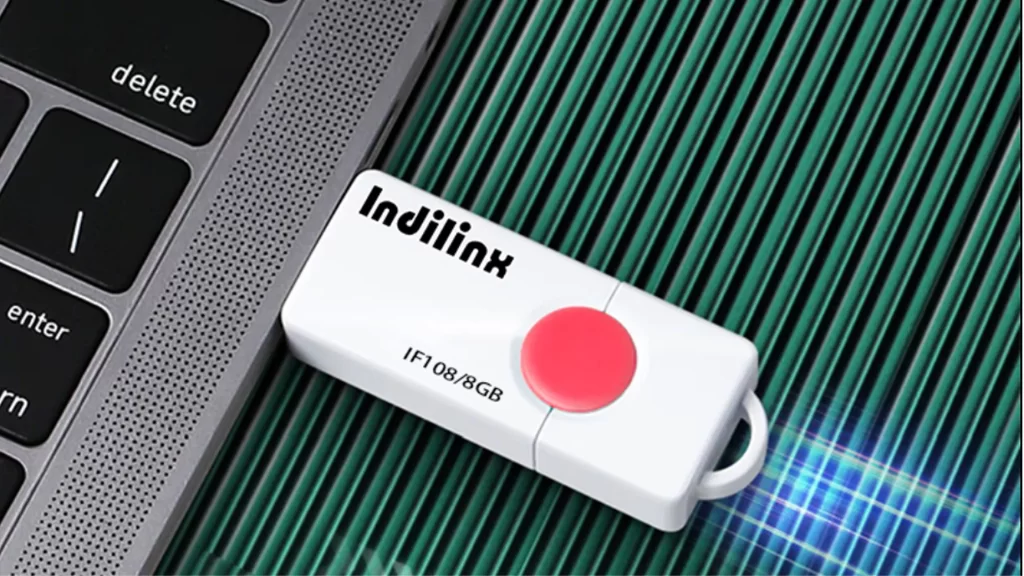
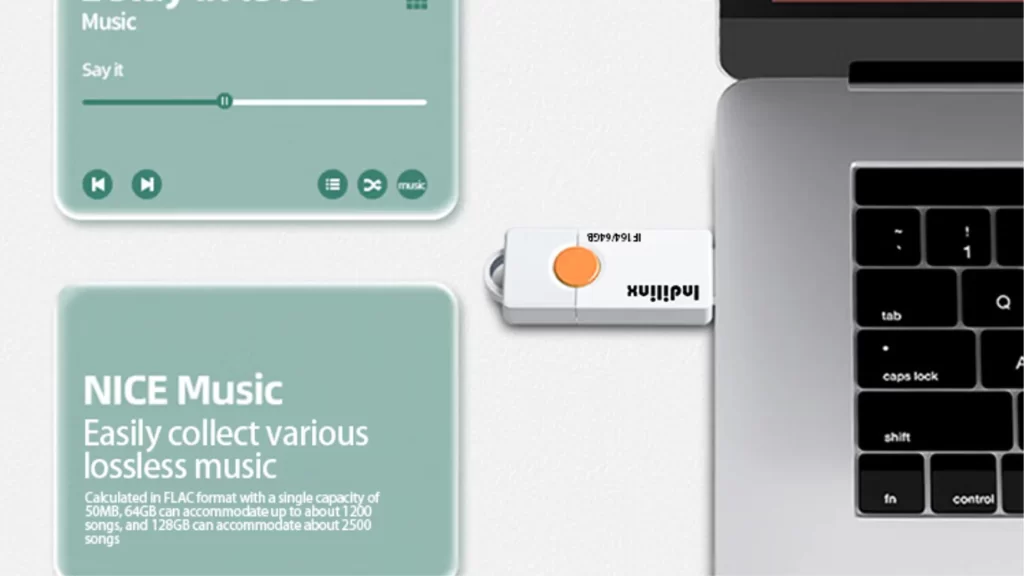
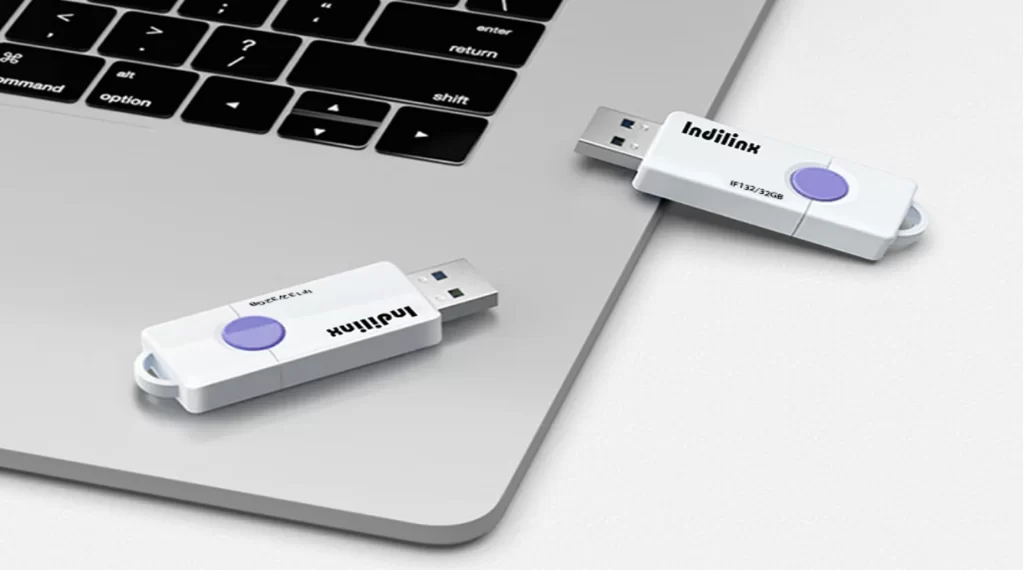
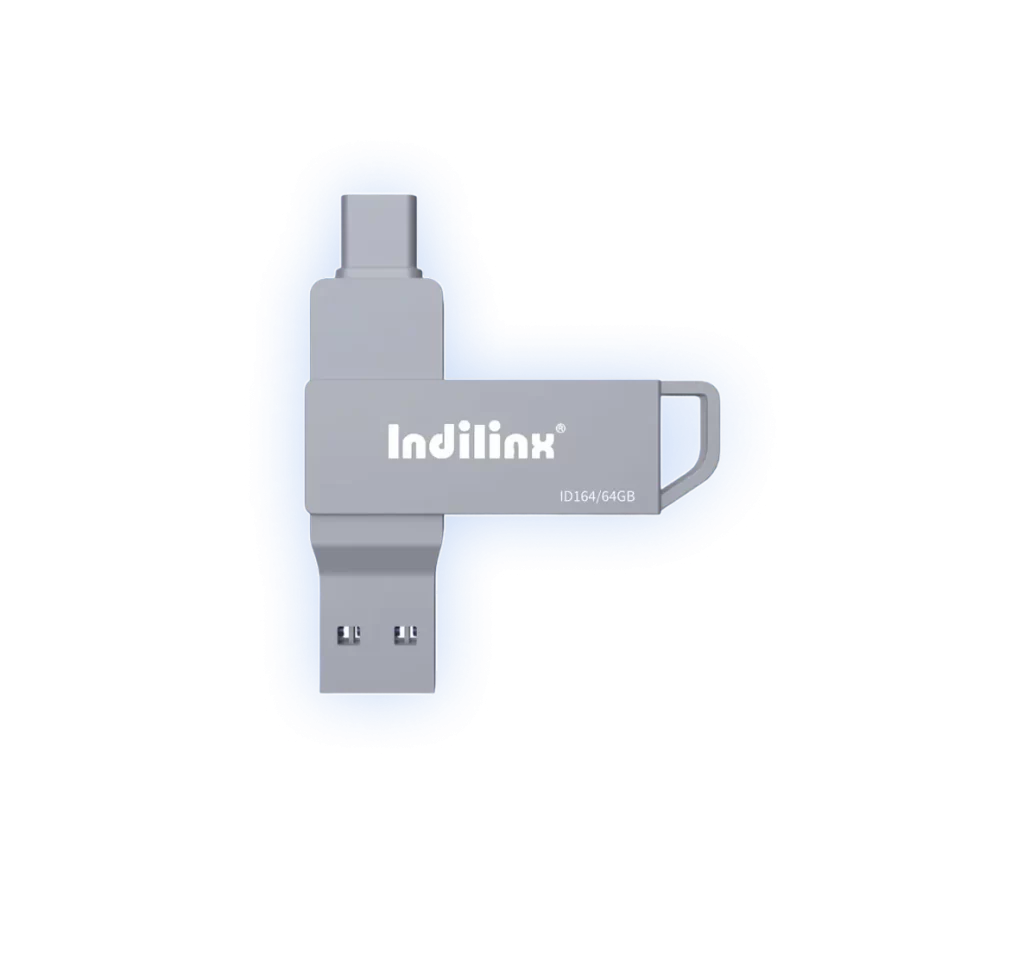
The Indilinx—IF1 dual-interface flash drive combines a USB 3.0 Type-A connector and a USB 3.0 Type-C connector in one compact device, offering seamless data transfer across laptops, tablets, smartphones, and desktop PCs. With capacities ranging from 16GB to 128GB, it provides a reliable and versatile storage solution for documents, photos, music, and more. Its plug-and-play design requires no software installation, making file sharing and backup effortless in any scenario.
The Indilinx–IF1 dual-interface flash drive is engineered for universal connectivity and reliable daily storage. Featuring both a USB 3.0 Type-A and a USB 3.0 Type-C connector on a single device, it ensures seamless file transfer between modern laptops, tablets, smartphones, and traditional computers. Built with a durable, compact casing, it supports a wide range of capacities to suit different needs, from document storage to media backup. Its plug-and-play operation requires no additional drivers, offering a straightforward and efficient solution for users on the go.
The Indilinx–IF1 flash drive features both USB 3.0 Type-A and Type-C connectors on a single compact device. This intelligent design allows effortless file transfer between modern laptops, tablets, smartphones, and traditional desktop computers without the need for any adapters or special software.
Robust Construction & Reliable Performance
Encased in durable, anodized aluminum alloy, the drive offers enhanced resistance to physical shock and everyday wear. Coupled with stable controller firmware, it ensures consistent data transfer speeds and dependable long-term operation for your essential documents and media.
The indilinx– IF1 Flash Disk Drive is designed for effortless, plug-and-play operation across all your devices. Simply connect the appropriate interface—USB Type-A or Type-C—directly into an available port on your computer, smartphone, tablet, or compatible TV. No software installation or driver configuration is required; the device will be automatically recognized, allowing you to immediately drag, drop, and manage your files with ease.
CONNECT TO
Mobile Phone or Tablet
CONNECT TO
Mobile Phone or Tablet
CONNECT TO
Smart TV or Media Player
CONNECT to Computer or Laptop
Efficient External Storage Expansion:
Plug the USB Type-A connector into a standard USB port on your desktop or laptop, or use the Type-C end for modern laptops and MacBooks. The operating system will automatically detect the drive and assign it a letter (Windows) or mount it on the desktop (macOS), enabling immediate file transfers, backups, and media access without any setup.
CONNECT TO THE PHONE / TABLET
Mobile Data Offloading and Backup
Using the Type-C connector, insert the flash drive directly into your Android phone, tablet, or iPad (with a USB-C port). Your device will typically prompt you to allow access to the USB drive. Once enabled, you can free up phone storage by moving photos and videos to the drive or directly play media files from it using your device’s file manager or media player app.
CONNECT TO THE TV
Instant Media Playback
Insert the flash drive into an available USB port on your Smart TV, gaming console, or set-top media player. The device will usually recognize the storage and allow you to browse and play supported photo, music, and video files directly on your TV screen, turning the flash drive into a convenient portable media library for your home entertainment system.
CONNECT to Computer or Laptop
Efficient External Storage Expansion:
Plug the USB Type-A connector into a standard USB port on your desktop or laptop, or use the Type-C end for modern laptops and MacBooks. The operating system will automatically detect the drive and assign it a letter (Windows) or mount it on the desktop (macOS), enabling immediate file transfers, backups, and media access without any setup.
CONNECT TO THE PHONE / TABLET
Mobile Data Offloading and Backup
Using the Type-C connector, insert the flash drive directly into your Android phone, tablet, or iPad (with a USB-C port). Your device will typically prompt you to allow access to the USB drive. Once enabled, you can free up phone storage by moving photos and videos to the drive or directly play media files from it using your device’s file manager or media player app.
CONNECT TO THE TV
Instant Media Playback
Insert the flash drive into an available USB port on your Smart TV, gaming console, or set-top media player. The device will usually recognize the storage and allow you to browse and play supported photo, music, and video files directly on your TV screen, turning the flash drive into a convenient portable media library for your home entertainment system.
We provide dedicated technical support to ensure your flash disk drive delivers reliable performance. From setup guidance to warranty services, our team is here to assist you with quick solutions, product verification, and continuous support throughout your drive’s lifespan.
Extended Warranty Coverage
Backed by a multi-year limited warranty that safeguards your drive against defects and ensures long-term reliability.
Full Production Traceability
Each drive is tracked at the batch level, ensuring complete transparency in manufacturing and testing history.
Prompt Issue Diagnosis
Using traceability data, we swiftly identify and address performance or compatibility issues to minimize downtime.
Direct After-Sales Assistance
Easily reach our support team for installation help, troubleshooting, and product evaluation through structured channels.
Continuous Improvement Process
Your feedback is analyzed and used to refine product design, enhance quality, and develop future storage solutions.