Founded in 2012,Indilinx is a natinal high-tech enterprise in the field of design,software development, packaging and testing, manufacturering and application of memory chips.
Building C, BaiYang Industrial Zone, No. 44 KengweiRoad, Shiyan Street, Bao’an District, ShenZhen, china
Founded in 2012,Indilinx is a natinal high-tech enterprise in the field of design,software development, packaging and testing, manufacturering and application of memory chips.
Building C, BaiYang Industrial Zone, No. 44 KengweiRoad, Shiyan Street, Bao’an District, ShenZhen, china
Ryan@indilinx.cn
+86 755 28234608
USB Flash Drive
Indilinx Titan X SSD: USB3.2 Gen1, military-grade, 256-bit AES, 128GB-1TB for professionals
Founded in 2012,Indilinx is a natinal high-tech enterprise in the field of design,software development, packaging and testing, manufacturering and application of memory chips.
Building C, BaiYang Industrial Zone, No. 44 KengweiRoad, Shiyan Street, Bao’an District, ShenZhen, china
Ryan@indilinx.cn
+86 755 28234608
Micro SD
Indilinx Micro SD: compact portable, seamless data flow across phones, cameras, game consoles
Founded in 2012,Indilinx is a natinal high-tech enterprise in the field of design,software development, packaging and testing, manufacturering and application of memory chips.
Building C, BaiYang Industrial Zone, No. 44 KengweiRoad, Shiyan Street, Bao’an District, ShenZhen, china
Founded in 2012,Indilinx is a natinal high-tech enterprise in the field of design,software development, packaging and testing, manufacturering and application of memory chips.
Building C, BaiYang Industrial Zone, No. 44 KengweiRoad, Shiyan Street, Bao’an District, ShenZhen, china
Ryan@indilinx.cn
+86 755 28234608
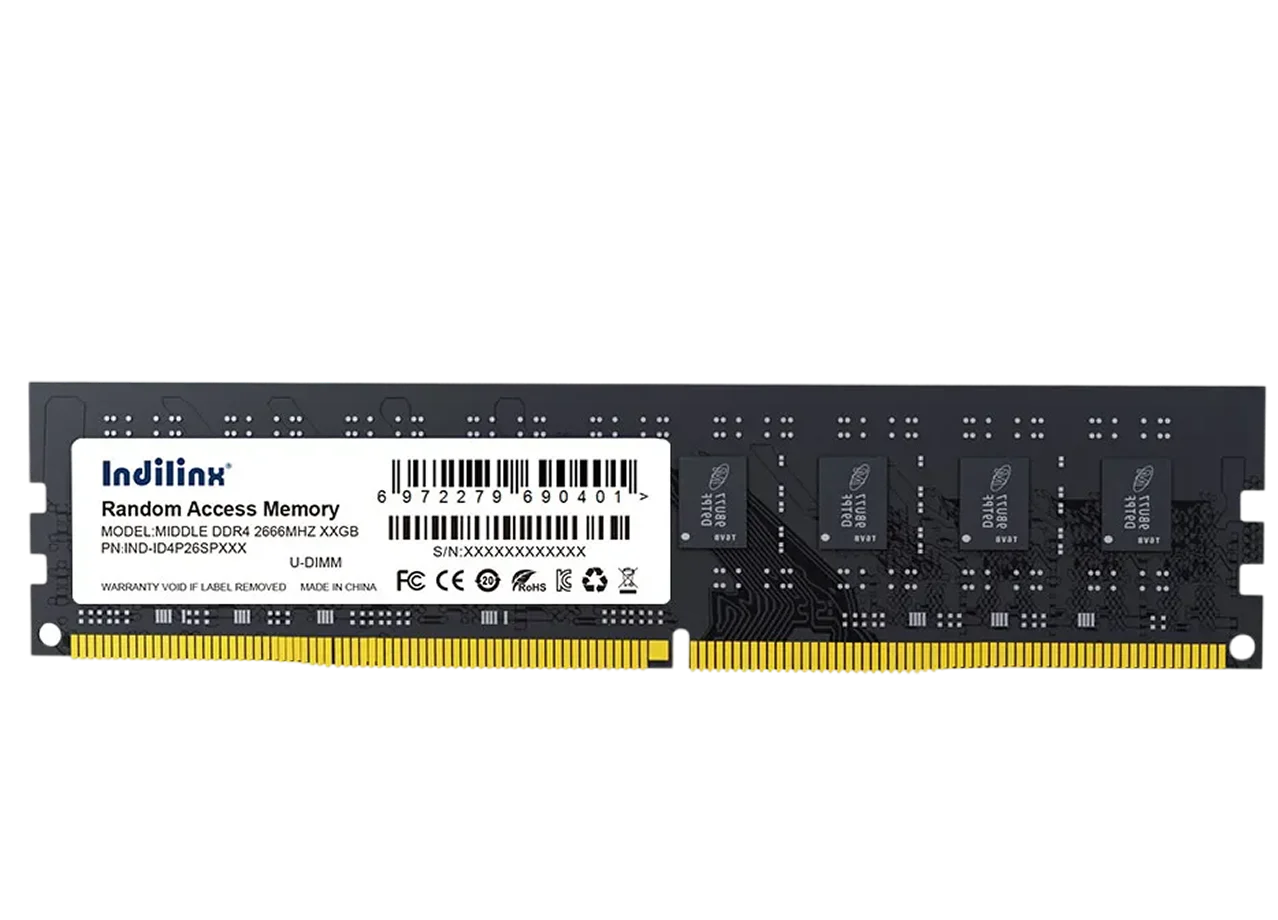
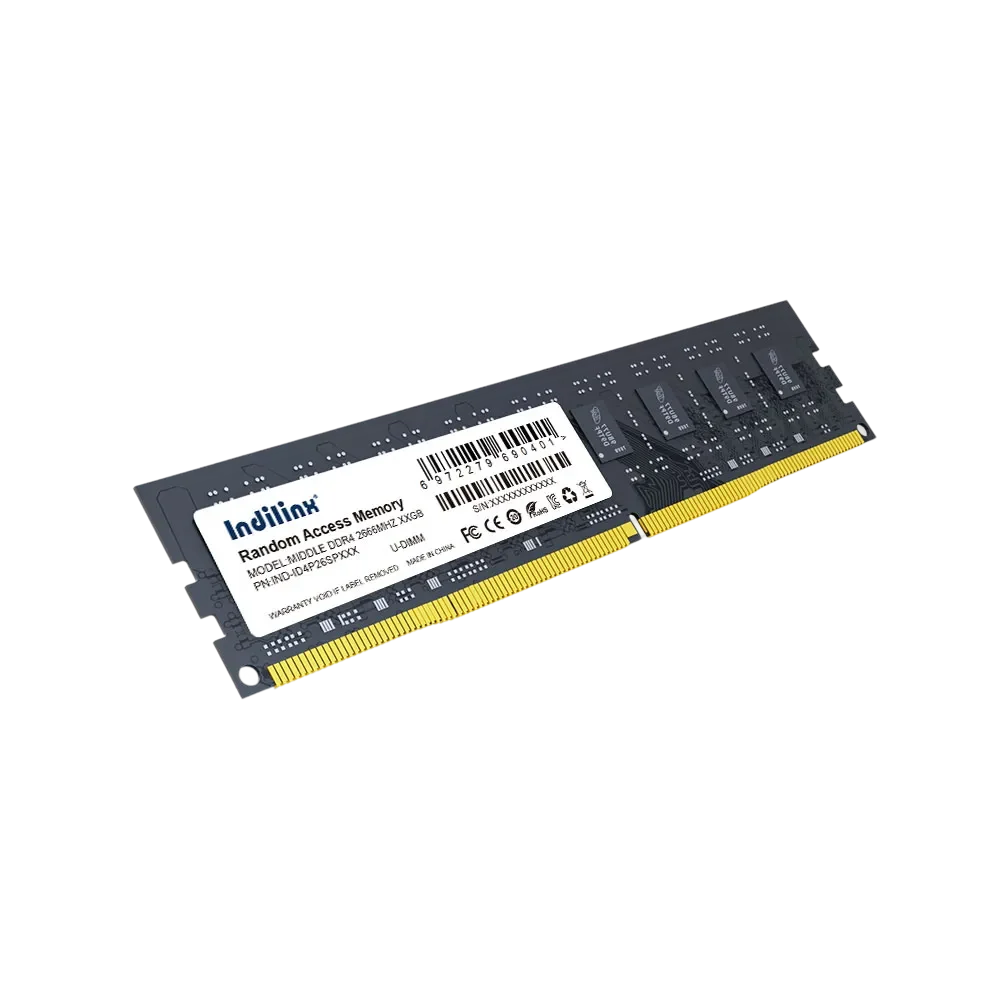
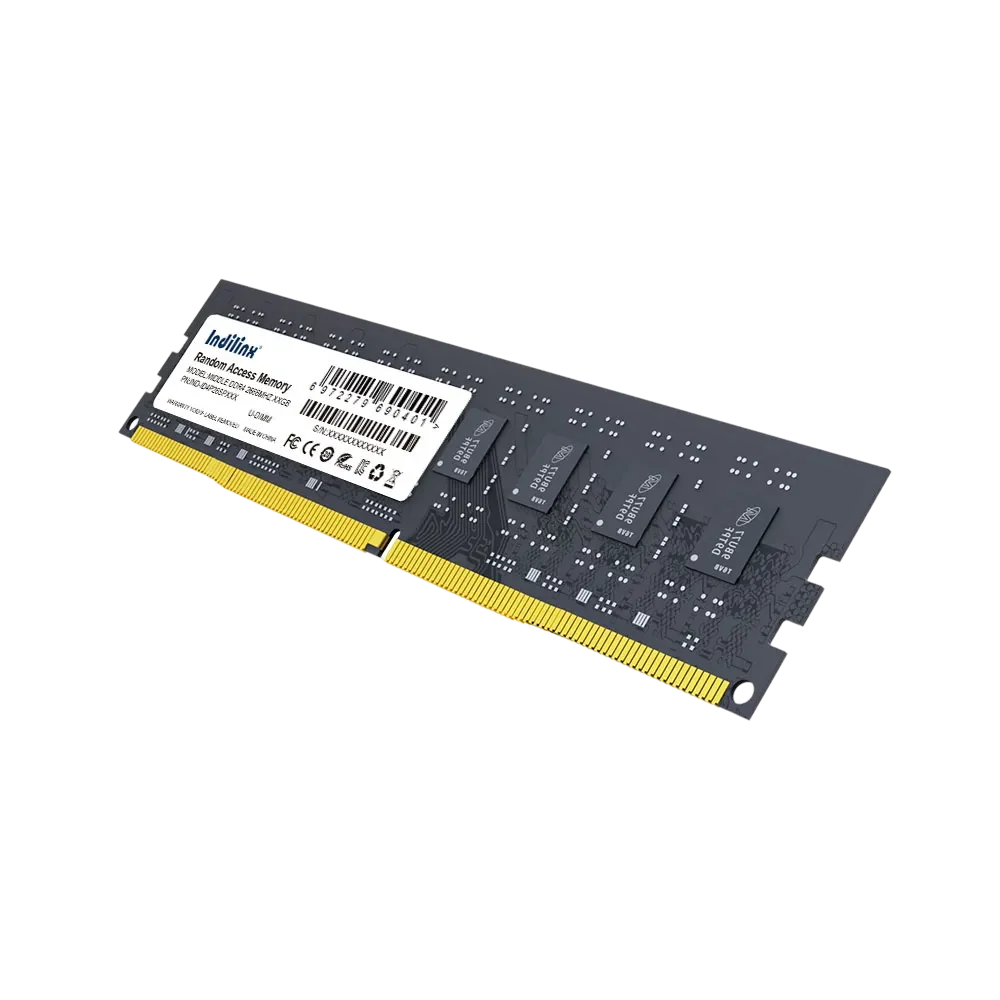
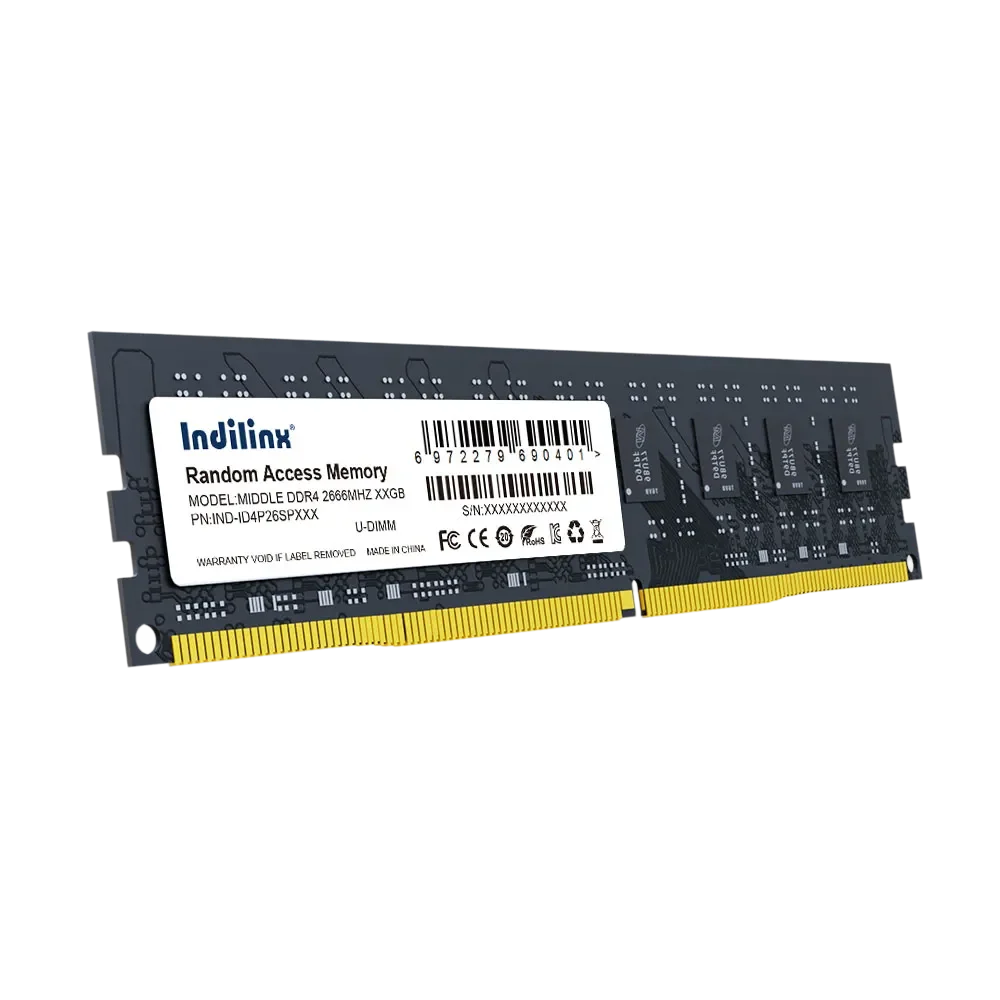
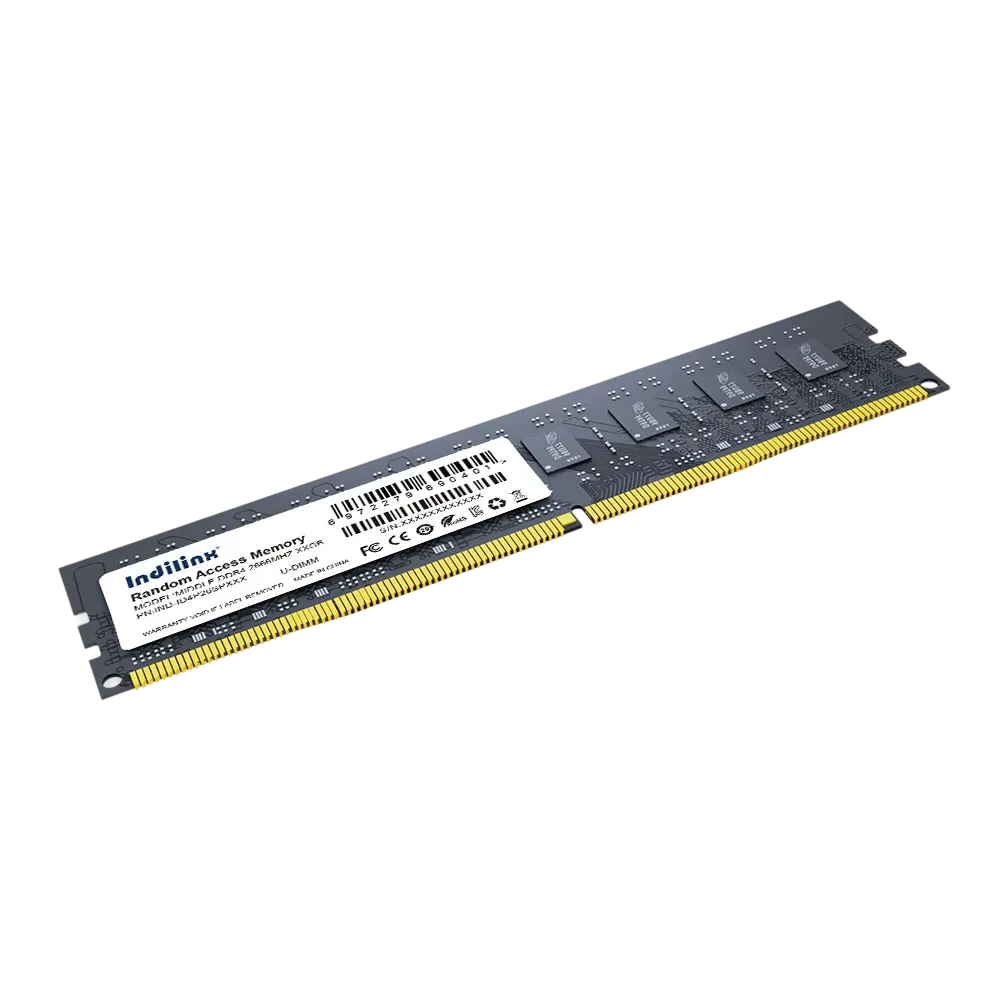
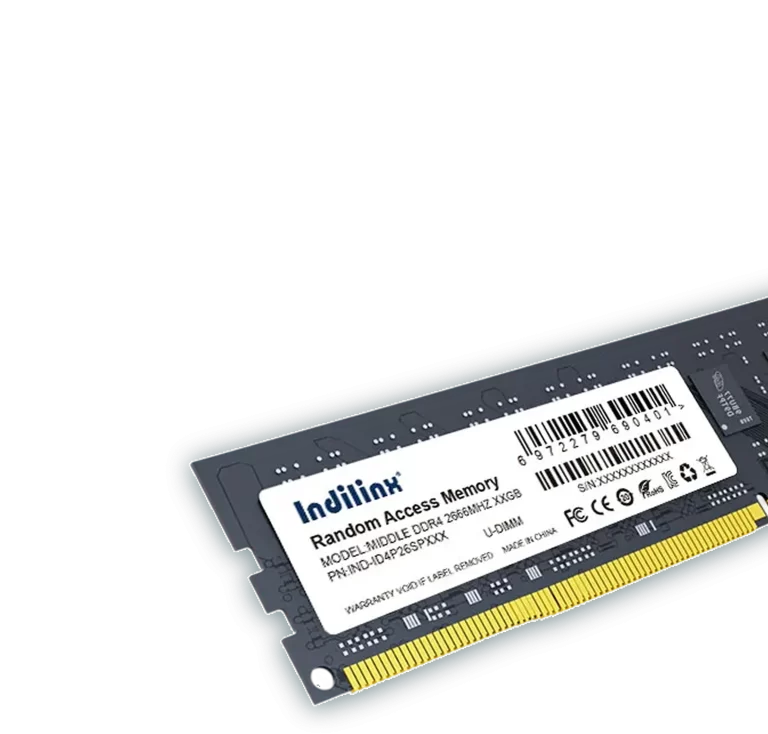
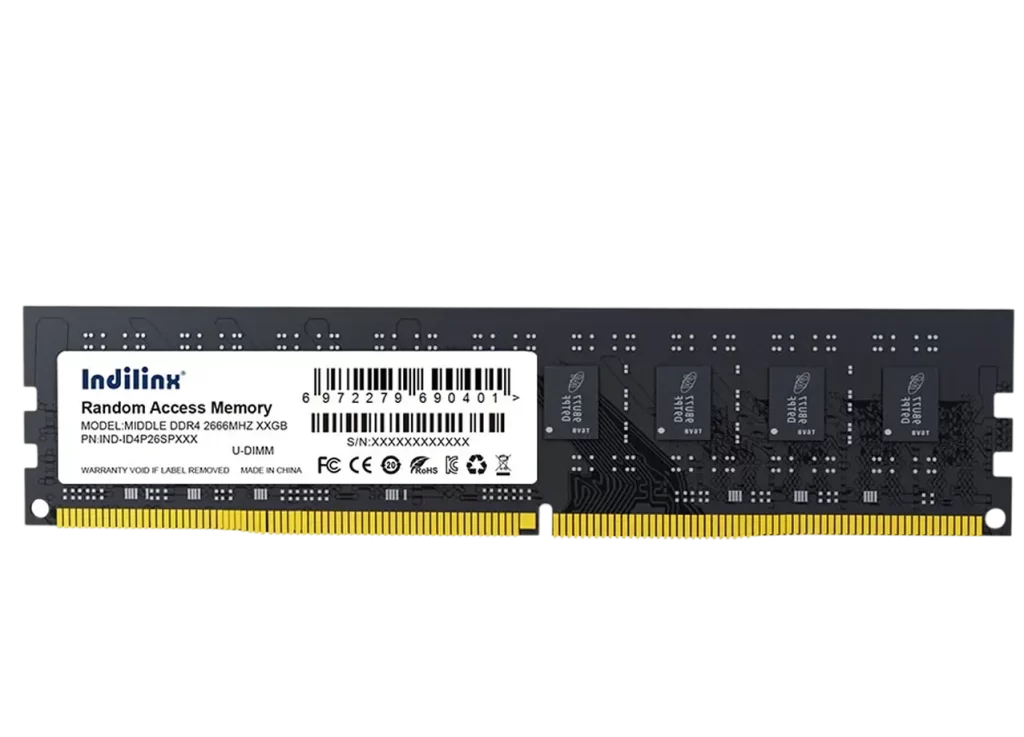
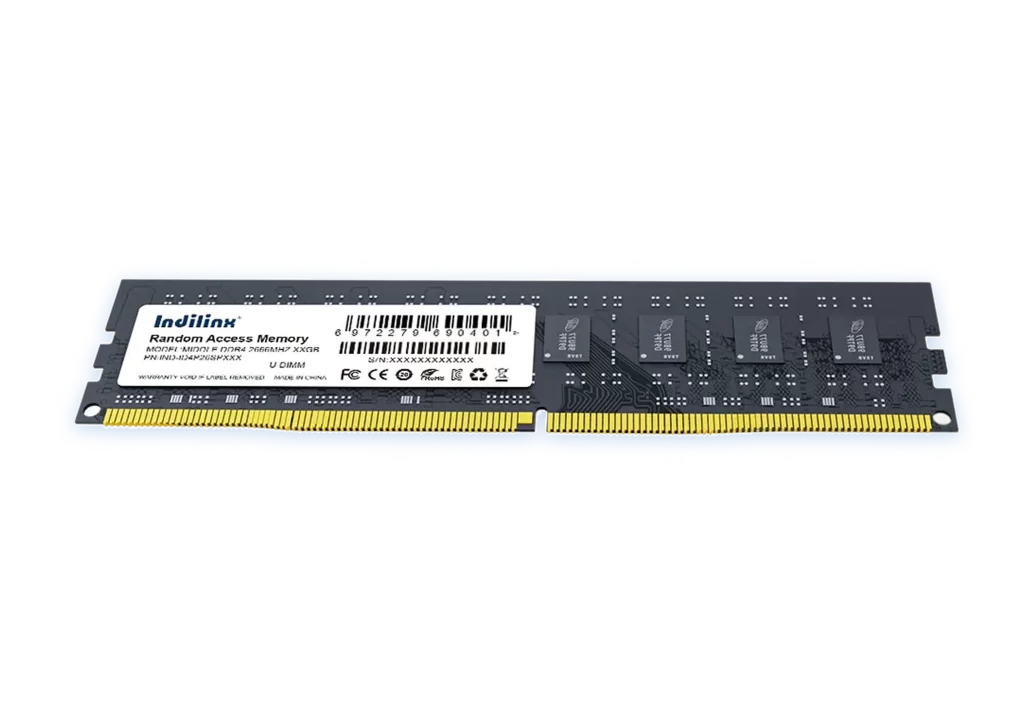
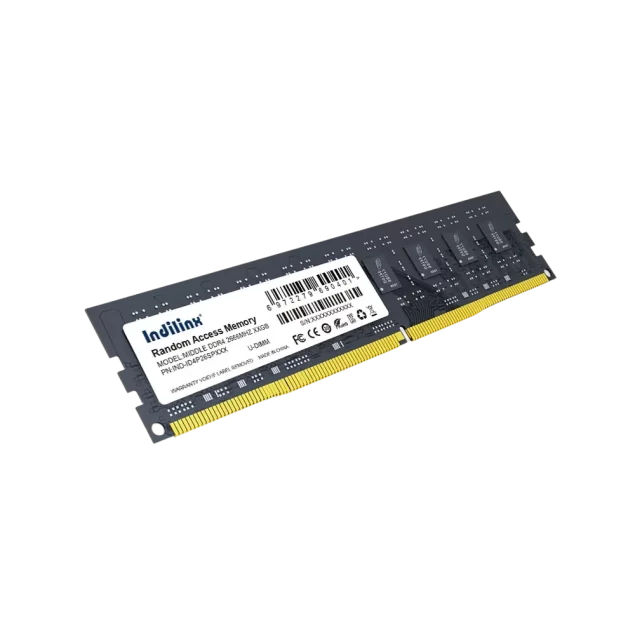
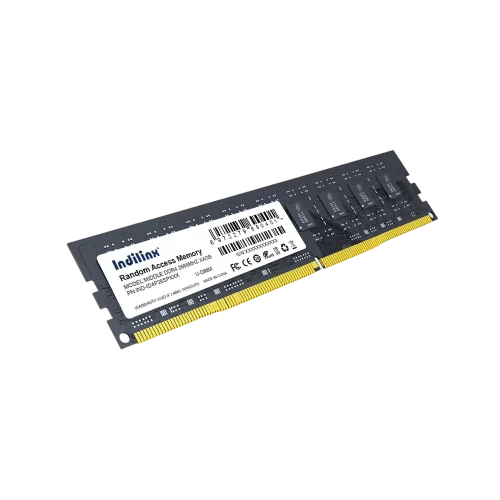
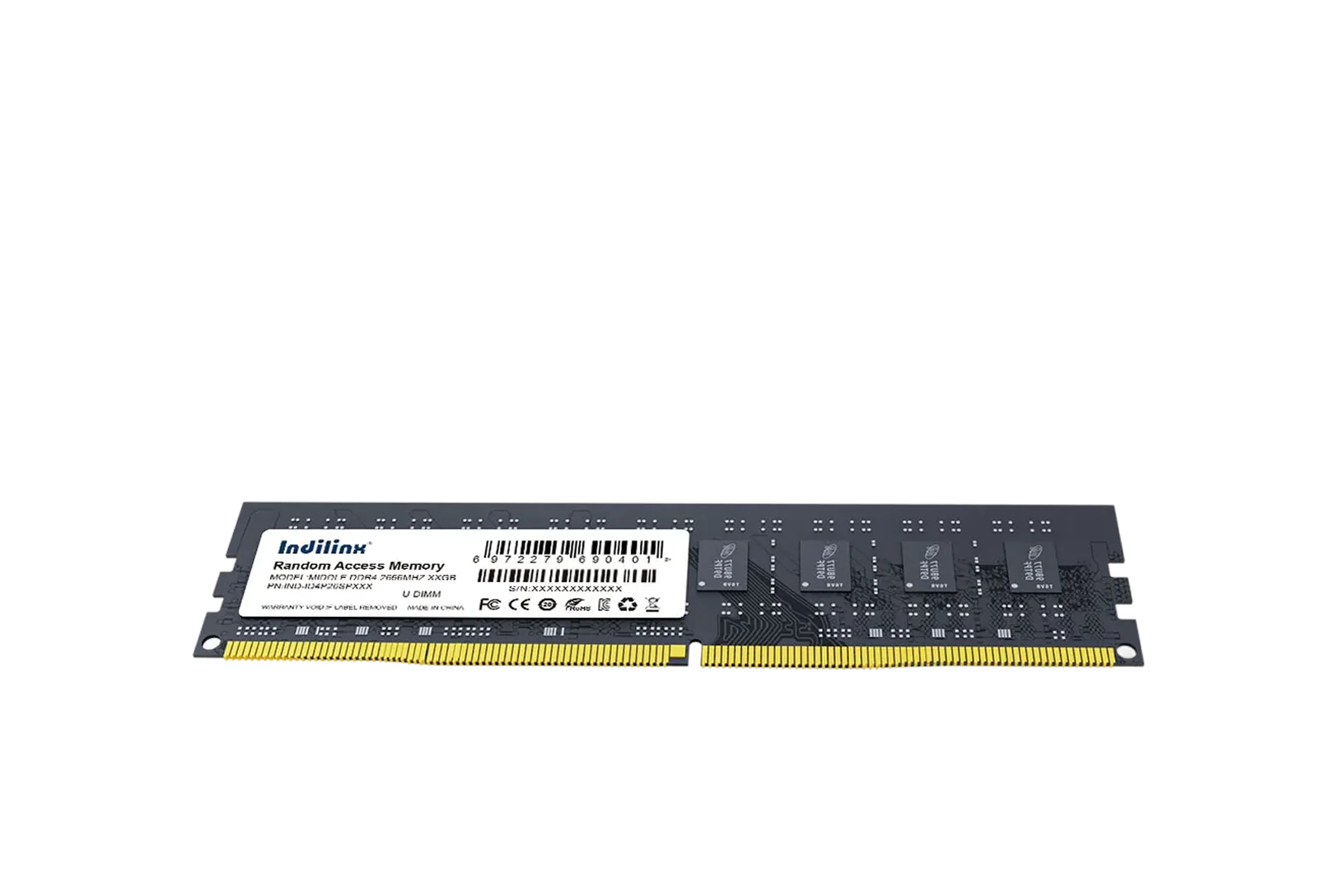
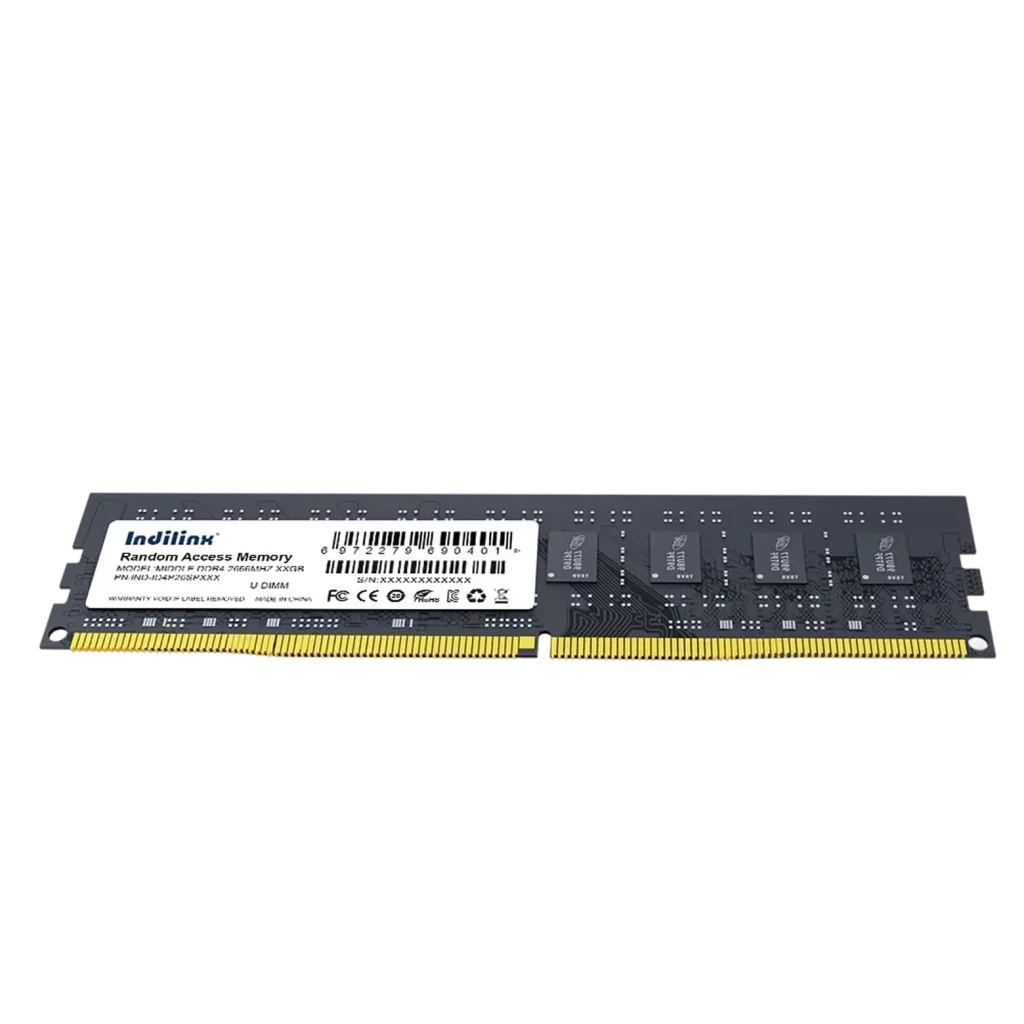
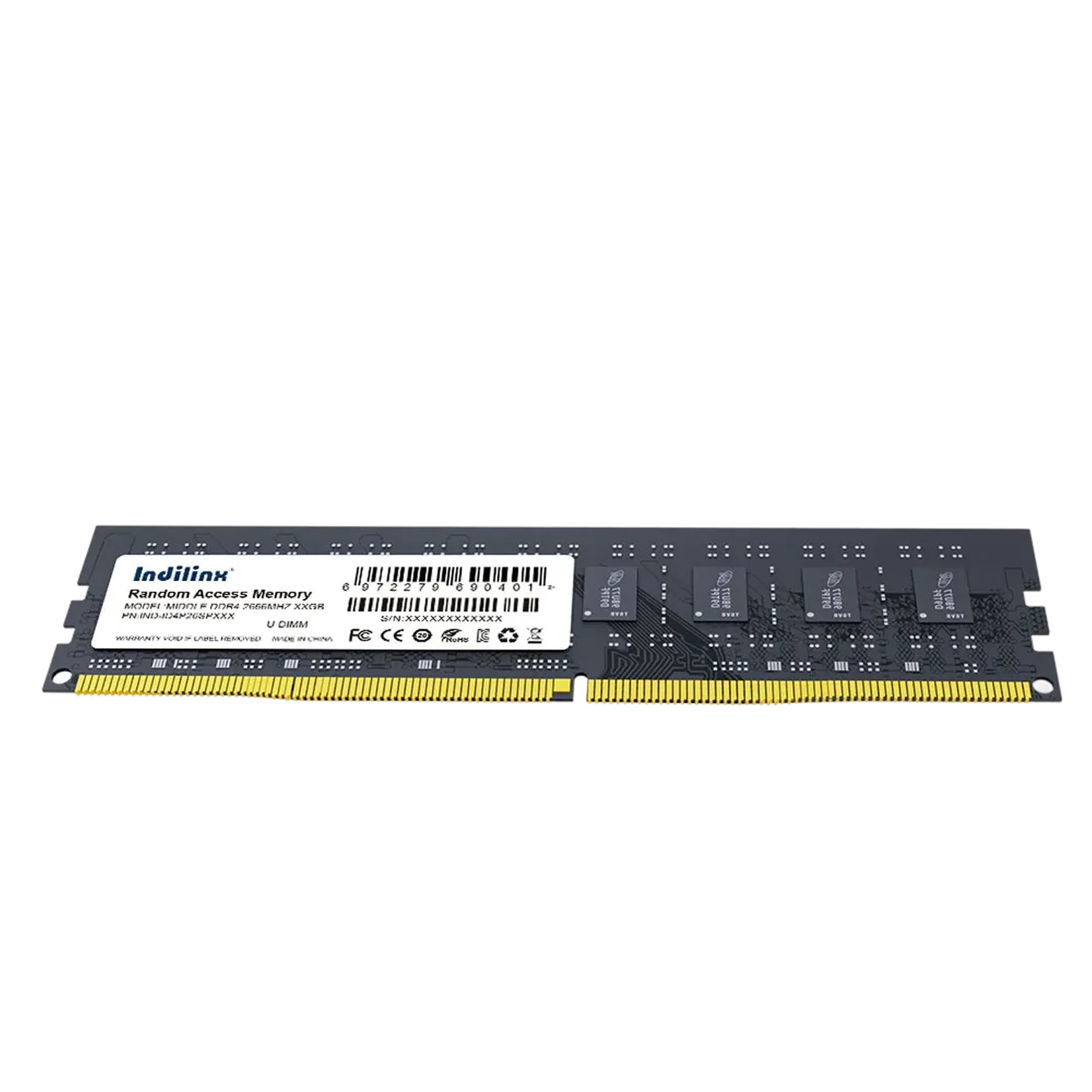
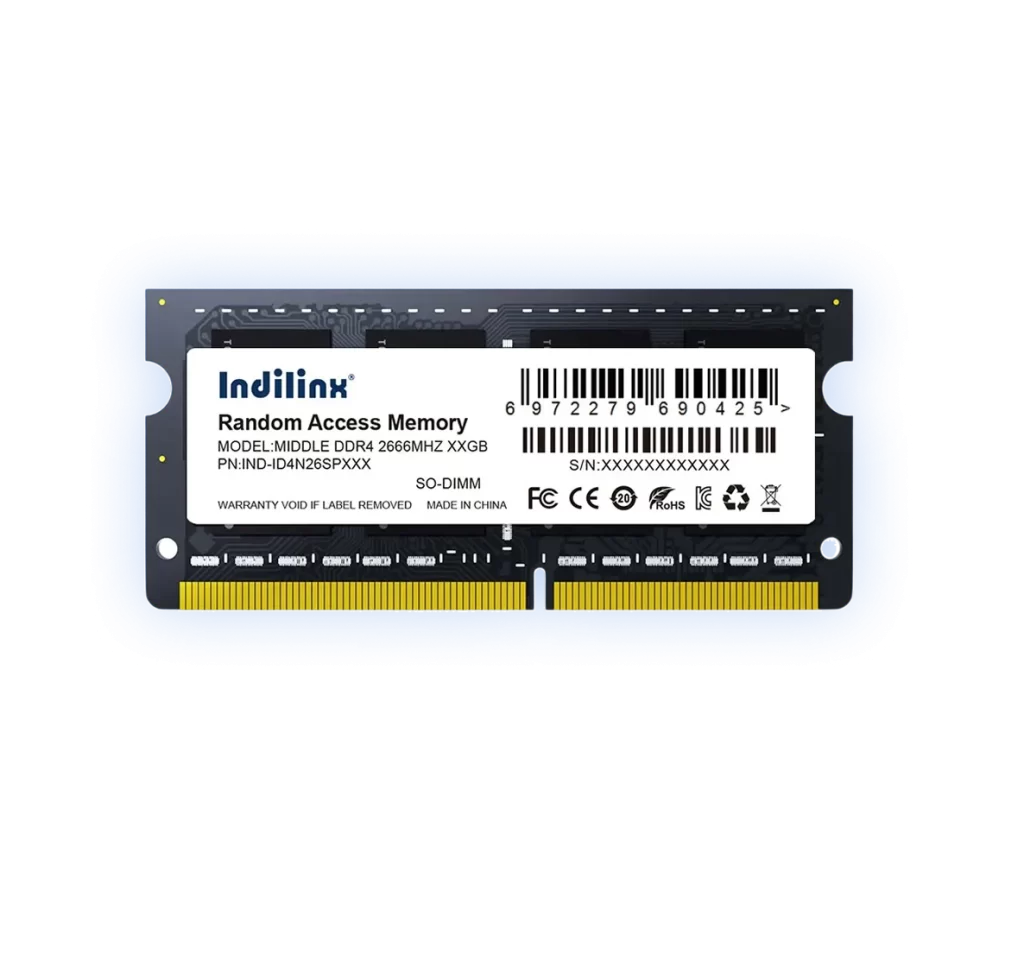
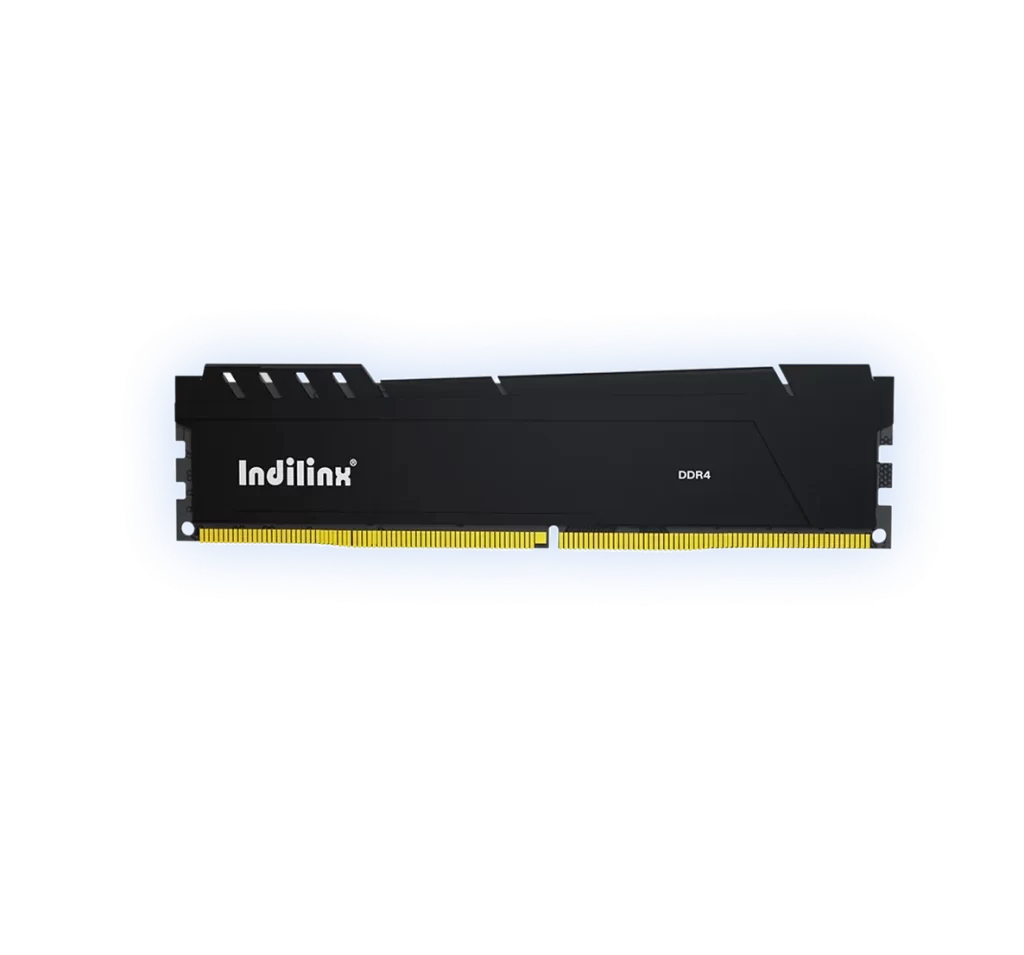
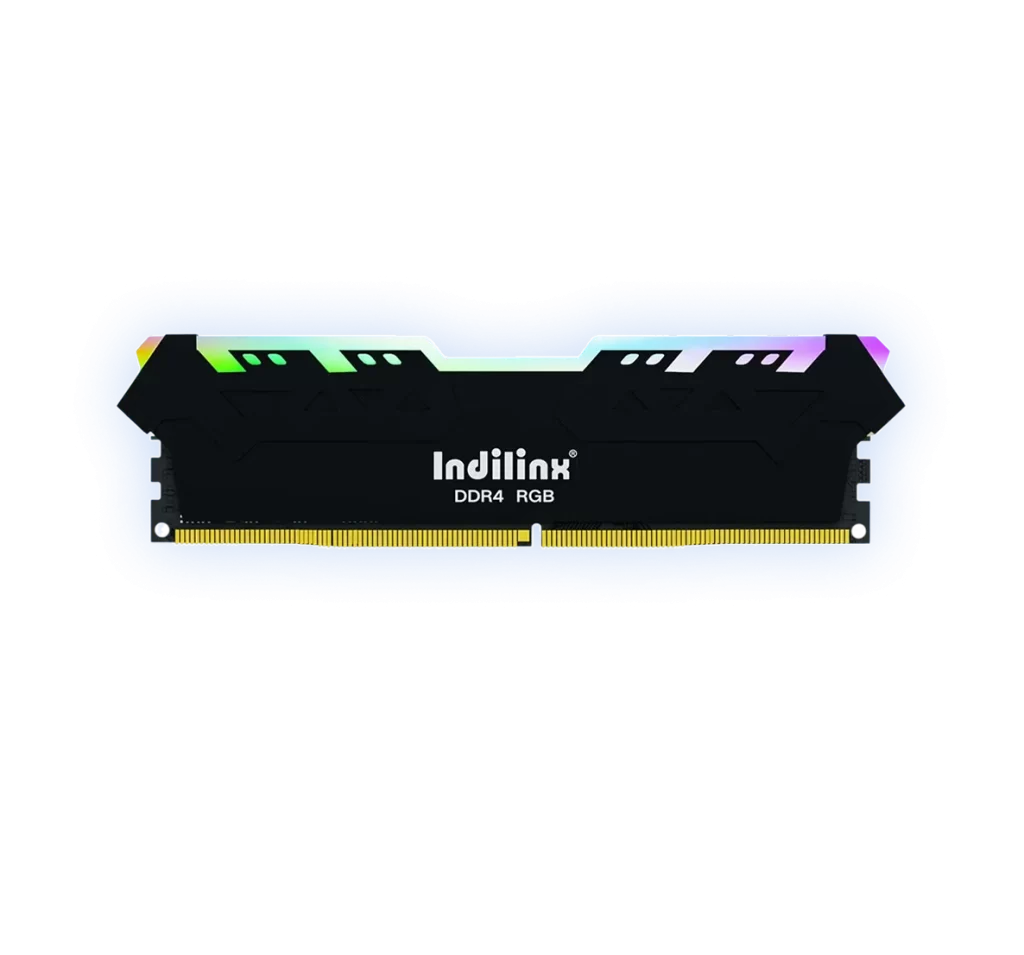
Rugged High-Performance DDR4 RAM UDIMM
Our DDR4 RAM UDIMM memory (models: MIDDLE DDR4 UDIMM) deliver rugged reliability and high-speed performance for desktops and workstations. Engineered with advanced components, these modules offer stable operation under heavy workloads, enhanced data transfer rates, and excellent system responsiveness for both professional and everyday computing tasks.
Our DDR4 UDIMM modules are engineered for desktops and workstations, providing high-speed data transfer, stable performance, and broad platform compatibility. Each module undergoes rigorous quality testing to ensure reliability under heavy workloads. With optimized design and consistent operation, these UDIMM modules deliver dependable memory solutions for both professional and everyday computing applications
DDR4 UDIMM modules provide fast, reliable memory performance for desktops and workstations. Optimized for both professional and daily computing, these modules maintain consistent speed and stability under continuous and heavy workloads.
Efficient Power and Thermal Management
Designed with low-voltage operation and advanced thermal optimization, DDR4 UDIMM modules reduce power consumption while maintaining safe operating temperatures. Strict quality testing ensures long-term reliability and stable system performance.
Installing DDR4 UDIMM modules is straightforward for both end users and system builders. Designed for desktops and workstations, these modules fit standard UDIMM slots and feature optimized layouts for reliable operation. Proper installation ensures stable memory performance, consistent data transfer, and long-term system reliability even under heavy workloads.
Desktop Slot Installation
Workstation Upgrade Installation
System Builder Assembly
DESKTOP SLOT INSTALLATION
Efficient External Storage Expansion:
Power off your desktop and open the case. Align the DDR4 UDIMM module notch with the motherboard slot and press gently until it clicks into place. Correct installation ensures stable electrical contact, optimal performance, and reliable operation over time.
Workstation Upgrade Installation
Efficient External Storage Expansion:
For workstation upgrades, install DDR4 UDIMM modules according to the motherboard’s memory channel guidance. Proper placement improves multitasking performance, maintains stability under heavy loads, and ensures safe operation with consistent thermal management.
System Builder Assembly
Efficient External Storage Expansion:
During full system assembly, install DDR4 UDIMM modules following standard build procedures and anti-static precautions. Correct handling guarantees reliable memory performance, broad compatibility, and long-term stability for professional and everyday computing environments.
DESKTOP SLOT INSTALLATION
Efficient External Storage Expansion:
Power off your desktop and open the case. Align the DDR4 UDIMM module notch with the motherboard slot and press gently until it clicks into place. Correct installation ensures stable electrical contact, optimal performance, and reliable operation over time.
Workstation Upgrade Installation
Efficient External Storage Expansion:
For workstation upgrades, install DDR4 UDIMM modules according to the motherboard’s memory channel guidance. Proper placement improves multitasking performance, maintains stability under heavy loads, and ensures safe operation with consistent thermal management.
System Builder Assembly
Efficient External Storage Expansion:
During full system assembly, install DDR4 UDIMM modules following standard build procedures and anti-static precautions. Correct handling guarantees reliable memory performance, broad compatibility, and long-term stability for professional and everyday computing environments.
We provide comprehensive technical support and after-sales service for DDR4 UDIMM modules. Our team assists with installation guidance, compatibility consultation, troubleshooting, and long-term maintenance to ensure stable operation and reliable performance for desktops and workstations.
Compatibility Guidance
Support for desktops and workstations to ensure proper module selection and compatibility.
Installation Assistance
Step-by-step instructions help users install modules safely and correctly.
Performance Optimization
Advice on memory configuration to maximize speed and system responsiveness.
Quality Assurance Support
All modules are rigorously tested to guarantee long-term stability and reliability.
After-Sales Service
Support Lifetime warranty, responsive service to address inquiries, technical issues, and warranty assistance.