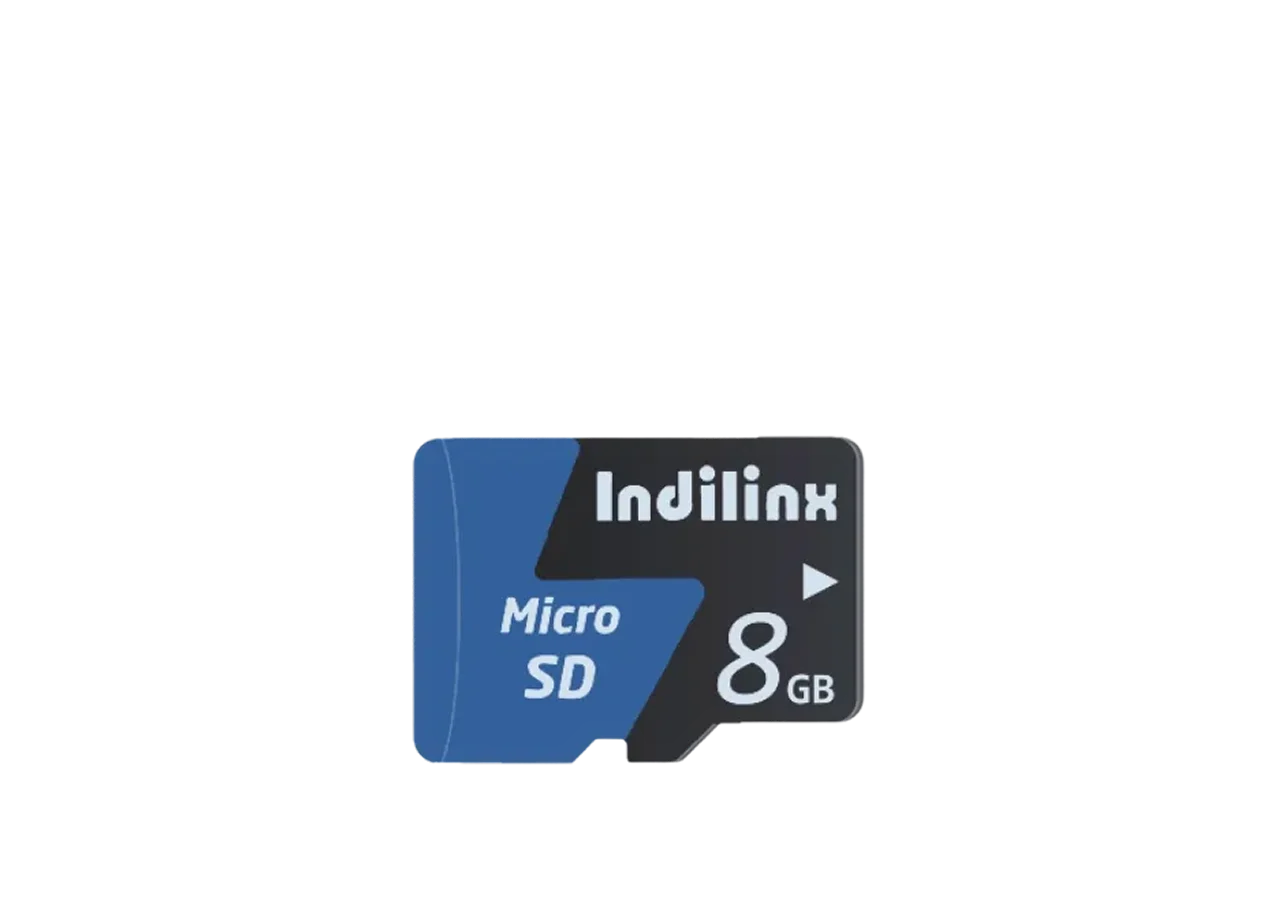
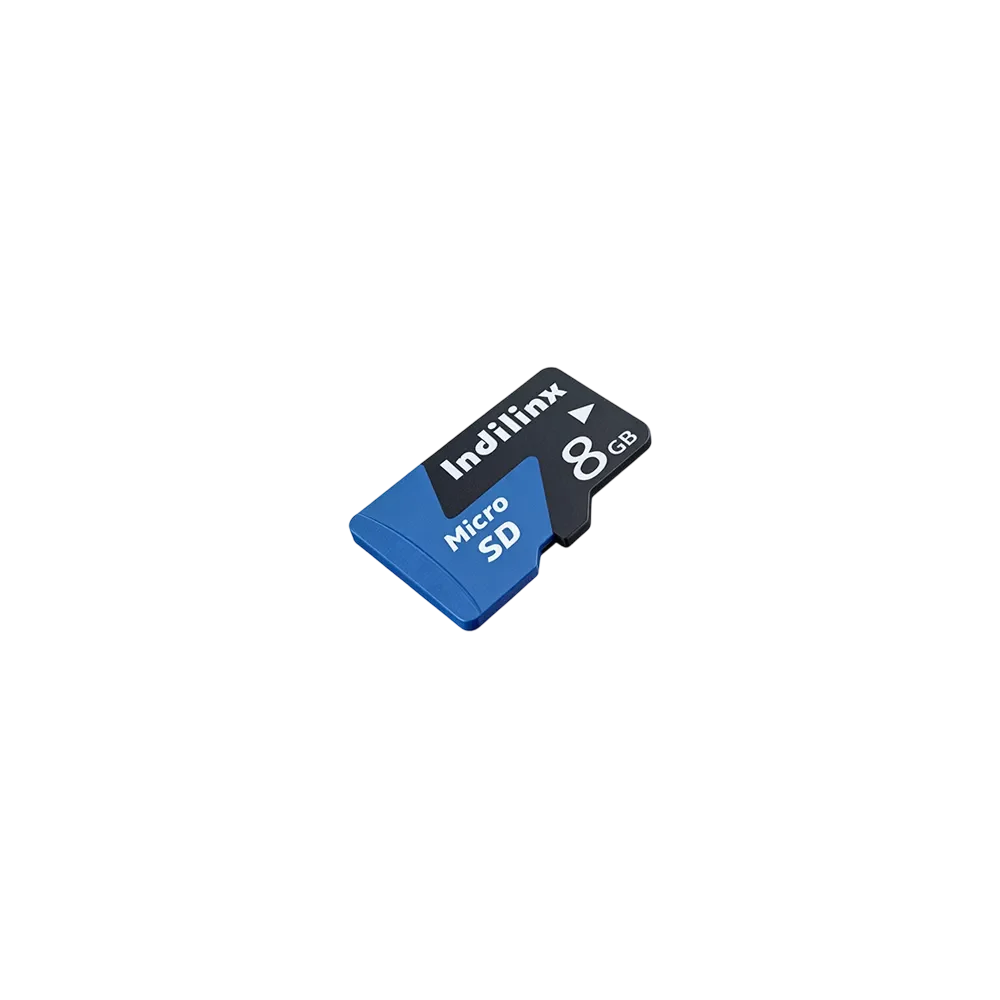
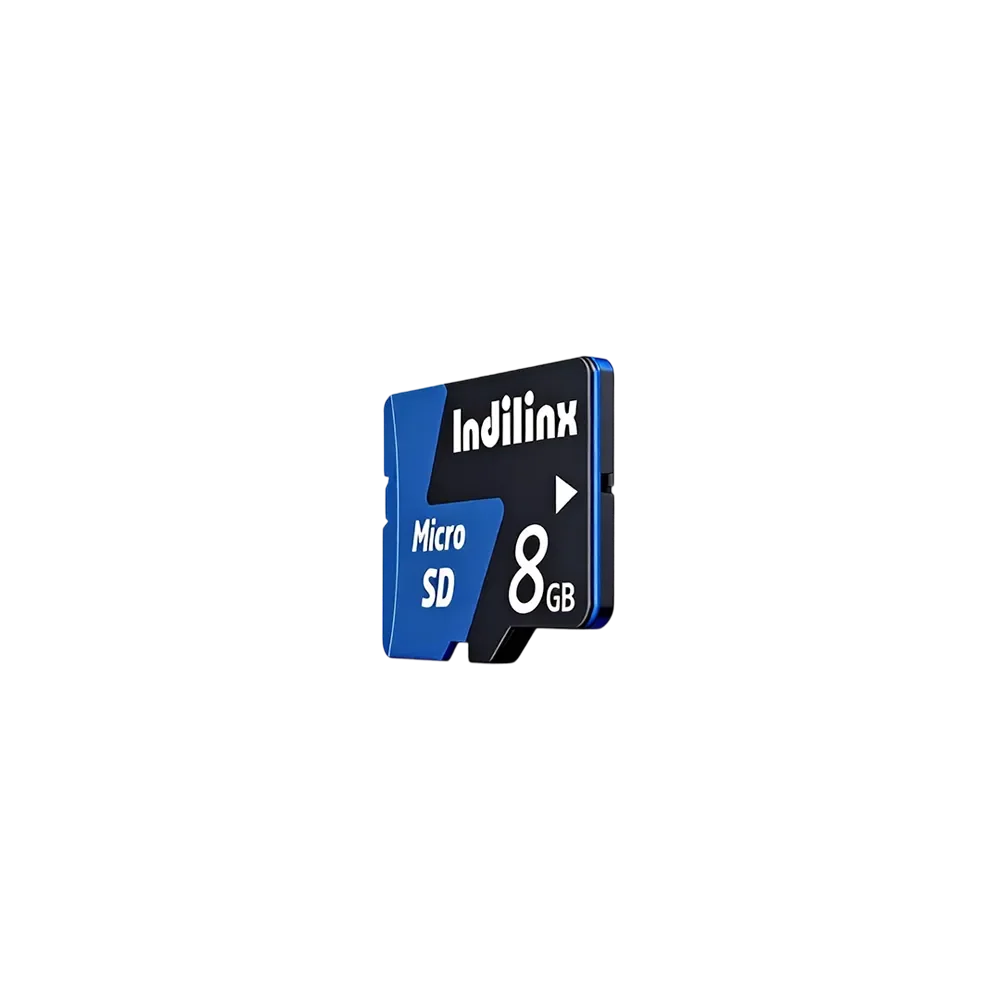
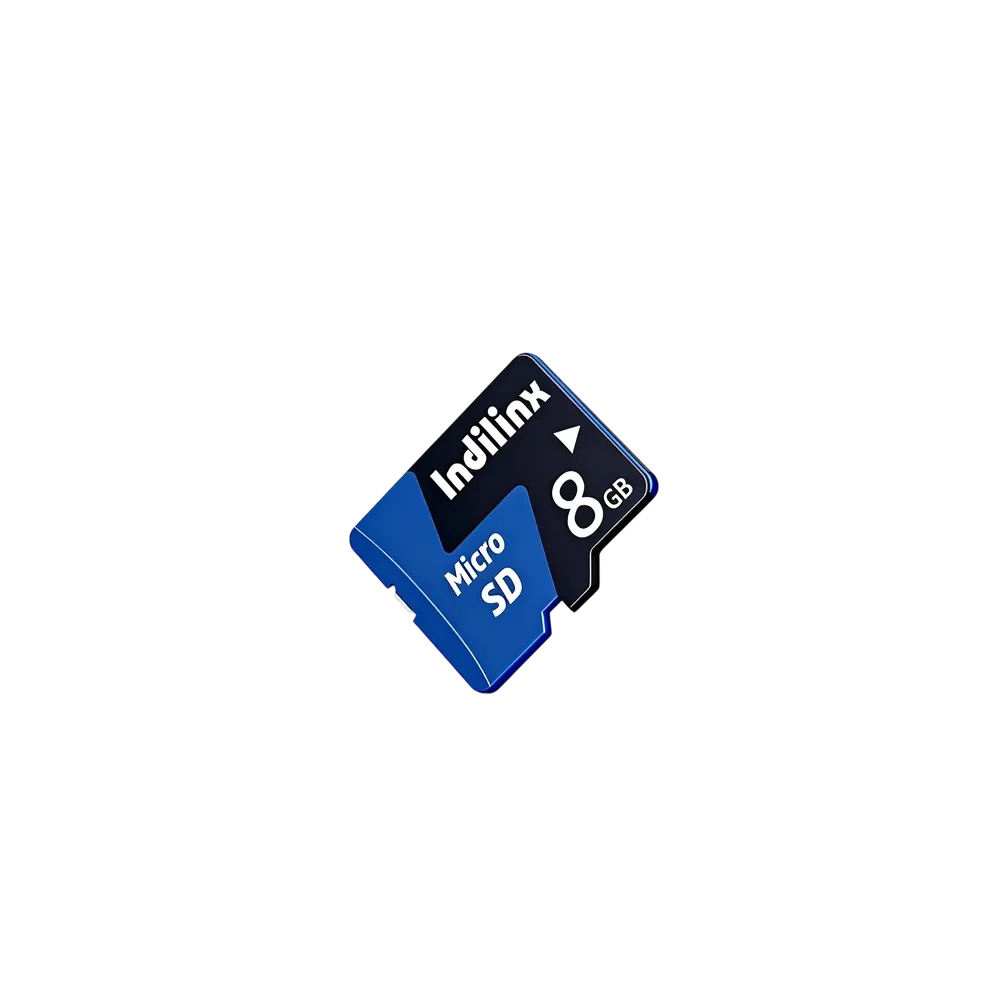
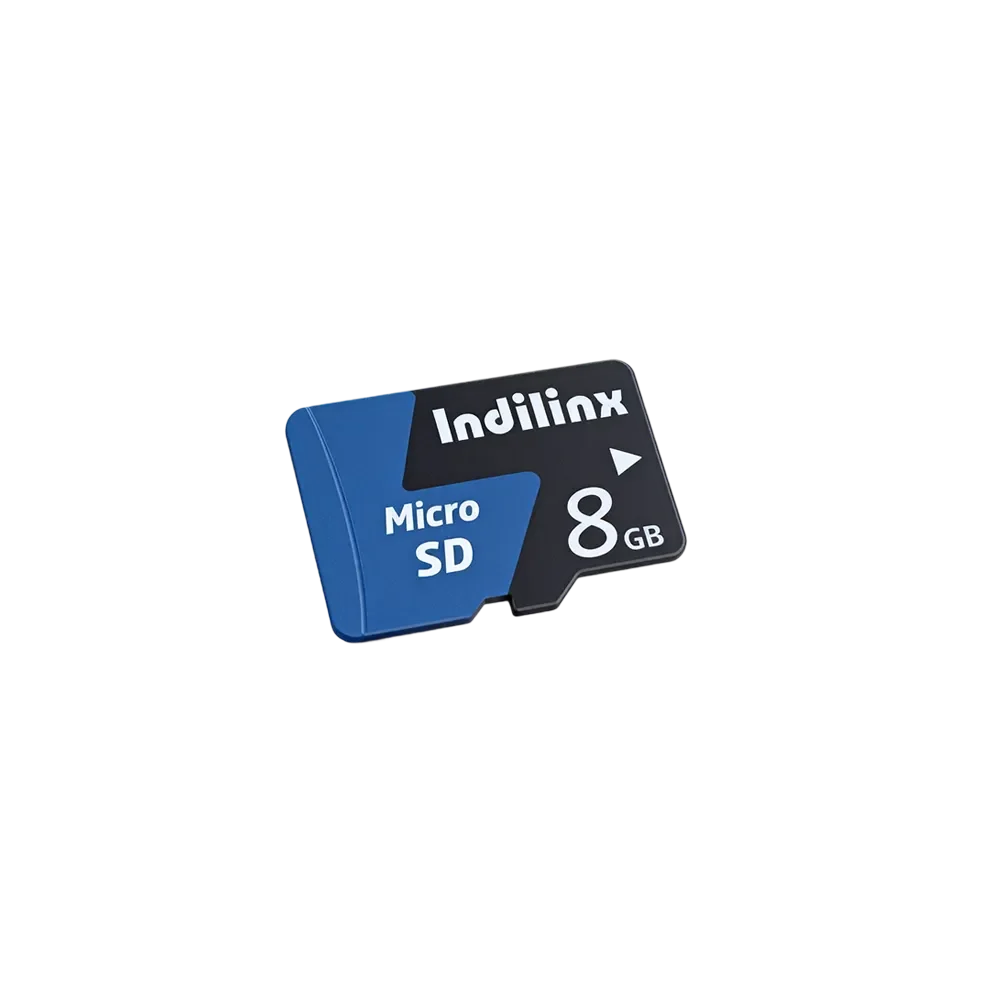
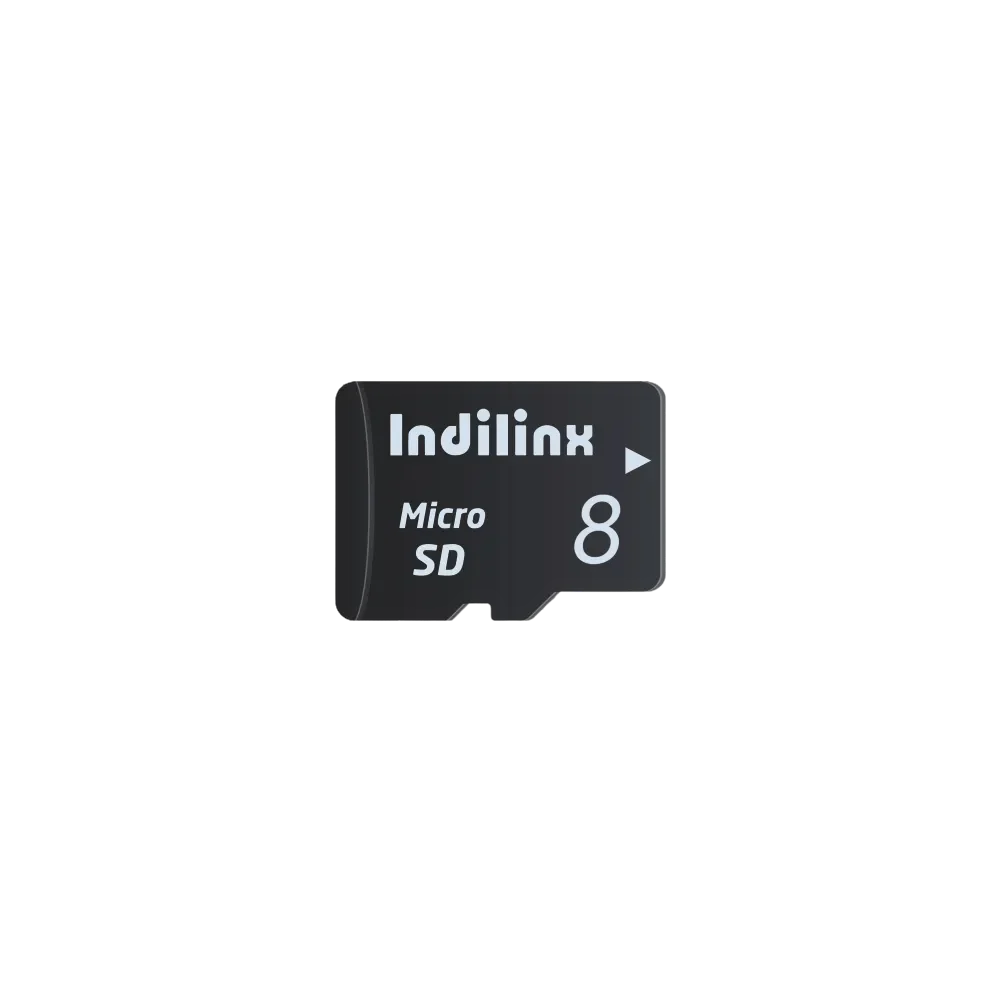
Rugged High-Performance Micro SD Disk – MS2
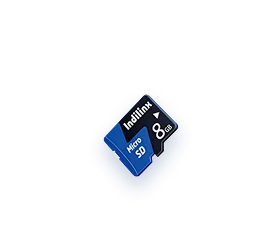
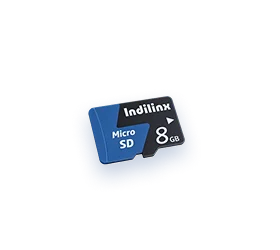
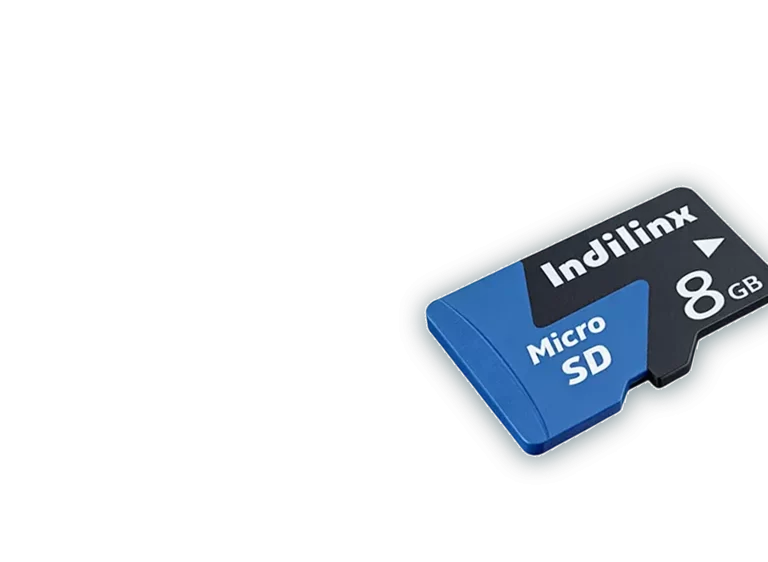
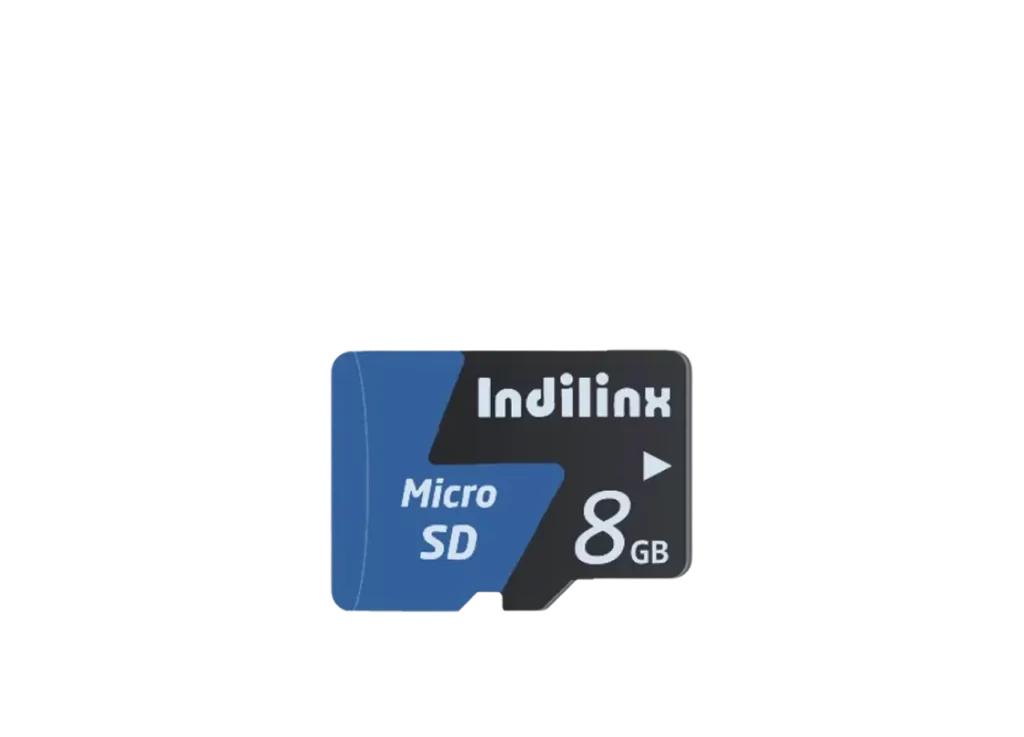
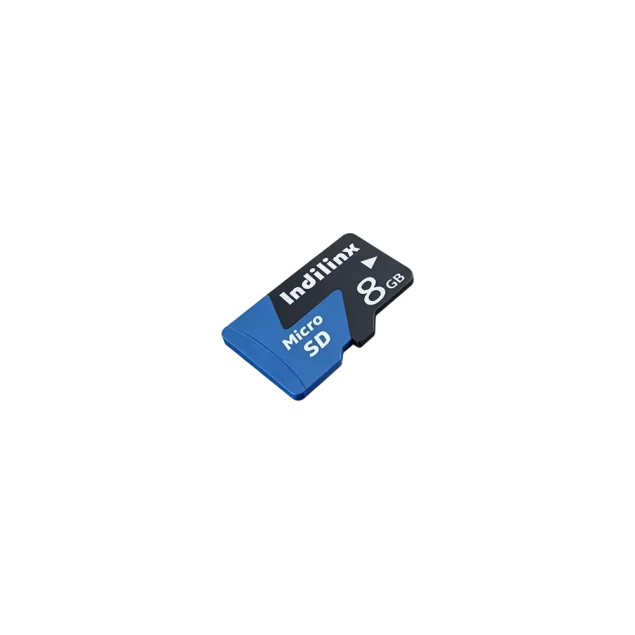
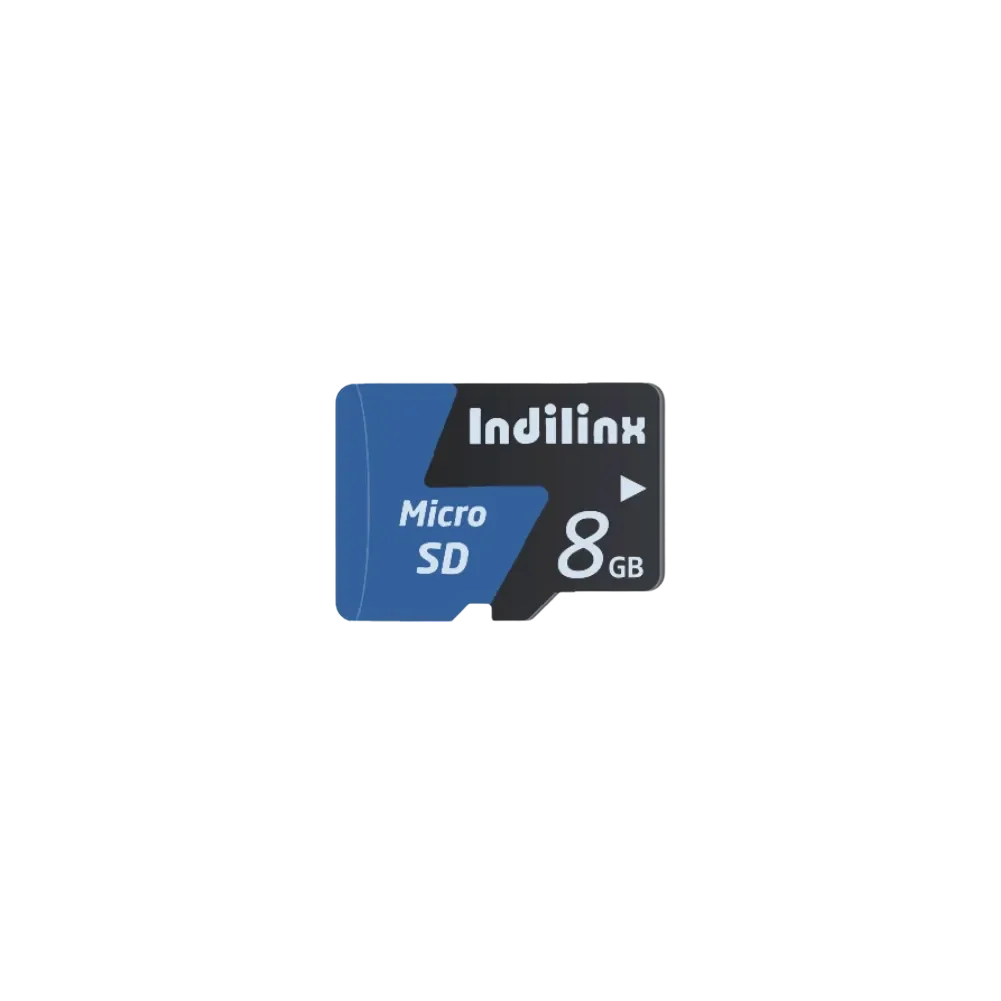
Engineered for extreme conditions, the Rugged High-Performance Micro SD Disk (Model: IND-MS2) delivers U3-grade speeds with read/write rates up to 170MB/s and 150MB/s, ensuring seamless 4K video recording and rapid data transfers. Built with industrial-grade chips and robust materials, it features waterproof, shock-resistant, anti-vibration, and X-ray-proof durability, ideal for action cameras, drones, and surveillance systems. Supporting capacities from 4GB to 256GB, this card complies with CE, FCC, and RoHS standards, offering reliable performance in harsh environments. Backed by a 5-year warranty, it combines high-speed efficiency with unwavering resilience for professional and everyday use.

IND-MS2
Model No
Micro SD Card(MS2) Product Specifications
The Indilinx Micro SD Card (Model: IND-MS2) delivers exceptional performance and reliability for a wide range of portable storage needs. Designed with U3 speed class standards, this microSD card ensures rapid data transfer, making it ideal for high-resolution photography, 4K video recording, and demanding mobile applications. Its robust construction guarantees durability against harsh conditions, including water, shock, vibration, and X-ray exposure. With capacities ranging from 4GB to 256GB, the IND-MS2 offers flexible storage solutions while maintaining compatibility with smartphones, drones, action cameras, and other digital devices. Backed by Indilinx’s rigorous testing and international certifications, this card combines advanced NAND flash technology with energy efficiency to provide a seamless user experience.
Product Specifications
Interface
U3 Micro SD
Model
IND-MS2
Capacity
4/8/16/32/64/128/256GB
Dimensions
15×11×1 mm
Certification
CE, FCC, ROHS
Operating Temperature
-5°C to 75°C
Appearance
Black
Warranty
5 Years
Core Performance of Micro SD Card(MS2)
U3 Speed Class Performance
Delivers sustained write speeds exceeding 30MB/s for seamless 4K video recording and high-resolution photography.
A2-Grade Application Performance
Enables faster app loading and smoother operation on smartphones, gaming consoles, and portable devices.
Wide Temperature Tolerance
Operates reliably from -5°C to 75°C, ensuring stability in extreme environments like drones and dashcams.
Shock & Vibration Resistance
Withstands accidental drops and intense movements during outdoor or mobile usage scenarios.
X-Ray & Water Protection
Safe for airport security scans and resistant to water exposure, safeguarding data integrity.
High Compatibility
Seamlessly works with Android/iOS devices, action cameras, and industrial equipment.
Exceptional Data Transfer Speed with U3 Class
The IND-MS2 Micro SD Card delivers sustained U3-grade performance, achieving sequential read speeds up to 170MB/s and write speeds up to 150MB/s. This high-speed data transfer ensures seamless 4K video recording, rapid burst-mode photography, and smooth app loading on smartphones, drones, and action cameras. Its A2-grade application performance further reduces latency for gaming and multitasking, providing users with a responsive and efficient storage solution for demanding digital environments.
Robust Durability and Wide Compatibility
Engineered to withstand harsh conditions, the IND-MS2 features resistance to water, shock, vibrations, and X-rays, making it ideal for outdoor and industrial use. It operates reliably across a broad temperature range (-5°C to 75°C) and maintains compatibility with diverse devices, from Android/iOS systems to embedded equipment.
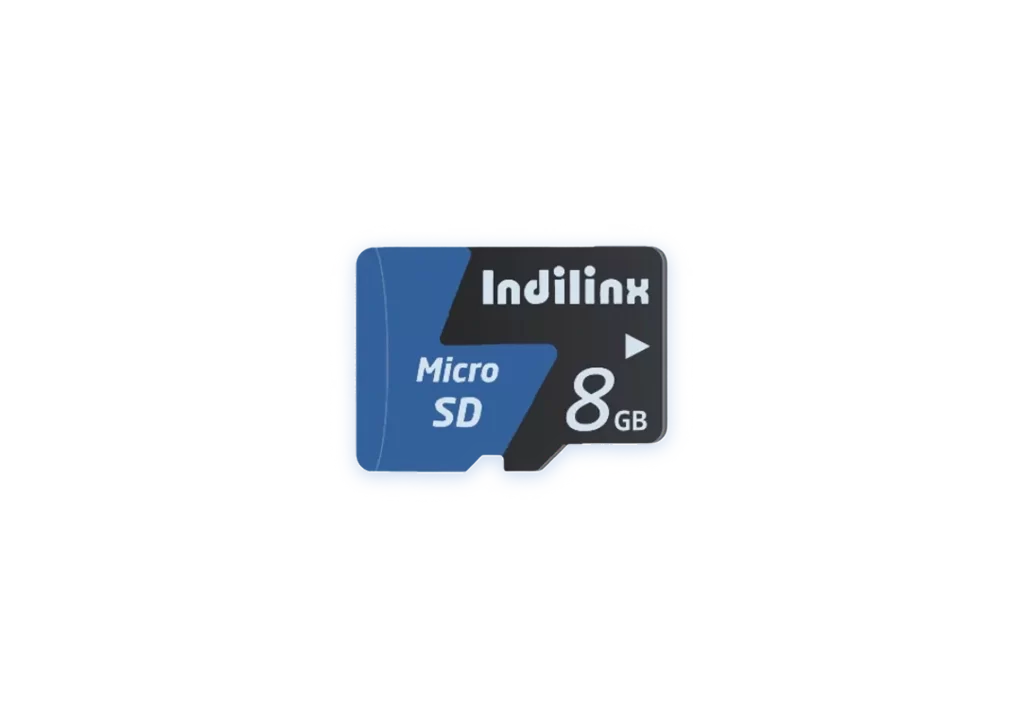
Shock Resistance
Protects data during accidental drops or impacts.
Temperature Tolerance
Stable performance in extreme environments.
Device Compatibility
Optimized for cameras, drones, and IoT devices.
Installation of Micro SD Card(MS2)
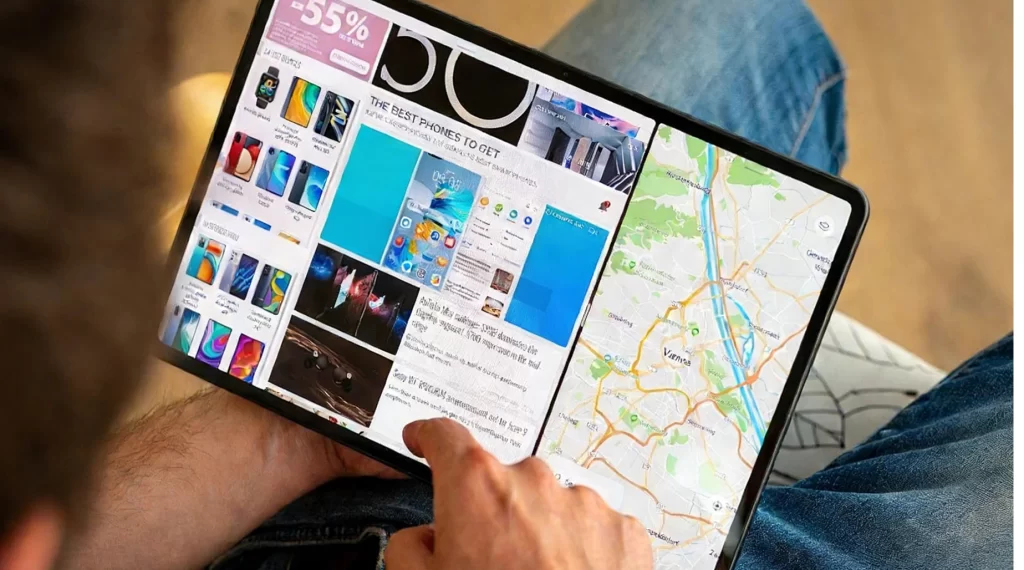
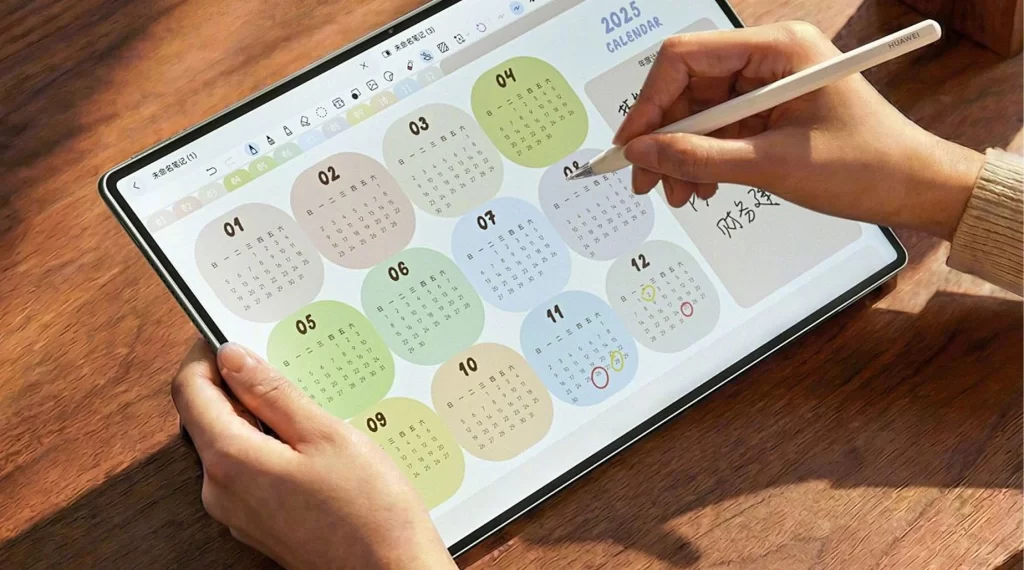
The Indilinx Micro SD Card (Model: IND-MS2) is designed for seamless integration into a variety of digital devices, including smartphones, drones, action cameras, and tablets. Its compact form factor (15×11×1 mm) and U3 speed class ensure high-performance data transfer and reliable storage expansion. Follow the installation guidelines below to safely install the card and avoid physical damage or data loss. Proper handling guarantees optimal compatibility and longevity, making it ideal for 4K video recording, app storage, and file backups.
Smartphones/Tablets
Dash Cams/IoT Devices
Portable Media Players
Smartphones/Tablets
Instant Media Playback
Power off the device and locate the microSD card tray. Insert the ejection tool into the tray’s pinhole to open it. Place the IND-MS2 card into the tray with the metal contacts facing down, ensuring it sits flush. Gently push the tray back into the device until it clicks into place. Power on the device and follow the on-screen prompts to format the card if required. This method ensures secure installation and immediate storage expansion for media files and applications.
Action Cameras/Drones
Instant Media Playback
Turn off the camera or drone and identify the microSD card slot, typically protected by a rubber seal. Open the cover and insert the IND-MS2 card with the notched edge aligned to the slot’s orientation. Press firmly until the card locks into position. Close the cover securely to maintain weather resistance. Power on the device and verify recognition in the settings menu. This process safeguards against dust and moisture while enabling high-speed recording for 4K videos and burst-mode photography.
Gaming Consoles/Portable Devices
Instant Media Playback
Shut down the console or portable device and check for a dedicated microSD card compartment. Slide the IND-MS2 card into the slot with the label facing upward until it clicks. Avoid forcing the card to prevent connector damage. Restart the device and navigate to storage settings to initialize the card. This approach expands storage for games, screenshots, and downloadable content, leveraging the card’s A2-grade performance for faster load times.
Smartphones/Tablets
Instant Media Playback
Power off the device and locate the microSD card tray. Insert the ejection tool into the tray’s pinhole to open it. Place the IND-MS2 card into the tray with the metal contacts facing down, ensuring it sits flush. Gently push the tray back into the device until it clicks into place. Power on the device and follow the on-screen prompts to format the card if required. This method ensures secure installation and immediate storage expansion for media files and applications.
Action Cameras/Drones
Instant Media Playback
Turn off the camera or drone and identify the microSD card slot, typically protected by a rubber seal. Open the cover and insert the IND-MS2 card with the notched edge aligned to the slot’s orientation. Press firmly until the card locks into position. Close the cover securely to maintain weather resistance. Power on the device and verify recognition in the settings menu. This process safeguards against dust and moisture while enabling high-speed recording for 4K videos and burst-mode photography.
Gaming Consoles/Portable Devices
Instant Media Playback
Shut down the console or portable device and check for a dedicated microSD card compartment. Slide the IND-MS2 card into the slot with the label facing upward until it clicks. Avoid forcing the card to prevent connector damage. Restart the device and navigate to storage settings to initialize the card. This approach expands storage for games, screenshots, and downloadable content, leveraging the card’s A2-grade performance for faster load times.
Micro SD Card(MS2) Technical Support
Indilinx provides comprehensive technical support and after-sales services for the Micro SD Card (Model: IND-MS2), ensuring optimal performance and customer satisfaction. Our dedicated team offers prompt assistance for installation, troubleshooting, and warranty claims, backed by 14 years of storage industry expertise. Customers can rely on Indilinx’s global service network for reliable solutions tailored to industrial, commercial, and personal use cases.

Troubleshooting & Diagnostics
Resolve issues like unrecognized cards, slow read/write speeds, or formatting errors with guided solutions. Basic diagnostics for common performance hurdles.
Compatibility Verification
Check device compatibility lists for seamless integration. Recommendations for optimal performance across operating systems and hardware.