Founded in 2012,Indilinx is a natinal high-tech enterprise in the field of design,software development, packaging and testing, manufacturering and application of memory chips.
Building C, BaiYang Industrial Zone, No. 44 KengweiRoad, Shiyan Street, Bao’an District, ShenZhen, china
Founded in 2012,Indilinx is a natinal high-tech enterprise in the field of design,software development, packaging and testing, manufacturering and application of memory chips.
Building C, BaiYang Industrial Zone, No. 44 KengweiRoad, Shiyan Street, Bao’an District, ShenZhen, china
Ryan@indilinx.cn
+86 755 28234608
USB Flash Drive
Indilinx Titan X SSD: USB3.2 Gen1, military-grade, 256-bit AES, 128GB-1TB for professionals
Founded in 2012,Indilinx is a natinal high-tech enterprise in the field of design,software development, packaging and testing, manufacturering and application of memory chips.
Building C, BaiYang Industrial Zone, No. 44 KengweiRoad, Shiyan Street, Bao’an District, ShenZhen, china
Ryan@indilinx.cn
+86 755 28234608
Micro SD
Indilinx Micro SD: compact portable, seamless data flow across phones, cameras, game consoles
Founded in 2012,Indilinx is a natinal high-tech enterprise in the field of design,software development, packaging and testing, manufacturering and application of memory chips.
Building C, BaiYang Industrial Zone, No. 44 KengweiRoad, Shiyan Street, Bao’an District, ShenZhen, china
Founded in 2012,Indilinx is a natinal high-tech enterprise in the field of design,software development, packaging and testing, manufacturering and application of memory chips.
Building C, BaiYang Industrial Zone, No. 44 KengweiRoad, Shiyan Street, Bao’an District, ShenZhen, china
Ryan@indilinx.cn
+86 755 28234608
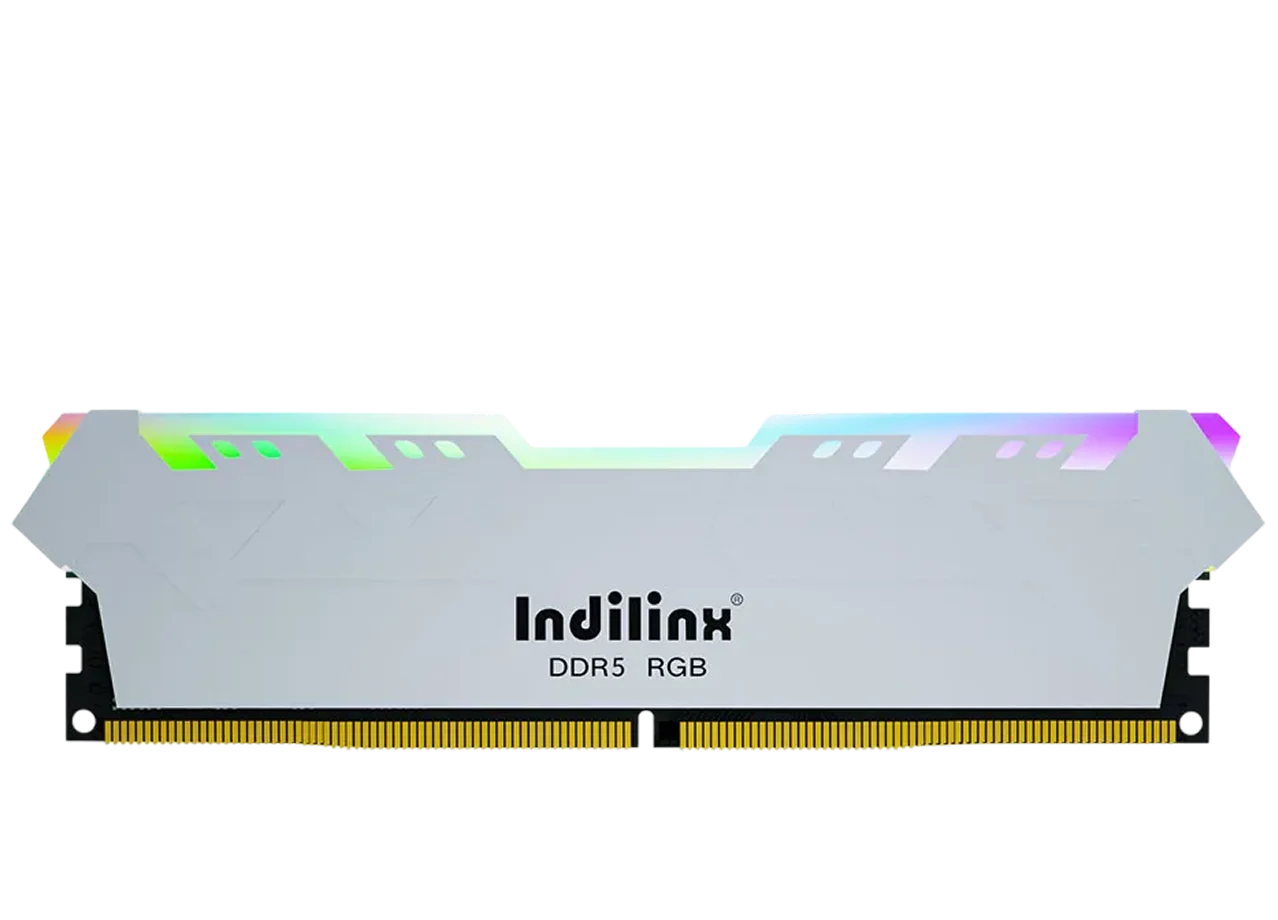
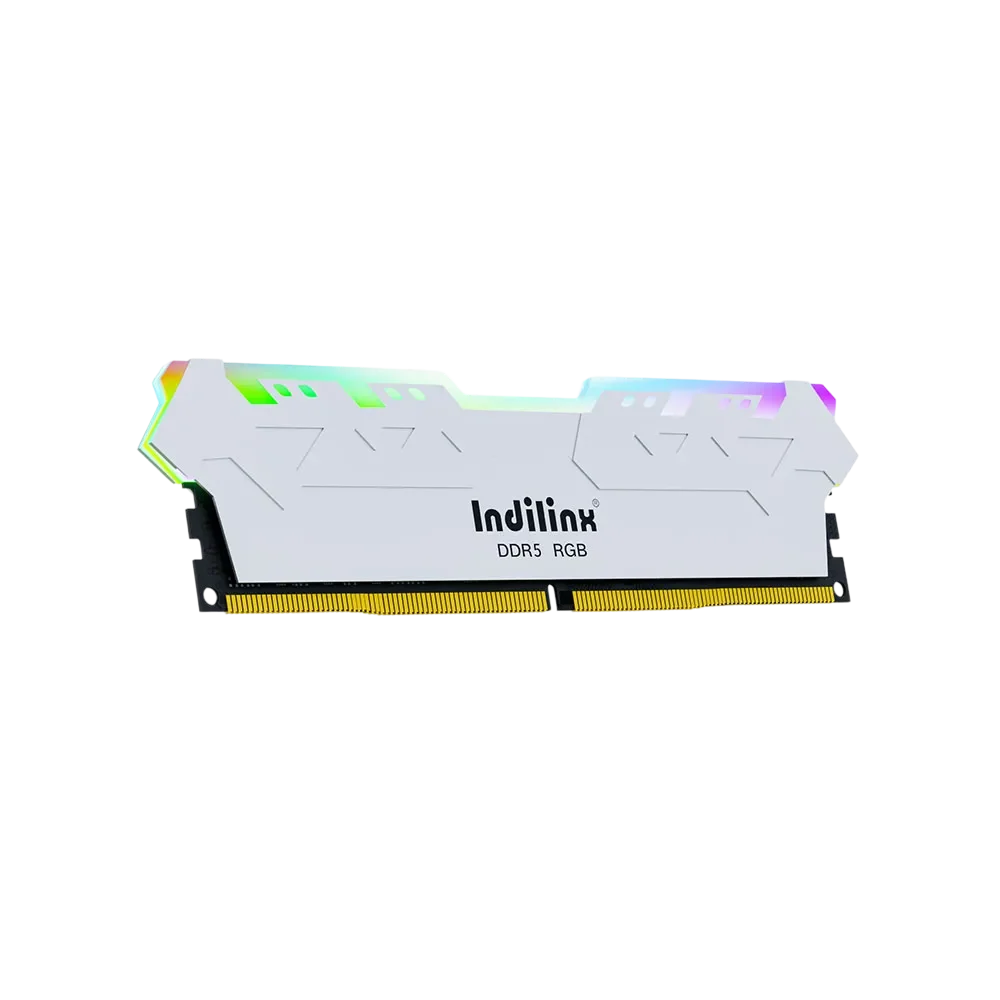
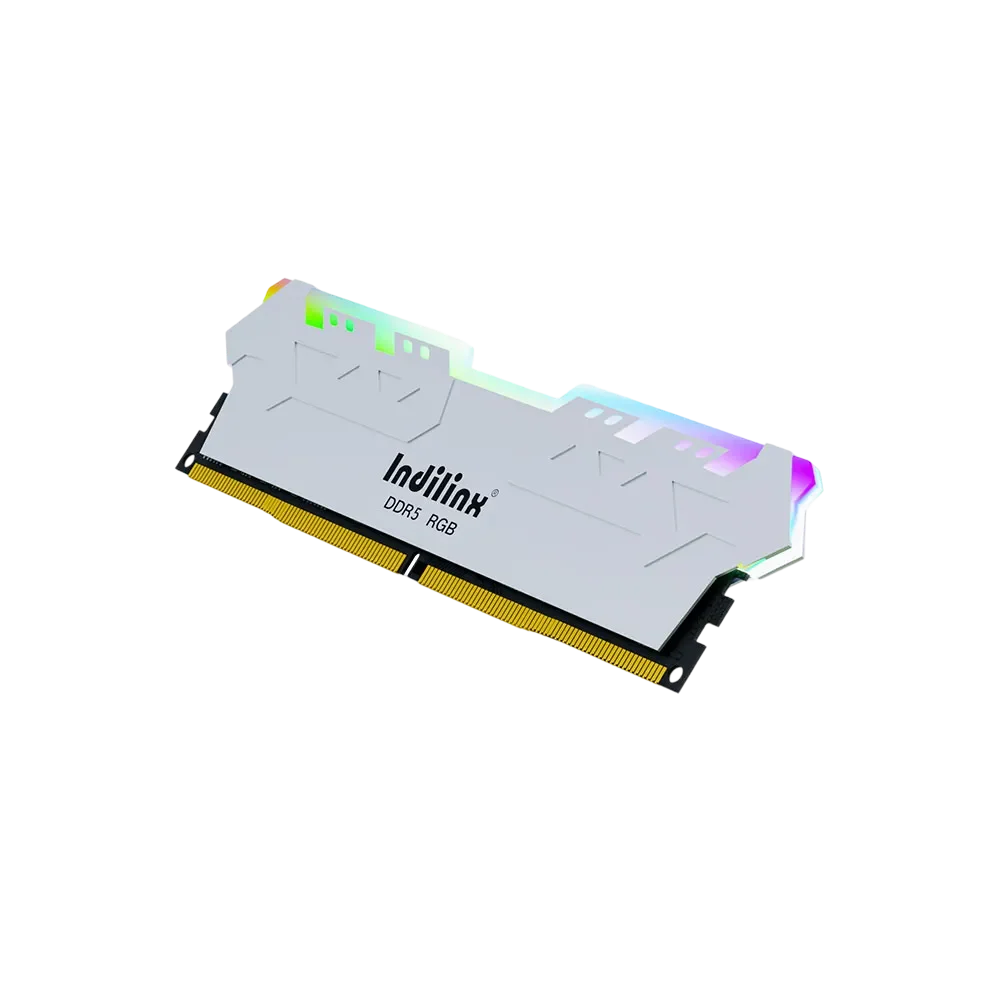
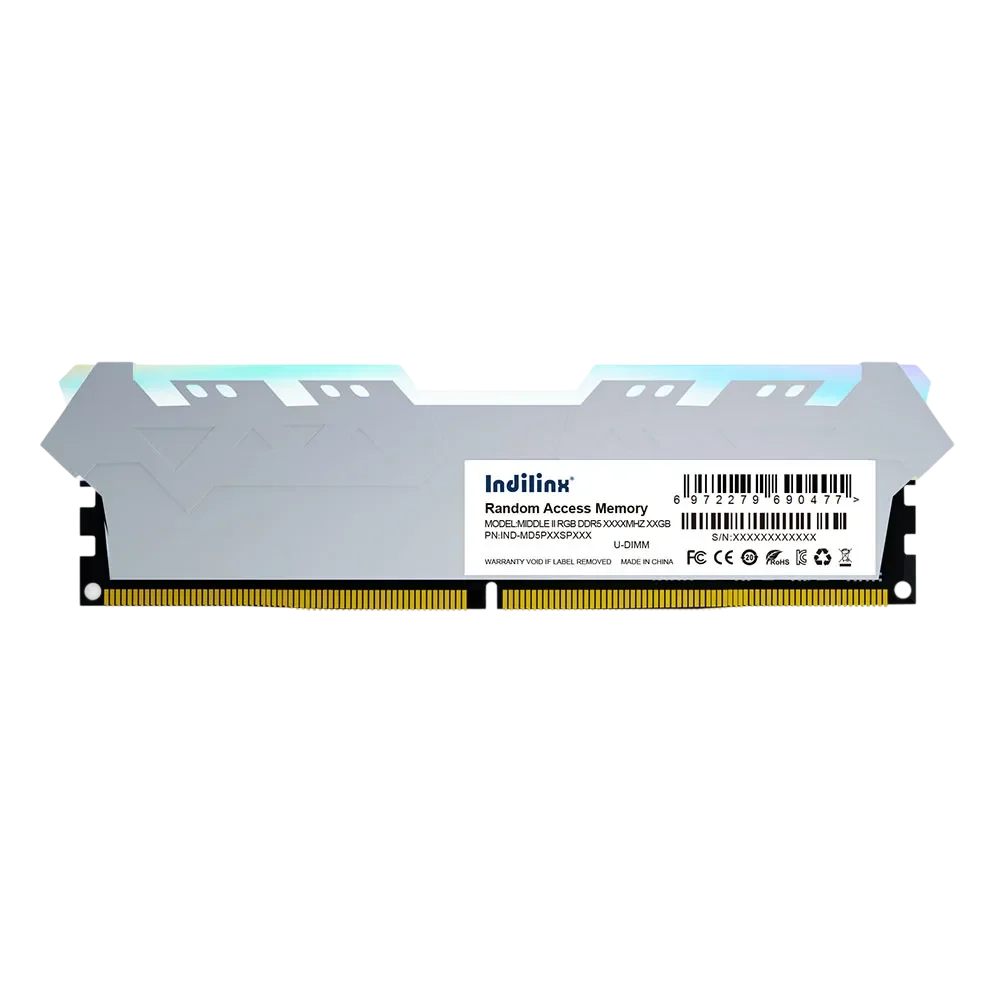
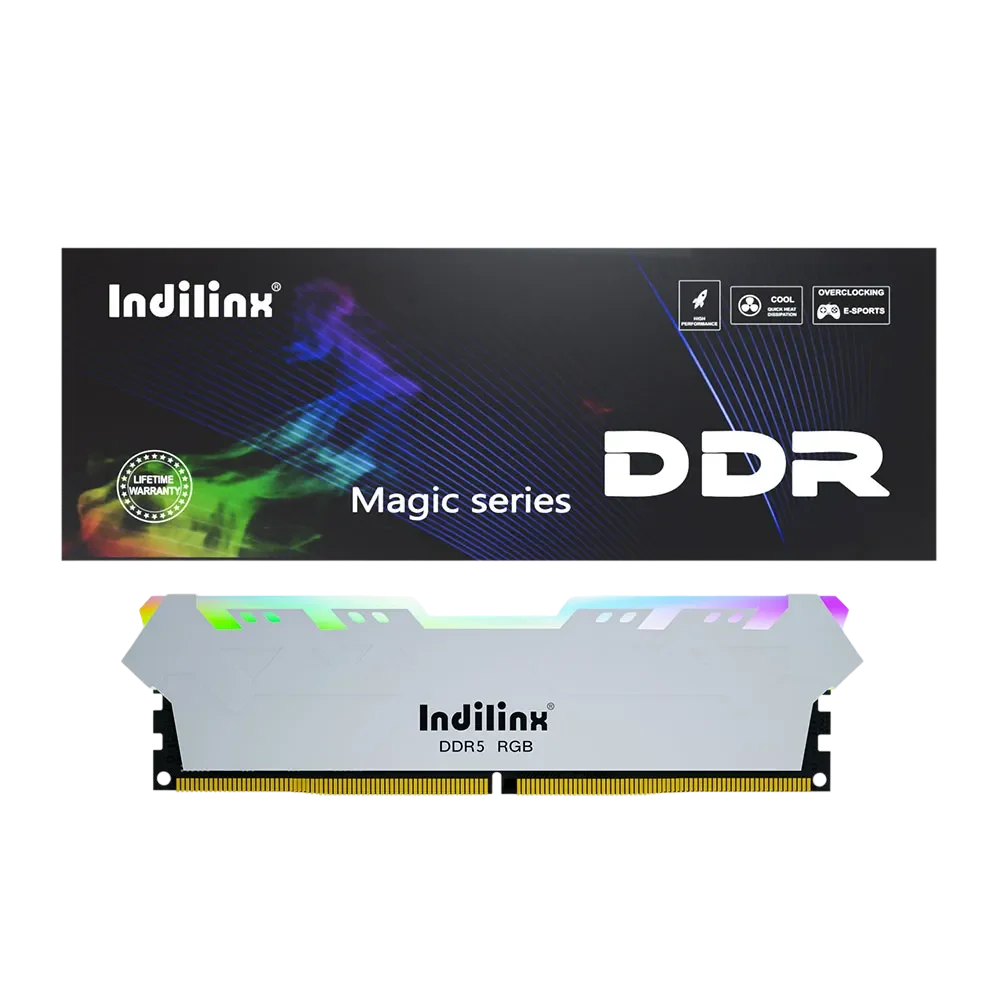
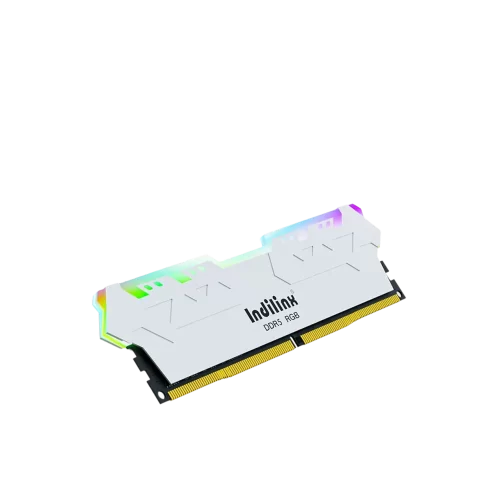
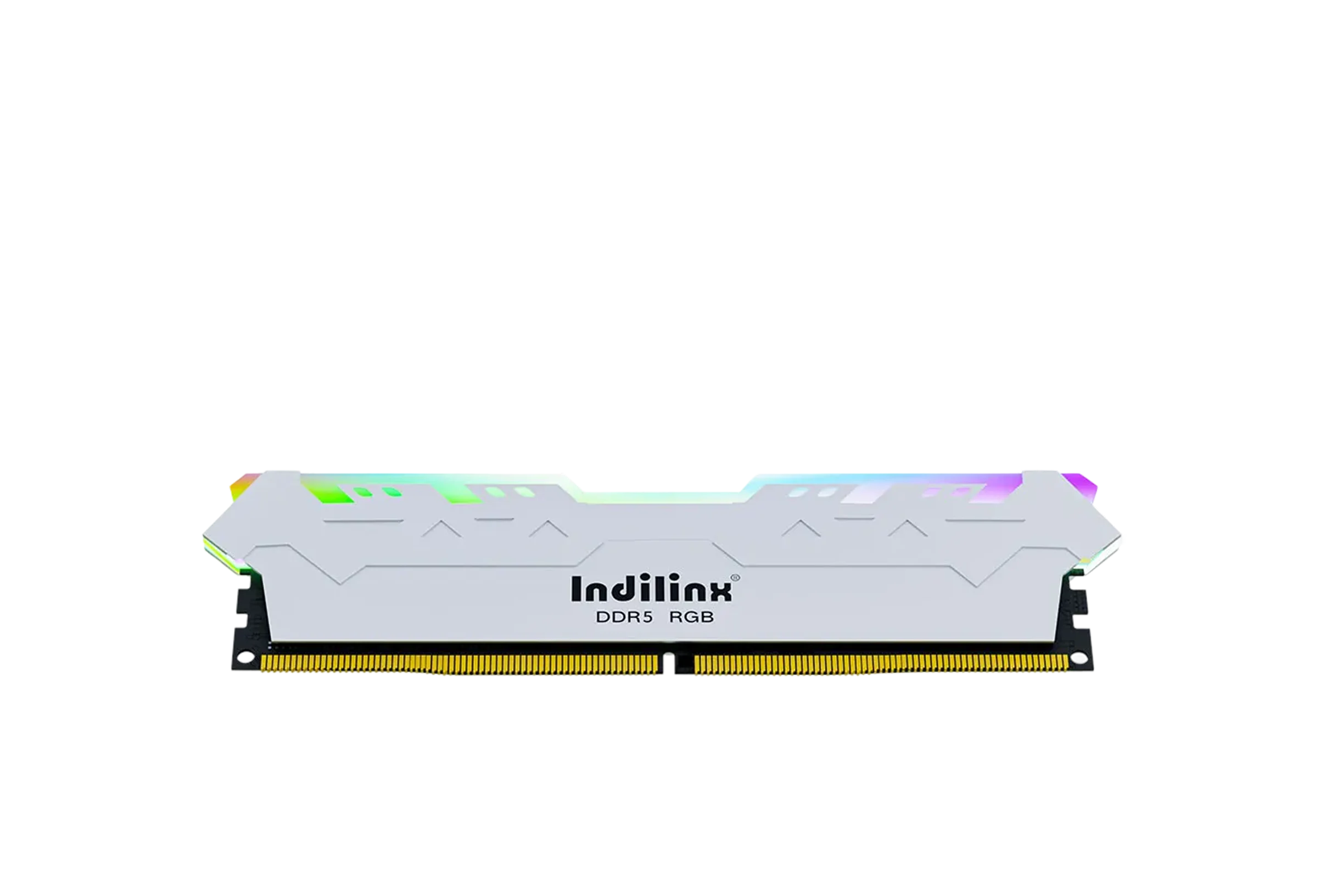
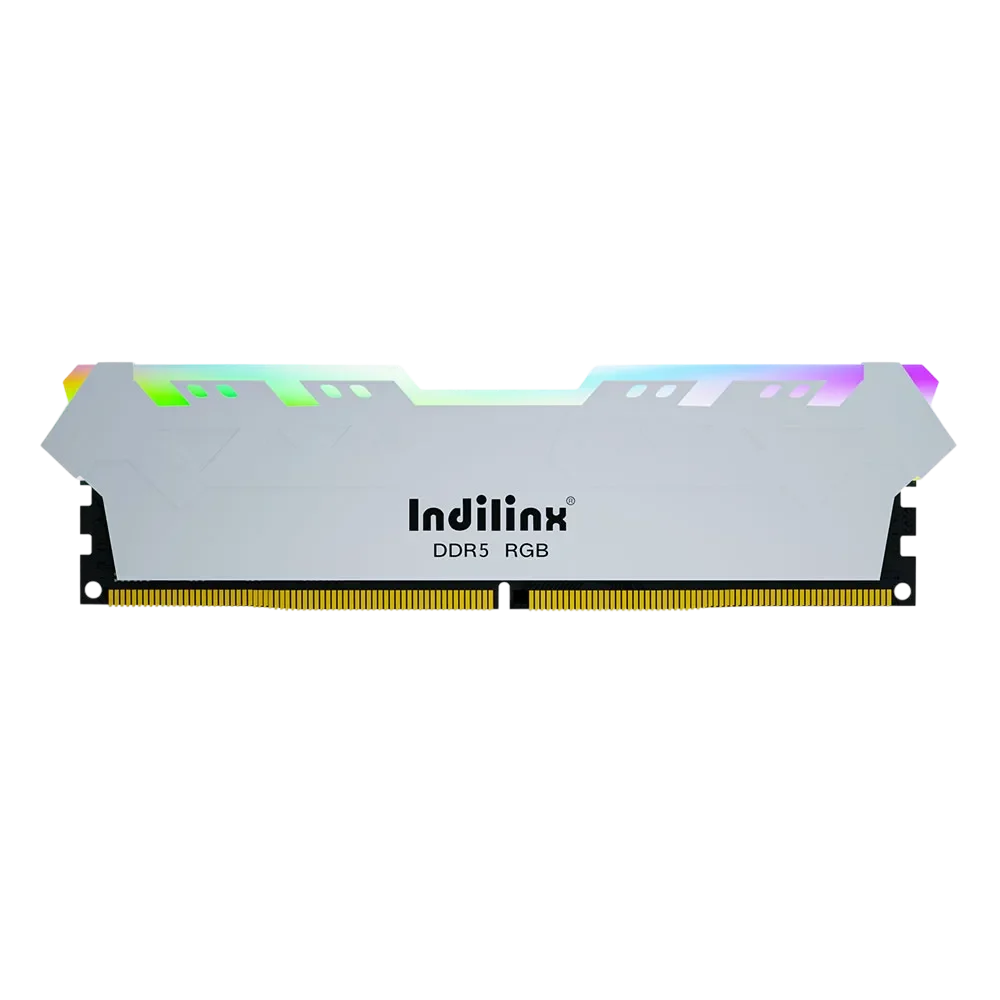
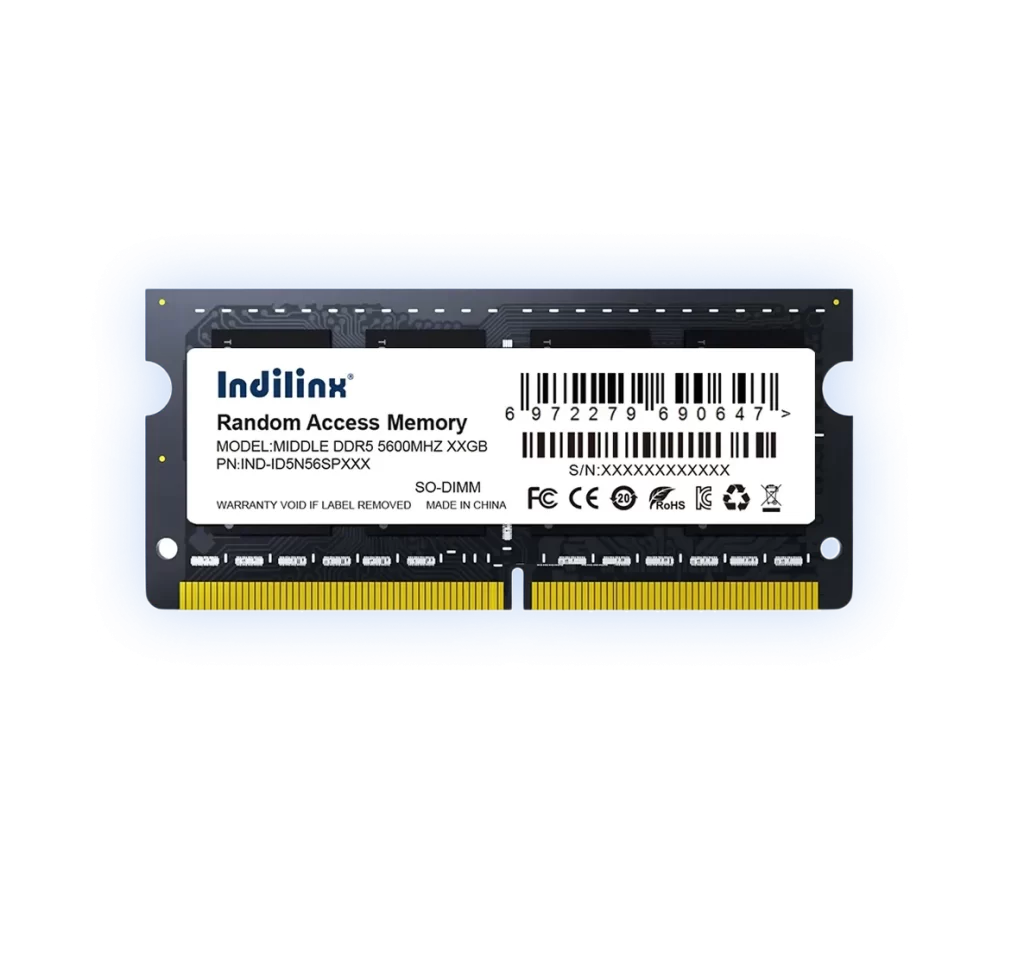
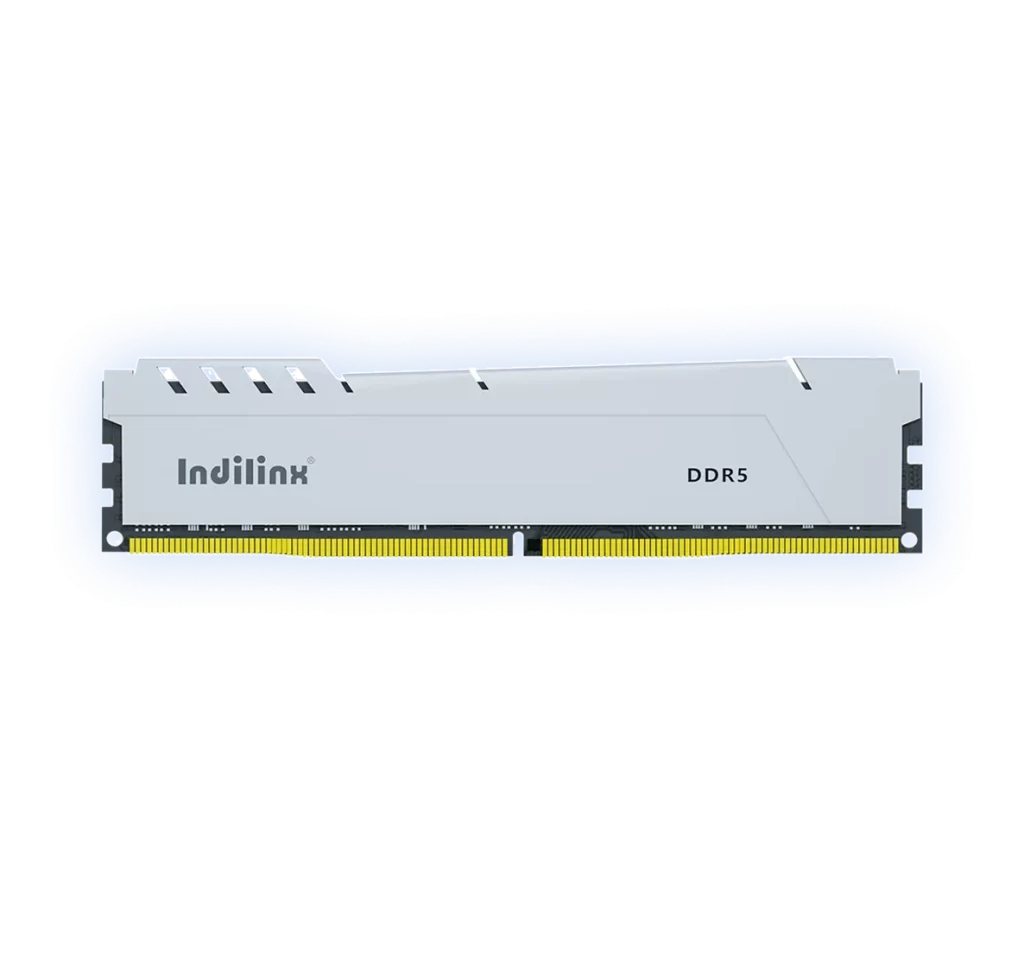
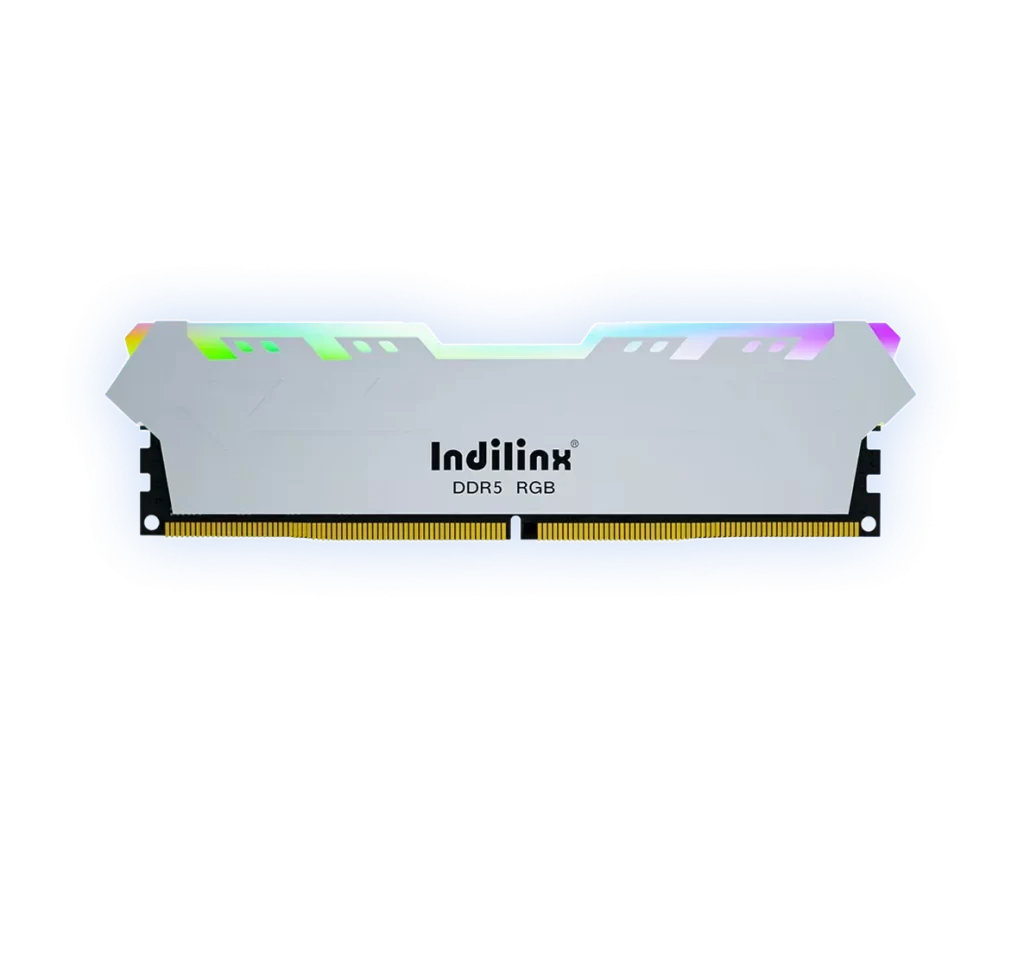
Rugged High-Performance DDR5 RAM UDIMM 8G/16G/32G
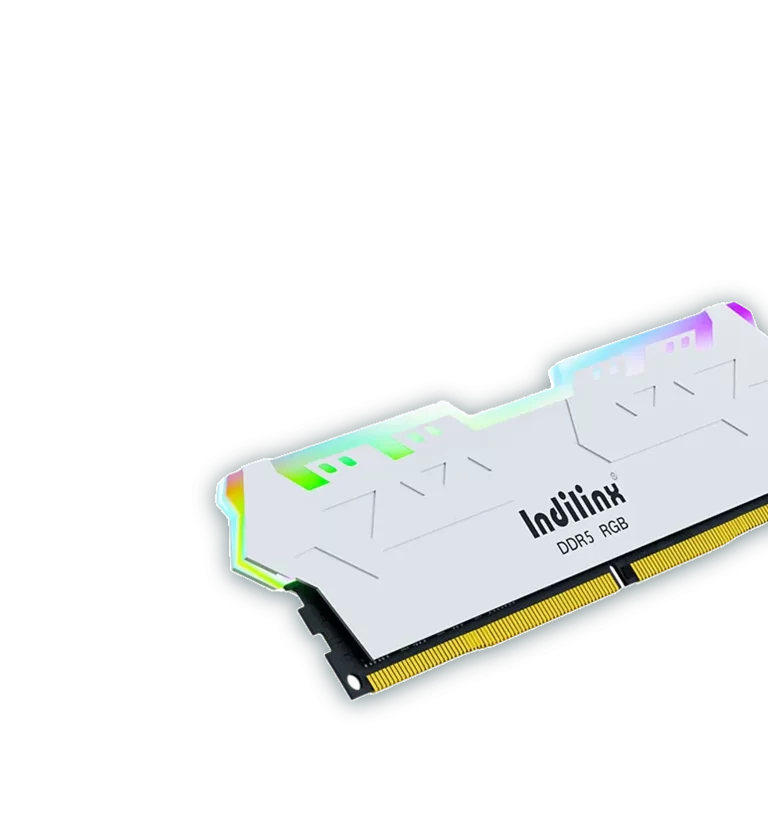
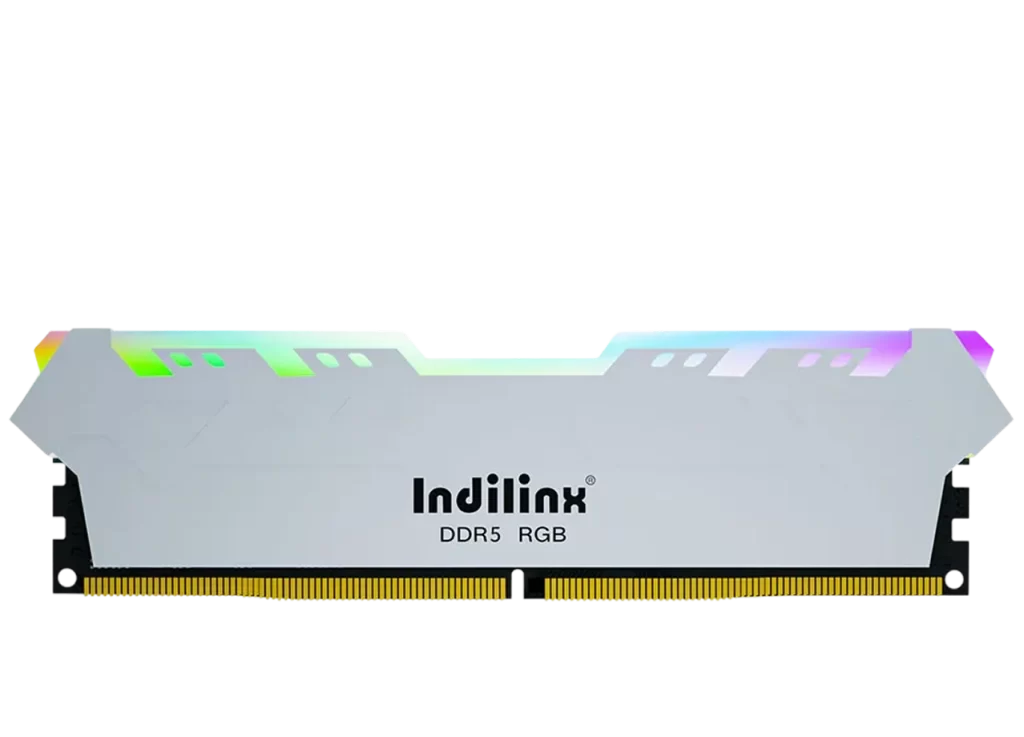
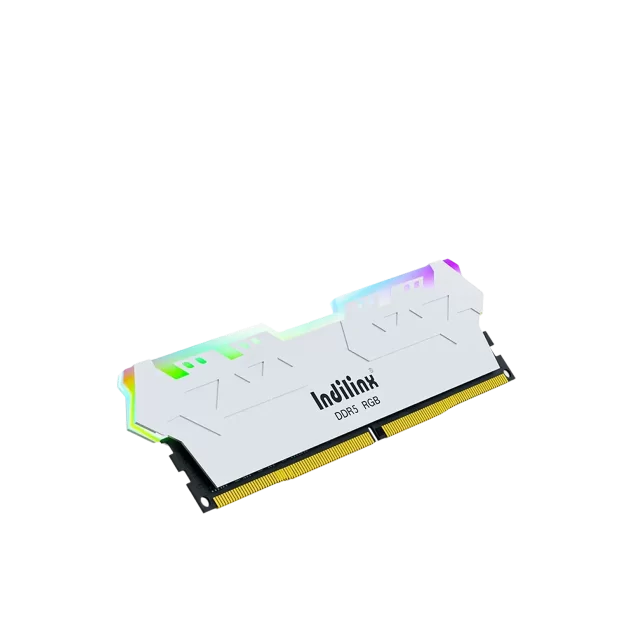
Engineered for demanding environments and intensive workloads, this industrial-grade DDR5 RAM series (Model:MAGIC II RGB DDR5 UDIMM) delivers uncompromising performance, reliability, and endurance. Built with enhanced thermal management and robust component construction, it ensures stable operation under extreme temperatures and continuous high-bandwidth usage in industrial, embedded, and edge computing applications. With capacities ranging from 8GB to 32GB per module, the series supports the latest Intel and AMD platforms and is optimized for applications requiring high-speed data processing, AI inference, and mission-critical system stability. Each module undergoes rigorous testing for shock, vibration, and extended lifecycle durability, making it the ideal memory solution for systems deployed in harsh or 24/7 operational environments.
This advanced DDR5 Unbuffered DIMM (UDIMM) series is engineered to deliver exceptional performance and reliability for next-generation desktop PCs, workstations, and high-performance computing systems. These modules leverage the latest DDR5 architecture to provide significantly improved bandwidth, enhanced power efficiency, and greater data integrity compared to previous DDR4 standards. Designed with rigorous compatibility and stability in mind, each module undergoes comprehensive testing to ensure seamless operation across a wide range of Intel and AMD platforms. Built with high-quality components and optimized thermal design, the series supports high-speed data transfer for demanding applications such as gaming, content creation, AI processing, and scientific computation.
Industrial-Grade High-Frequency Stability & Signal Integrity
Our DDR5 UDIMM modules are engineered for exceptional signal integrity and sustained high-frequency operation, even under demanding industrial and continuous workload conditions. The advanced PCB layout, impedance-controlled design, and rigorous pre-shipment validation ensure minimal signal loss and data errors at rated speeds. This translates into reliable system uptime, stable overclocking headroom, and consistent performance for compute-intensive tasks such as real-time simulation, AI inference, and high-frequency trading, where data accuracy and timing precision are non-negotiable.
To ensure long-term reliability under continuous high-speed operation, each module incorporates an integrated thermal management system. The optimized heat spreader design, combined with high-conductivity materials, effectively dissipates heat generated by the high-frequency memory chips and integrated PMIC. This not only prevents thermal throttling during extended workloads but also significantly reduces performance degradation over time, supporting 24/7 operation in servers, workstations, and industrial computing environments.
High-Density File Processing
Transfer up to 5000 small files in under 10 seconds, ideal for rapid project loading and asset management.
Installing DDR5 UDIMM modules is a straightforward process that enables you to unlock significant performance improvements in your system. Proper installation ensures compatibility, stability, and optimal data transfer rates. This guide will walk you through the most common installation scenarios to help you safely and correctly integrate DDR5 memory into your desktop or workstation, ensuring your system runs at its full potential.
Install in a Standard Desktop PC
Install in a Compact/SFF Build
Install in a Workstation or Server Chassis
Install in a Standard Desktop PC
Instant Media Playback
To install in a standard ATX or micro-ATX desktop PC, first power off the system and disconnect all cables. Open the side panel to access the motherboard. Locate the DDR5 DIMM slots, which are typically positioned near the CPU socket. Press down the retention clips on both ends of the slot until they click open. Align the notch on the memory module with the key in the slot, then firmly press down evenly on both ends until the clips snap back into place with an audible click. Once all modules are installed, reconnect power and boot the system, then enter BIOS to enable XMP/EXPO for full performance.
Install in a Compact/SFF Build
Instant Media Playback
For small form factor (SFF) or compact builds with limited internal space, extra care is needed due to potential clearance issues with large CPU coolers or chassis structures. Before installation, check the clearances around the DIMM slots, and if necessary, temporarily remove any obstructing components such as a bulky air cooler or cable management brackets. Use low-profile DDR5 UDIMM modules if available to avoid interference. Follow the same alignment and insertion steps as in a standard PC, but proceed gently to avoid placing stress on nearby motherboard components. After installation, verify that all adjacent connections and components remain secure.
Install in a Workstation or Server Chassis
Instant Media Playback
Workstation and server installations often involve multiple memory modules and may require population in a specific slot order to enable multi-channel operation. Consult your motherboard or system manual for the recommended slot sequencing—typically starting with slots A2 and B2 for dual-channel operation. Due to the heavier construction and often tool-less design of server chassis, ensure the system is fully powered down and preferably placed on a static-free surface. Handle modules by the edges only, and after seating each one, gently verify it is fully inserted and latched. Once all modules are installed, perform a full system memory test to confirm stability under load.
Install in a Standard Desktop PC
Instant Media Playback
To install in a standard ATX or micro-ATX desktop PC, first power off the system and disconnect all cables. Open the side panel to access the motherboard. Locate the DDR5 DIMM slots, which are typically positioned near the CPU socket. Press down the retention clips on both ends of the slot until they click open. Align the notch on the memory module with the key in the slot, then firmly press down evenly on both ends until the clips snap back into place with an audible click. Once all modules are installed, reconnect power and boot the system, then enter BIOS to enable XMP/EXPO for full performance.
Install in a Compact/SFF Build
Instant Media Playback
For small form factor (SFF) or compact builds with limited internal space, extra care is needed due to potential clearance issues with large CPU coolers or chassis structures. Before installation, check the clearances around the DIMM slots, and if necessary, temporarily remove any obstructing components such as a bulky air cooler or cable management brackets. Use low-profile DDR5 UDIMM modules if available to avoid interference. Follow the same alignment and insertion steps as in a standard PC, but proceed gently to avoid placing stress on nearby motherboard components. After installation, verify that all adjacent connections and components remain secure.
Install in a Workstation or Server Chassis
Instant Media Playback
Workstation and server installations often involve multiple memory modules and may require population in a specific slot order to enable multi-channel operation. Consult your motherboard or system manual for the recommended slot sequencing—typically starting with slots A2 and B2 for dual-channel operation. Due to the heavier construction and often tool-less design of server chassis, ensure the system is fully powered down and preferably placed on a static-free surface. Handle modules by the edges only, and after seating each one, gently verify it is fully inserted and latched. Once all modules are installed, perform a full system memory test to confirm stability under load.
Our comprehensive technical support program ensures that every DDR5 UDIMM user receives prompt and professional assistance from initial installation through long-term usage. This structured system is designed to maximize your product’s performance, stability, and lifespan.
Long-Term Warranty Protection
This product is backed by a limited lifetime warranty, covering defects in materials and craftsmanship.
Batch-Level Quality Traceability
Each production batch is fully documented, enabling precise tracking from manufacturing to end-user.
Fast Issue Diagnosis Service
Leveraging traceability data, we provide rapid fault identification and technical root cause analysis.
Professional After-Sales Support
Our technical team offers systematic support for installation, compatibility, and performance tuning inquiries.
Continuous Product Optimization
User feedback and field data drive ongoing improvements in product reliability and compatibility.