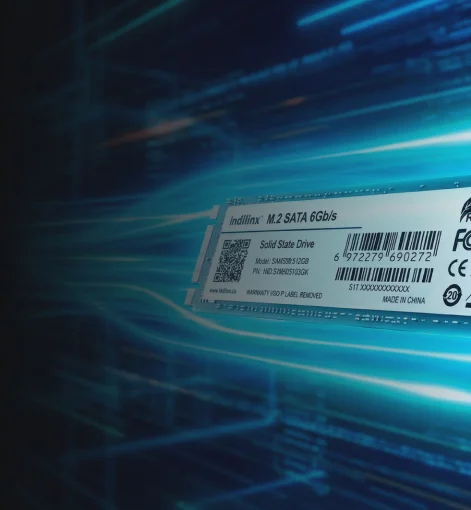
USB SSD Hard Drive Series
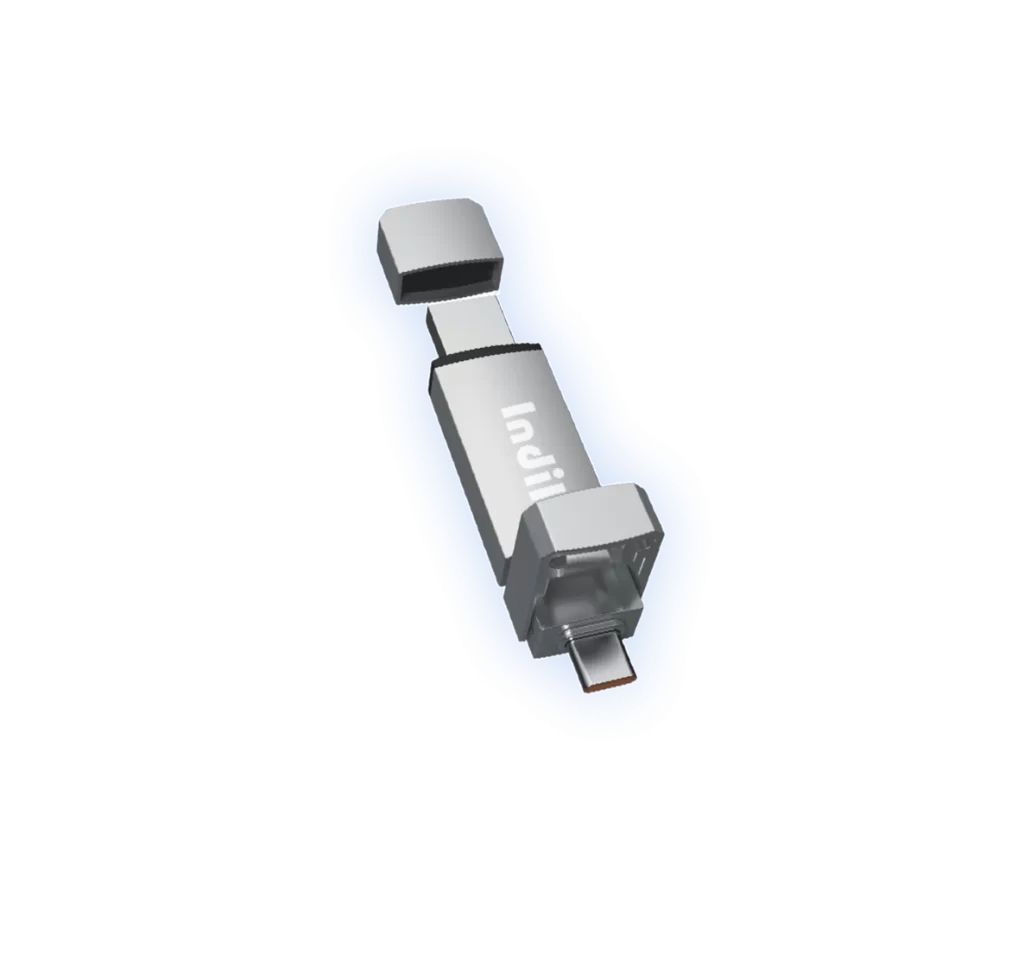
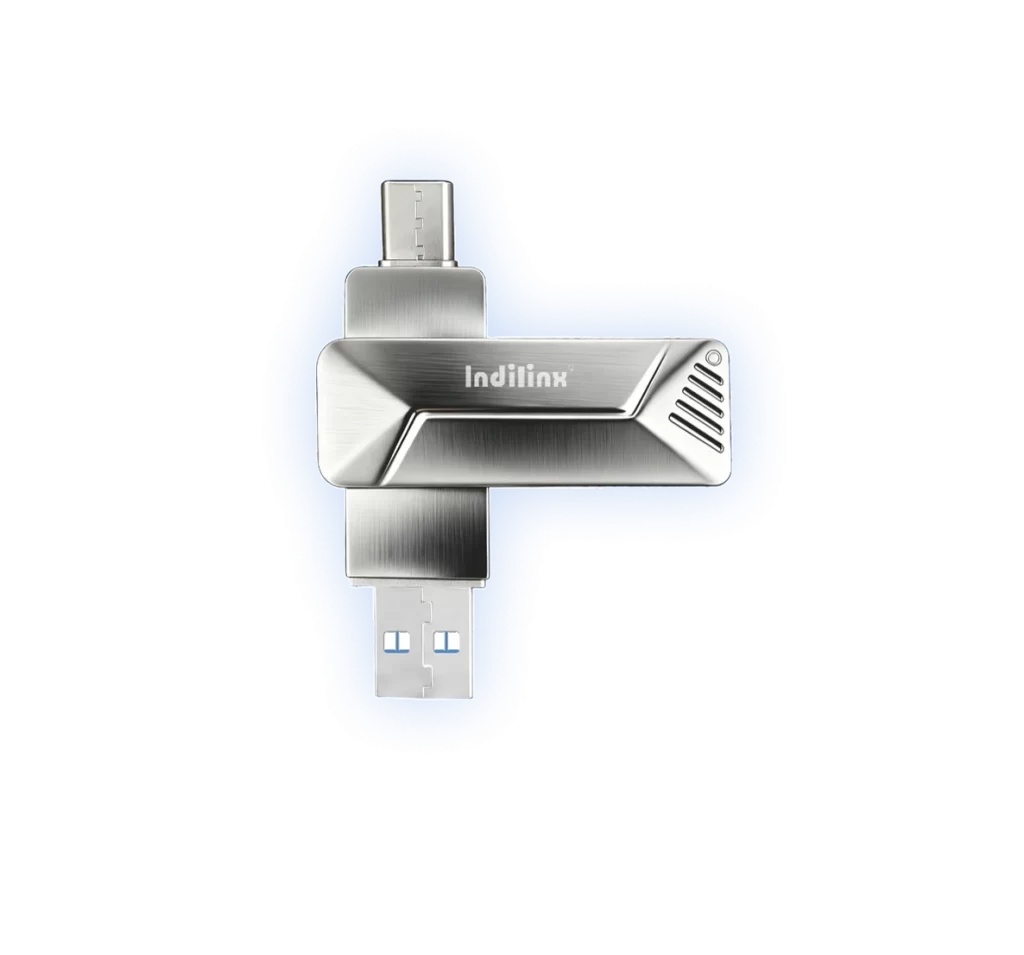
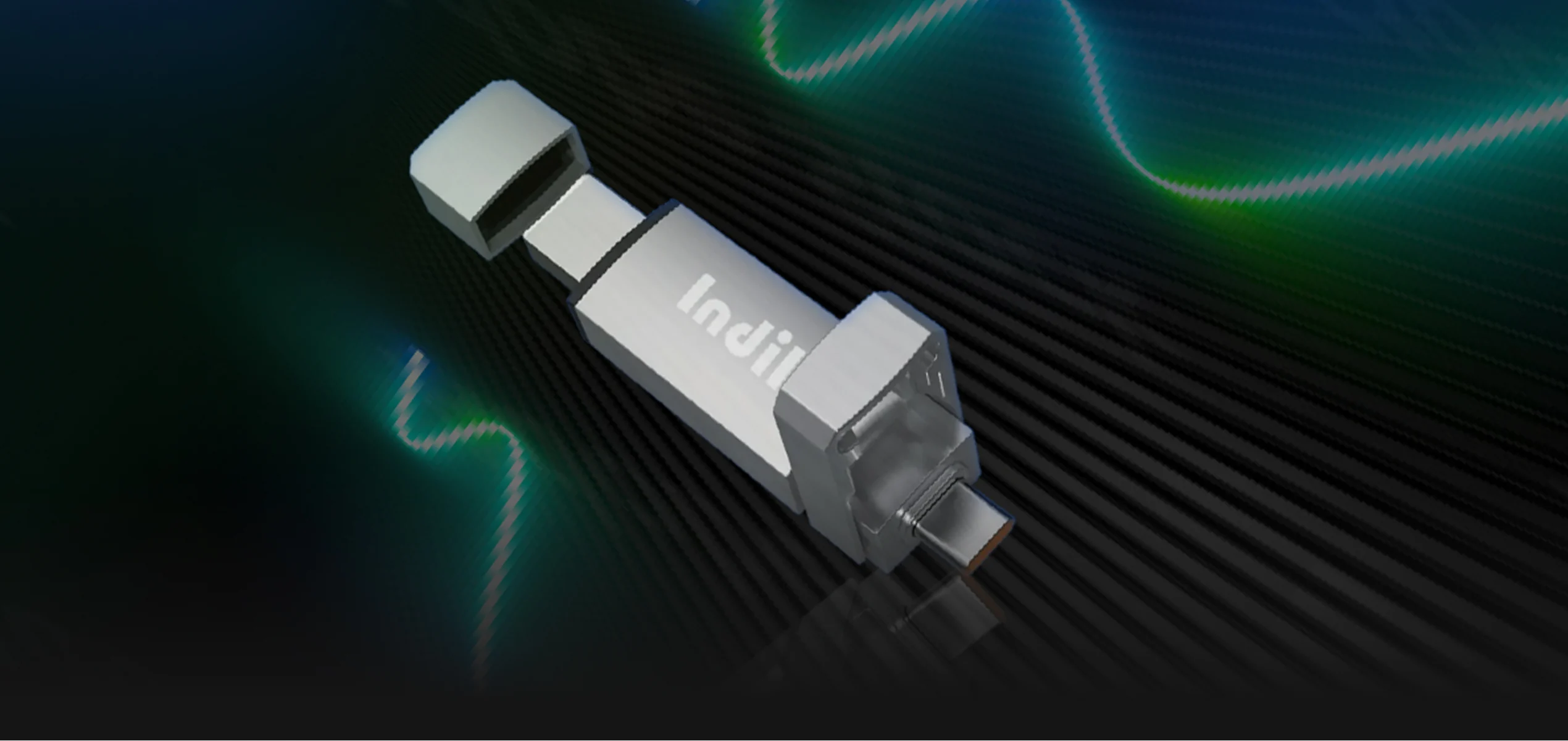
The USB SSD Hard Drive Series delivers ultra-fast data transfer, compact portability, and reliable storage for all your devices. Engineered for durability and high performance, these drives make file management, backups, and media storage effortless. Compatible with PCs, laptops, and gaming consoles, they ensure secure and efficient storage wherever you go.
- ALL SSD
- Solid State Storage(SSD)
- Portable SSD
- USB SSD
- Enterprise
USB SSD
US1 SSD
Engineered for stable high-speed performance and dependable data integrity.
US2 SSD
Engineered for stable high-speed performance and dependable data integrity.
High-Performance USB SSD Knowledge
High-Performance USB SSDs combine cutting-edge technology with exceptional speed and reliability. Designed for professionals, gamers, and tech enthusiasts, these drives deliver rapid data transfer, low latency, and enhanced durability compared to traditional hard drives. Understanding key features such as read/write speeds, NAND types, and interface compatibility helps users choose the right SSD for their workflow. With proper care and firmware updates, high-performance USB SSDs provide long-lasting, efficient storage solutions for everyday computing, creative projects, and gaming needs.
Understanding Read/Write Speeds
Learn how sequential and random speeds affect performance for gaming, media, and professional tasks.
How do read and write speeds affect my USB SSD’s real-world performance, and which should I prioritize for different tasks?
Read/write speeds determine how fast your SSD can move data. Sequential speeds matter for large file transfers like videos, while random speeds are critical for applications, gaming, and multitasking. Prioritize based on your use: fast random speeds for gaming or software, high sequential speeds for media storage and backups.
What are the differences between SLC, MLC, TLC, and QLC NAND, and how do I choose the best type for my needs?
SLC (Single-Level Cell) offers top speed and endurance but is expensive; MLC balances performance and cost; TLC is common for consumer drives with good performance; QLC is cheaper, higher capacity, but lower endurance. Choose based on budget, storage needs, and expected drive lifespan.
How important is USB interface and device compatibility when selecting a high-performance USB SSD?
Very important. USB 3.2 or USB-C offers higher speeds than older USB 2.0. Compatibility ensures your SSD reaches peak performance on PCs, laptops, or consoles. Check device ports, OS support, and cable quality to maximize speed and reliability.
What maintenance and firmware tips can help my USB SSD stay efficient and reliable over time?
Regularly update firmware to fix bugs and improve performance. Avoid frequent full-capacity writes, use safe ejection methods, and back up important data. Keep your SSD cool, minimize physical shocks, and use software utilities for monitoring health to prolong lifespan.
Choosing the Right NAND Type
Discover how SLC, MLC, TLC, and QLC NAND impact speed, endurance, and overall SSD reliability.
Interface & Compatibility Matters
Understand USB versions and device compatibility to ensure maximum performance and seamless use.
Maintenance and Firmware Tips
Keep your SSD efficient with firmware updates, proper usage, and safe data management practices.
USB SSD Technical Services and Warranty Programs
Our USB SSD Technical Services and Warranty Programs provide comprehensive support to ensure your storage device performs at its best. From quick setup guidance to firmware updates, our expert team helps you maximize speed, reliability, and compatibility. With hassle-free warranty coverage, you can enjoy repairs or replacement if needed, giving peace of mind and long-term protection for your data. We also offer troubleshooting assistance and practical tips to maintain your SSD, keeping it efficient and durable for everyday use, gaming, or professional workloads.
Quick Setup & Installation
Step-by-step guidance to get your USB SSD up and running quickly and effortlessly.
USB SSD Product Files Download
download”AS SSD Benchmark.rar-221.89KB