Founded in 2012,Indilinx is a natinal high-tech enterprise in the field of design,software development, packaging and testing, manufacturering and application of memory chips.
Building C, BaiYang Industrial Zone, No. 44 KengweiRoad, Shiyan Street, Bao’an District, ShenZhen, china
Founded in 2012,Indilinx is a natinal high-tech enterprise in the field of design,software development, packaging and testing, manufacturering and application of memory chips.
Building C, BaiYang Industrial Zone, No. 44 KengweiRoad, Shiyan Street, Bao’an District, ShenZhen, china
Ryan@indilinx.cn
+86 755 28234608
USB Flash Drive
Indilinx Titan X SSD: USB3.2 Gen1, military-grade, 256-bit AES, 128GB-1TB for professionals
Founded in 2012,Indilinx is a natinal high-tech enterprise in the field of design,software development, packaging and testing, manufacturering and application of memory chips.
Building C, BaiYang Industrial Zone, No. 44 KengweiRoad, Shiyan Street, Bao’an District, ShenZhen, china
Ryan@indilinx.cn
+86 755 28234608
Micro SD
Indilinx Micro SD: compact portable, seamless data flow across phones, cameras, game consoles
Founded in 2012,Indilinx is a natinal high-tech enterprise in the field of design,software development, packaging and testing, manufacturering and application of memory chips.
Building C, BaiYang Industrial Zone, No. 44 KengweiRoad, Shiyan Street, Bao’an District, ShenZhen, china
Founded in 2012,Indilinx is a natinal high-tech enterprise in the field of design,software development, packaging and testing, manufacturering and application of memory chips.
Building C, BaiYang Industrial Zone, No. 44 KengweiRoad, Shiyan Street, Bao’an District, ShenZhen, china
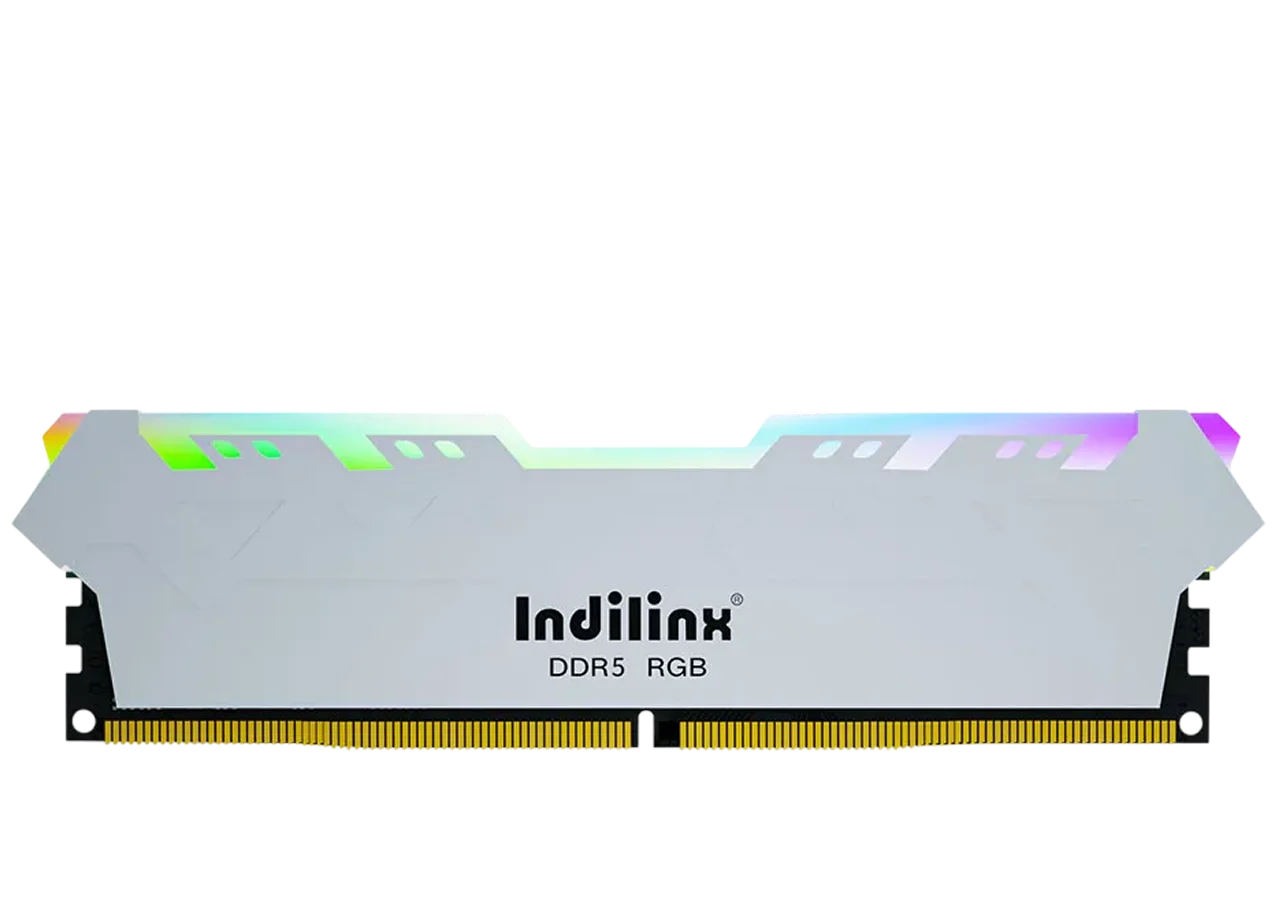
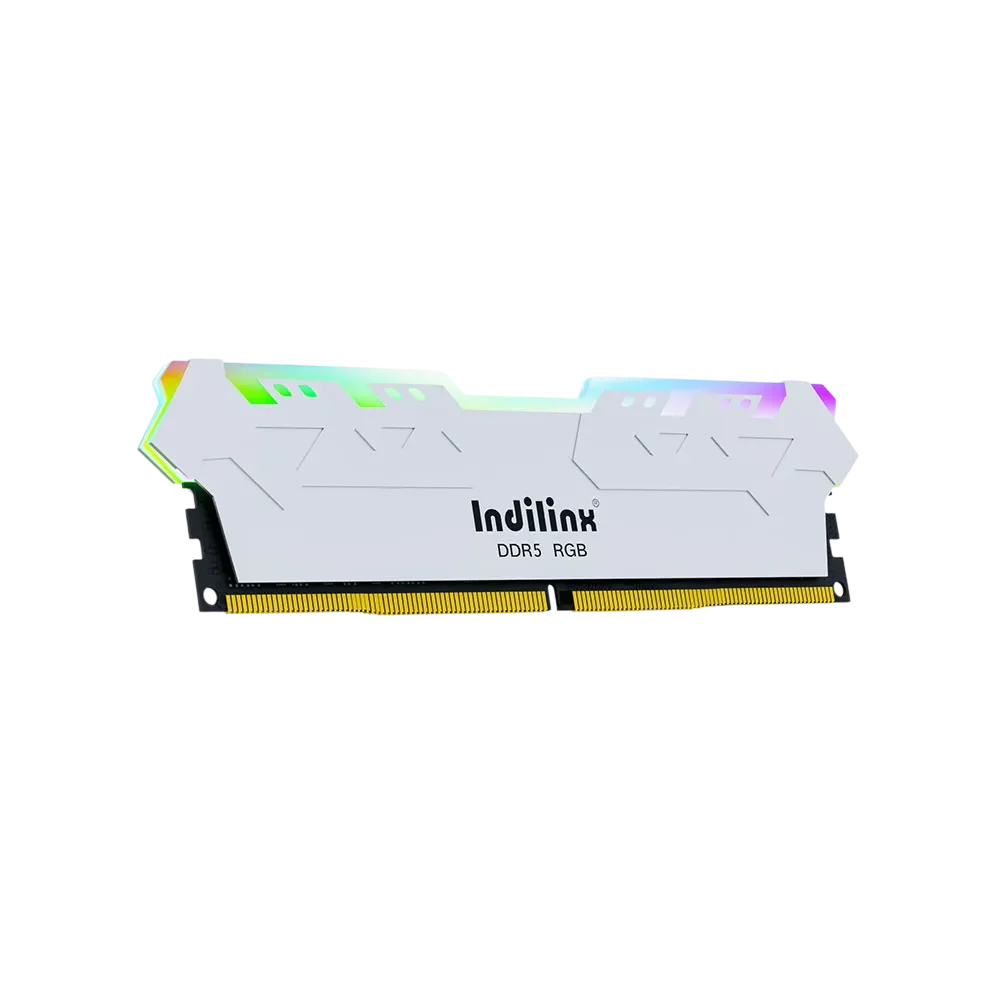
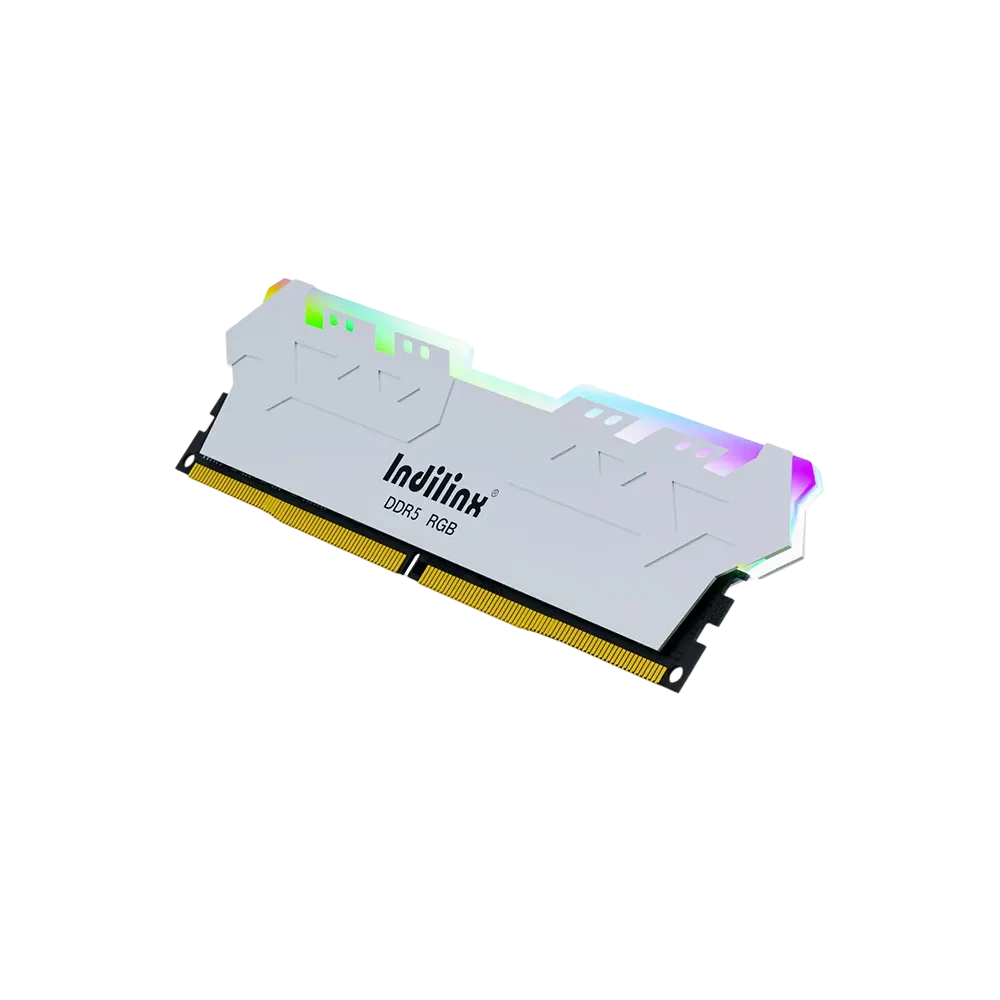
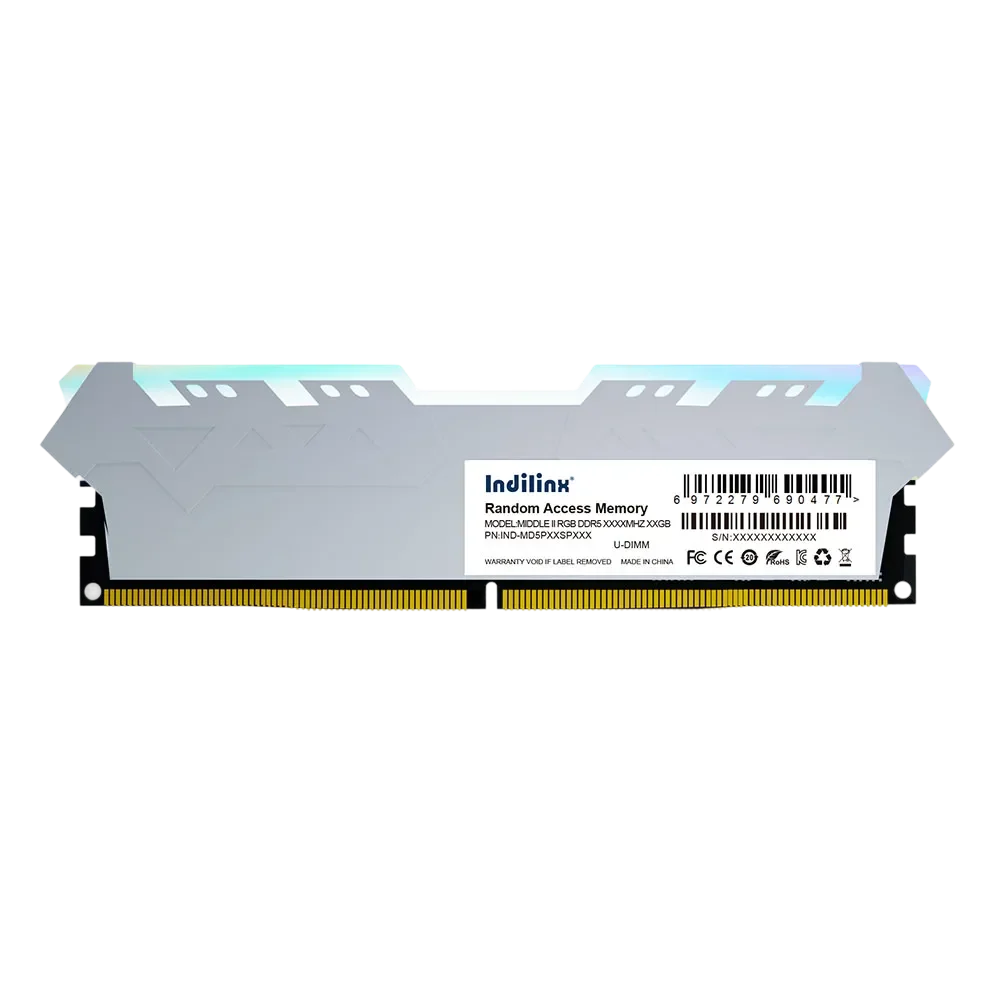
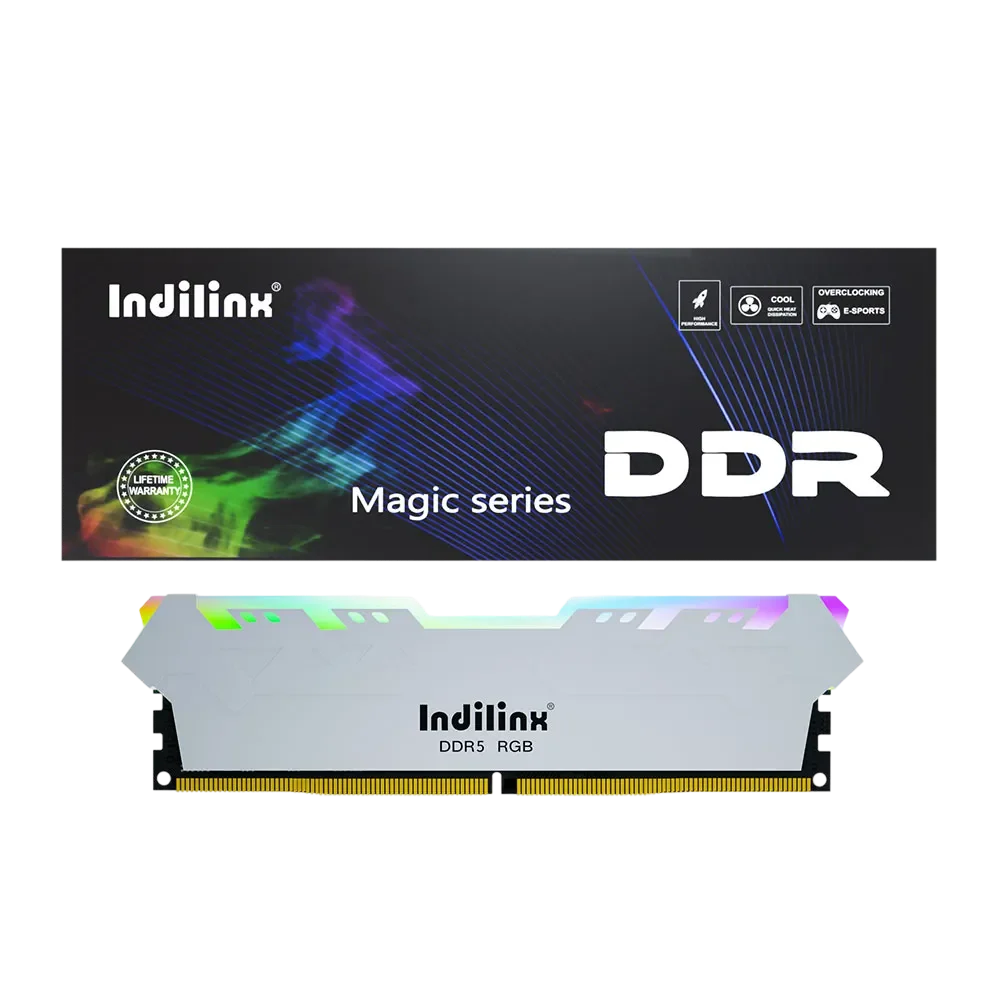
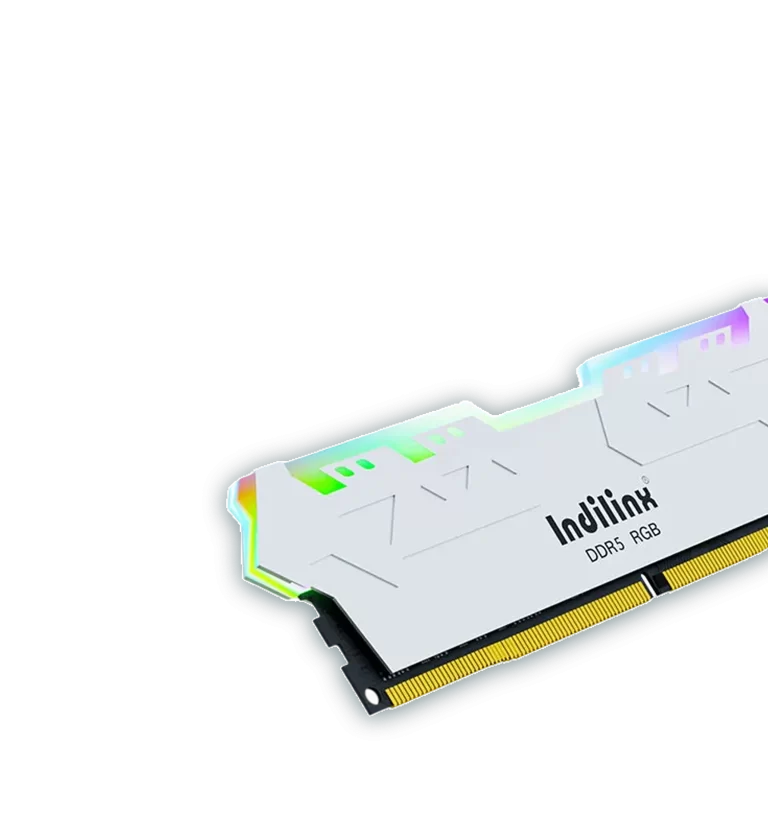
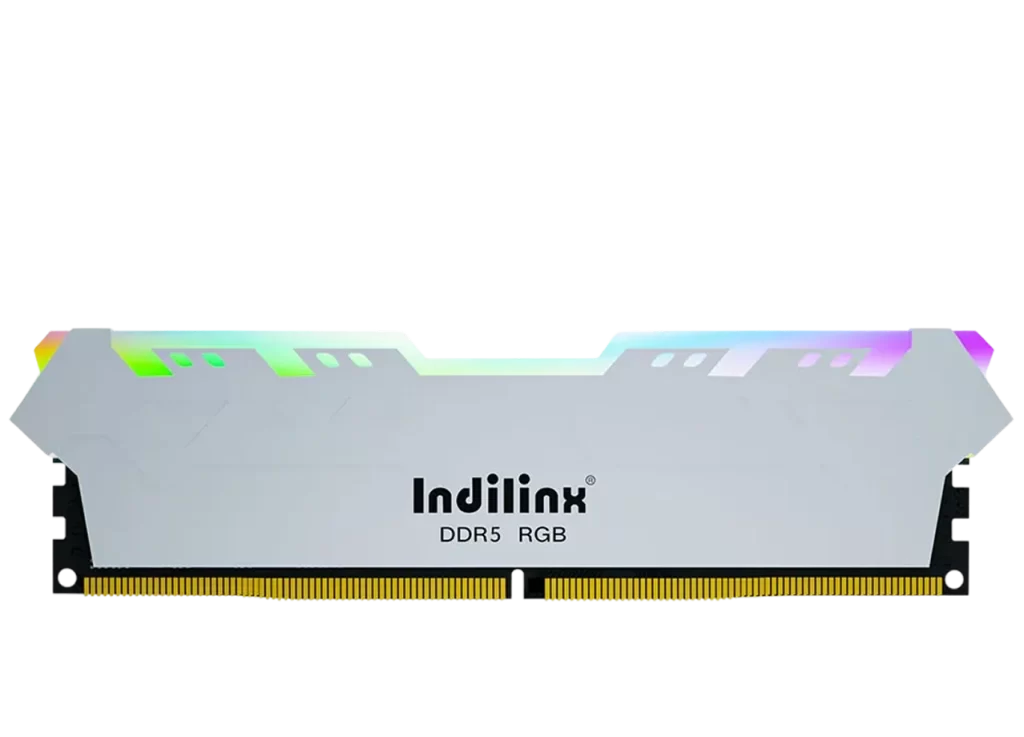
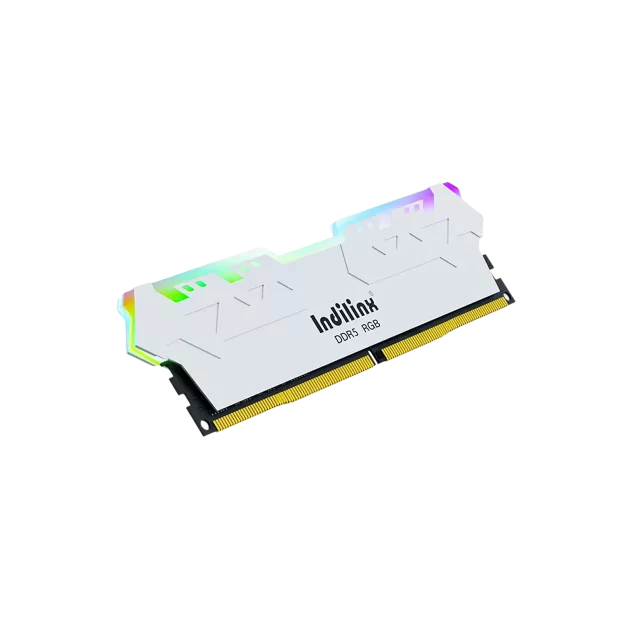
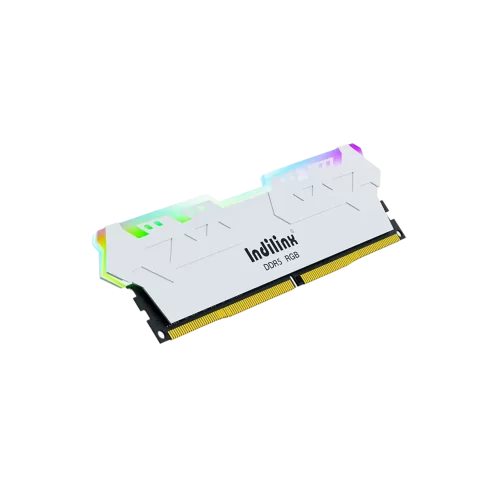
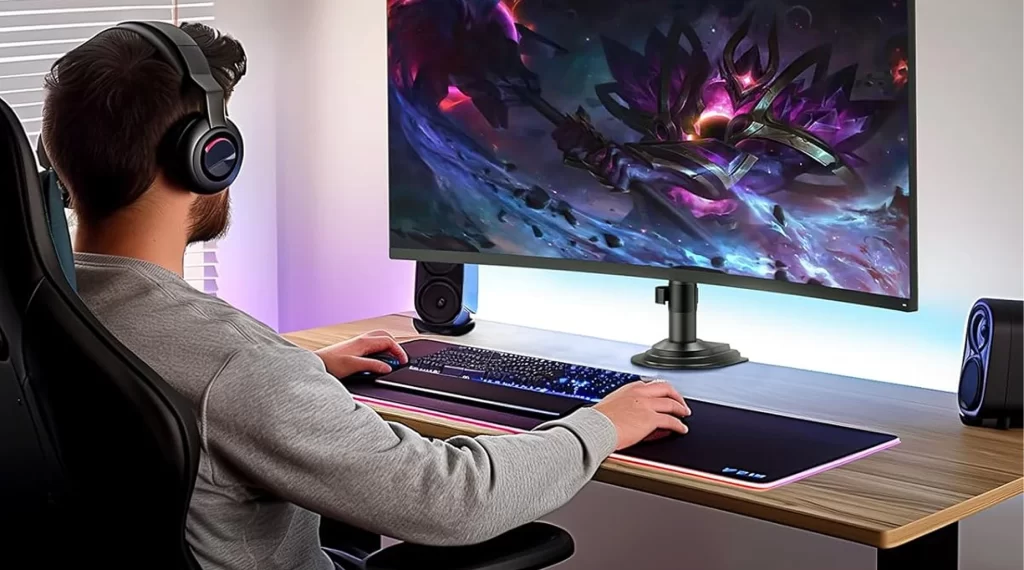
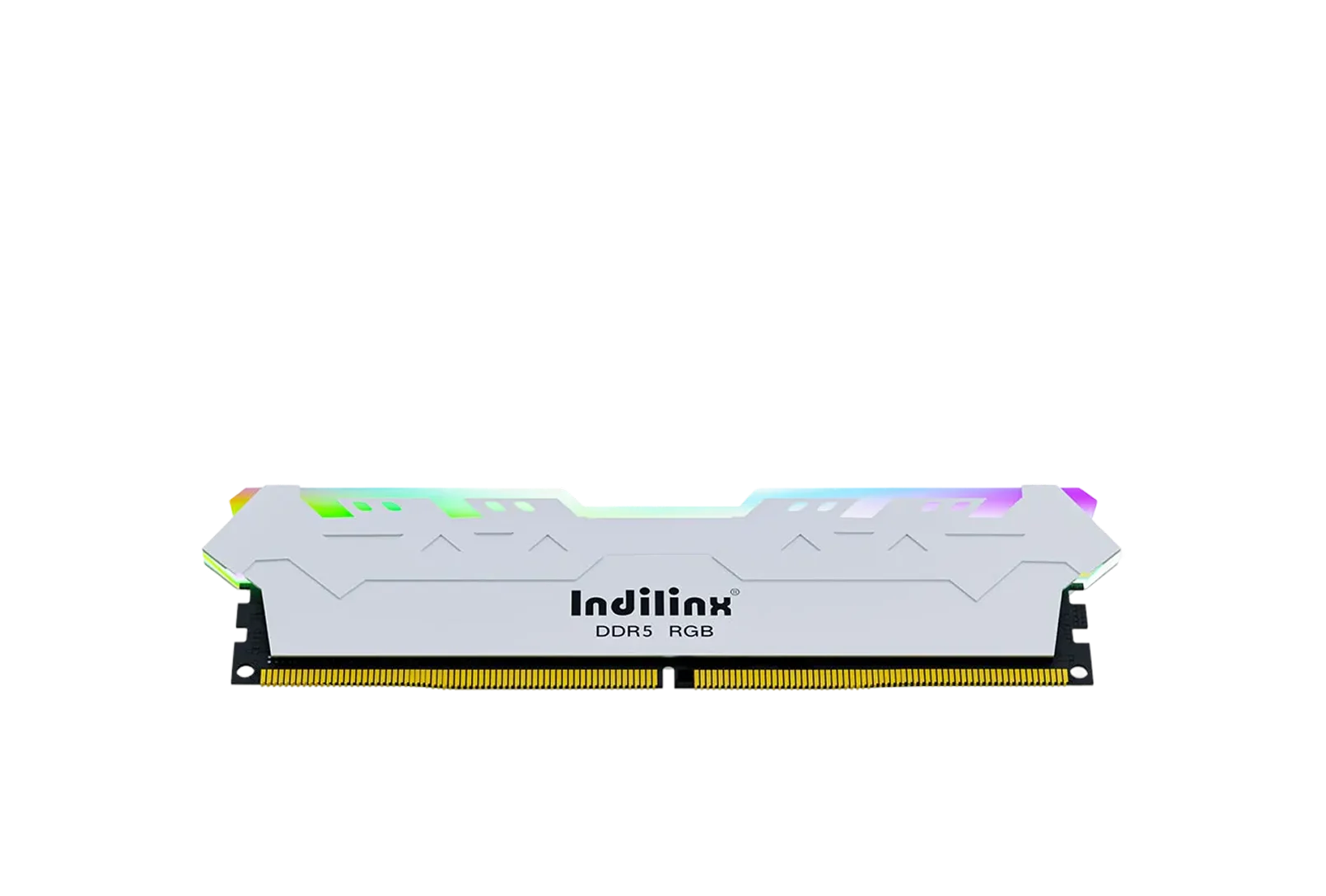
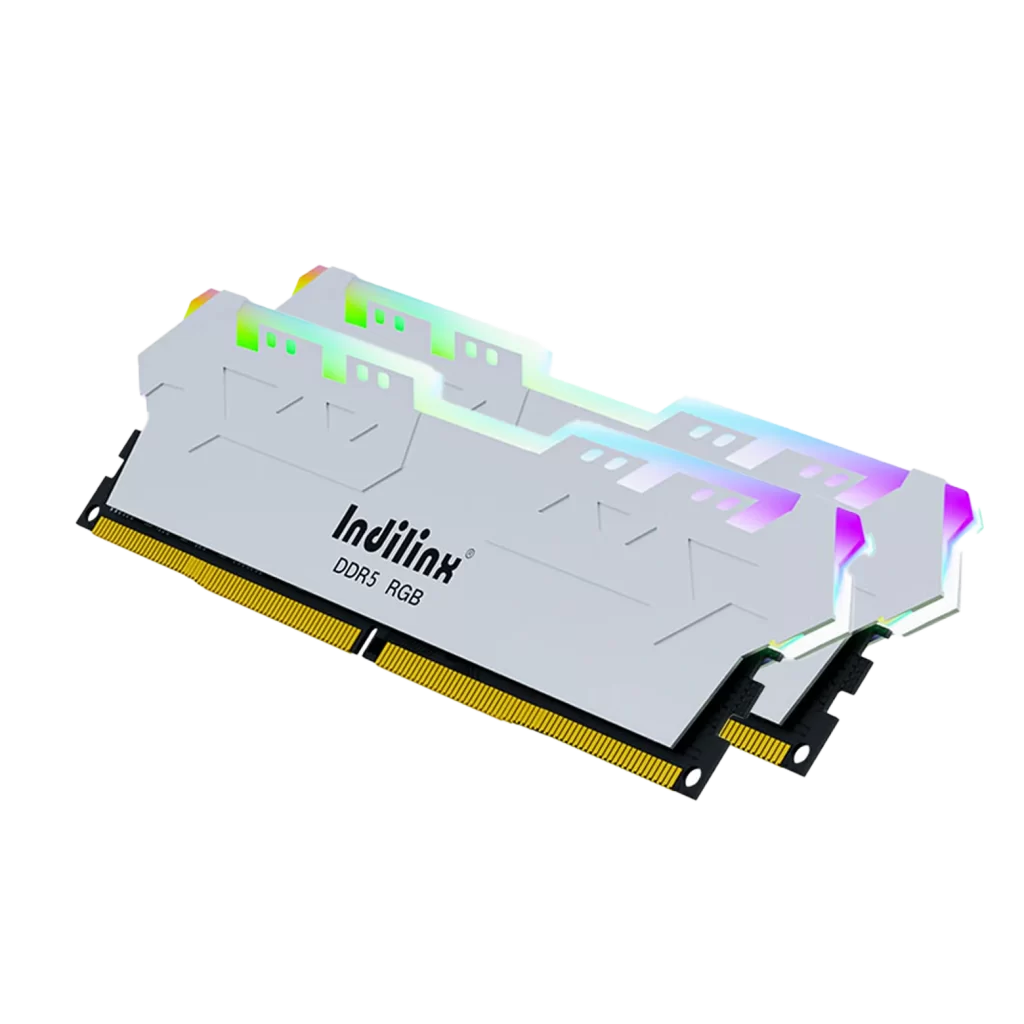
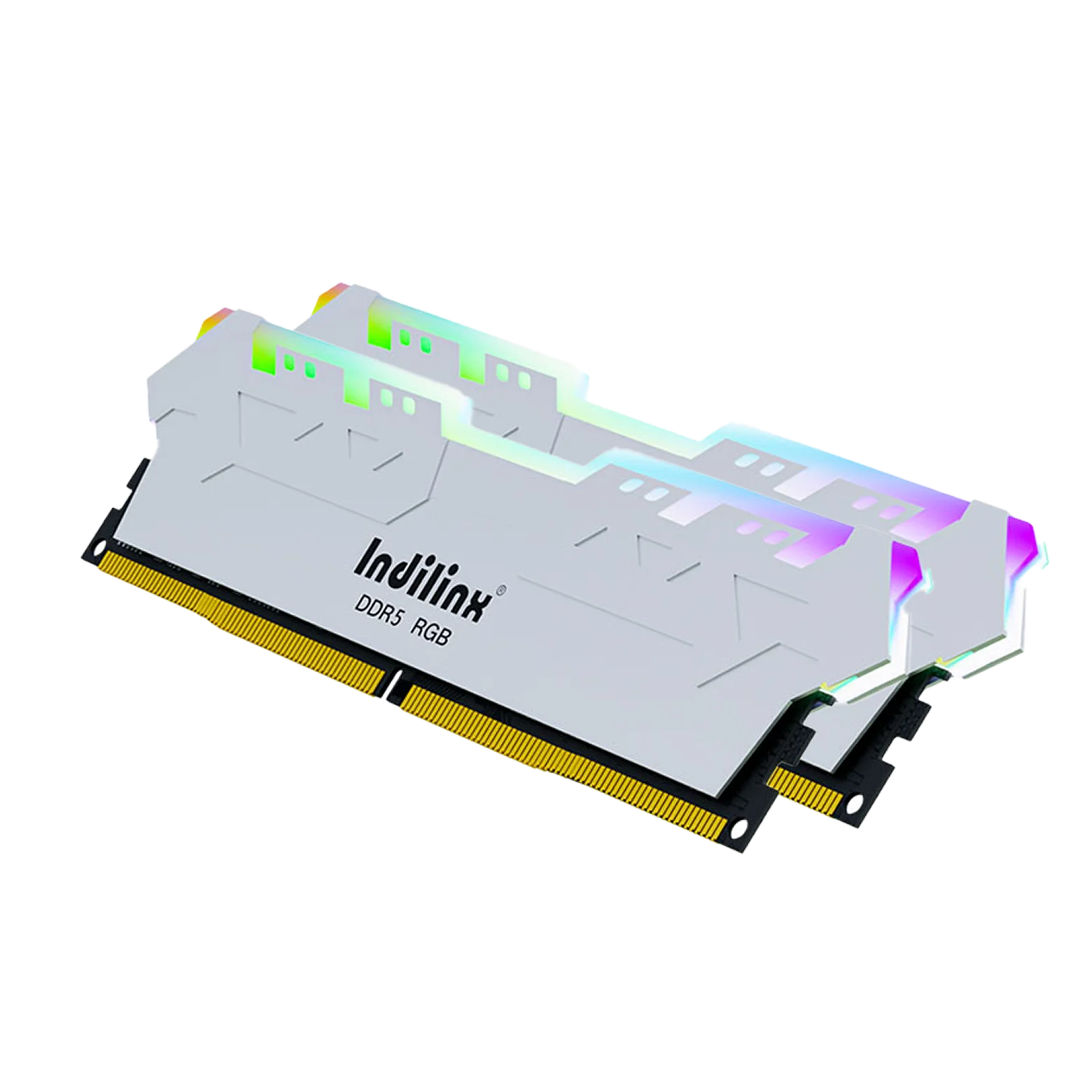
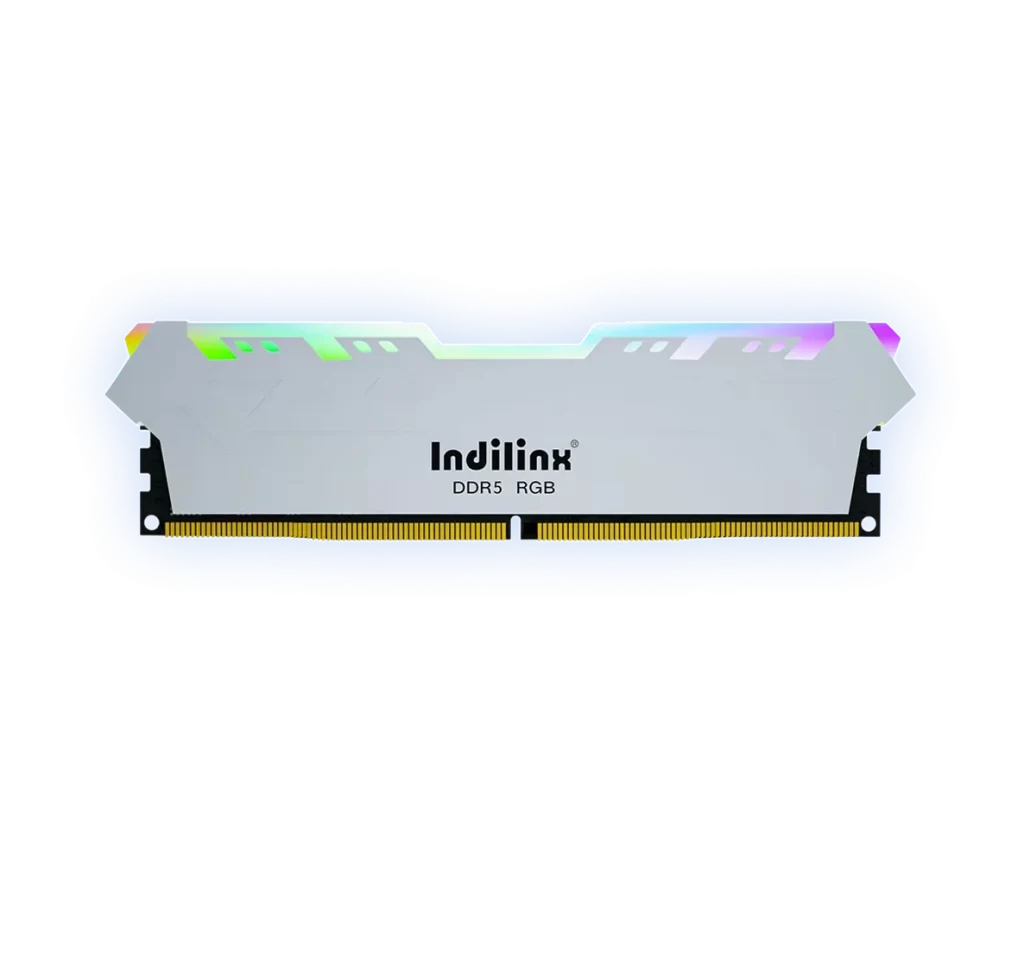
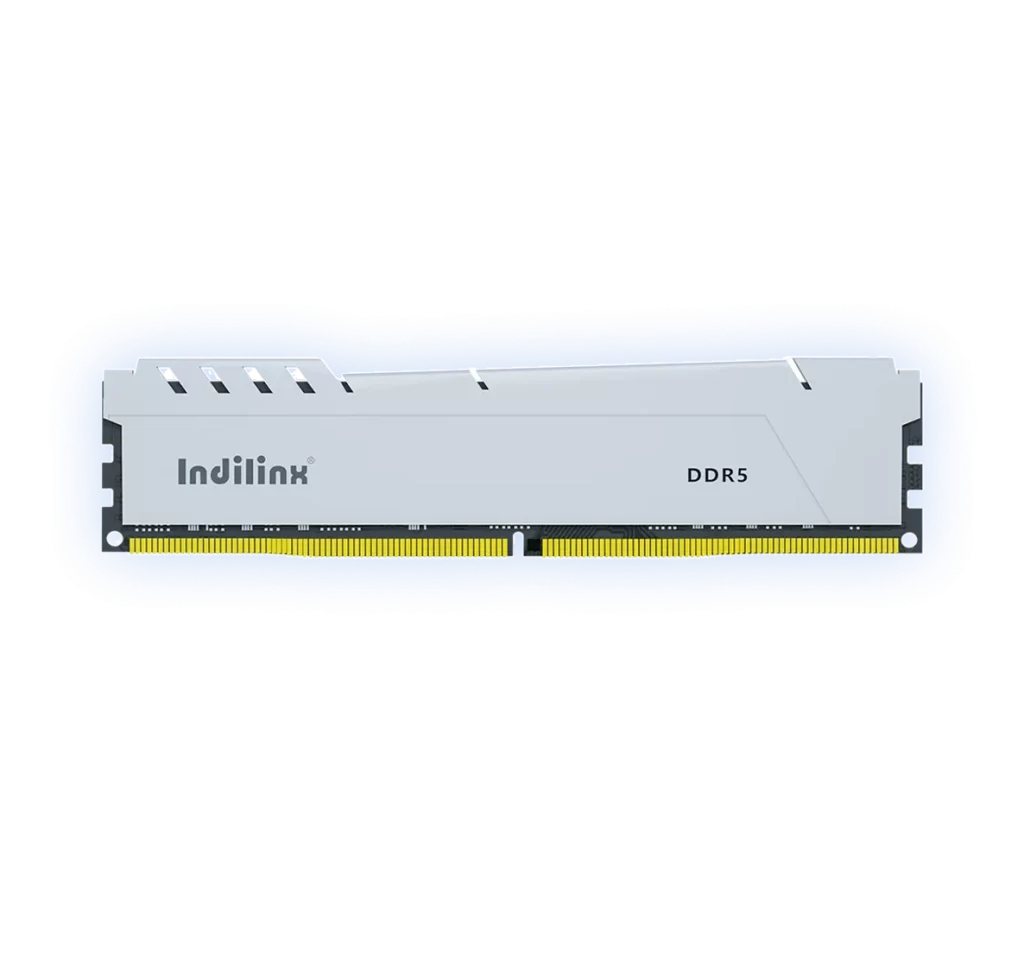
Elevate your system’s aesthetics and performance with the MAGIC RGB DDR5 UDIMM, model IND-GD5P. Designed for gamers and enthusiasts, it combines vibrant, customizable RGB lighting with cutting-edge DDR5 technology. Delivering high data transfer rates and low latency, it ensures smooth gameplay and rapid multitasking, while its synchronized lighting effects enable seamless integration with your build’s theme for a truly immersive desktop experience.
Elevate your desktop with the MAGIC RGB DDR5 UDIMM, where stunning aesthetics meet elite performance. Designed for enthusiasts and gamers, this series combines customizable RGB lighting with the advanced capabilities of DDR5 technology. It delivers high-frequency operation and robust stability for seamless gaming, content creation, and multitasking. The vibrant, synchronized lighting effects allow for complete personalization, transforming your system into a visual showcase without compromising on speed or reliability.
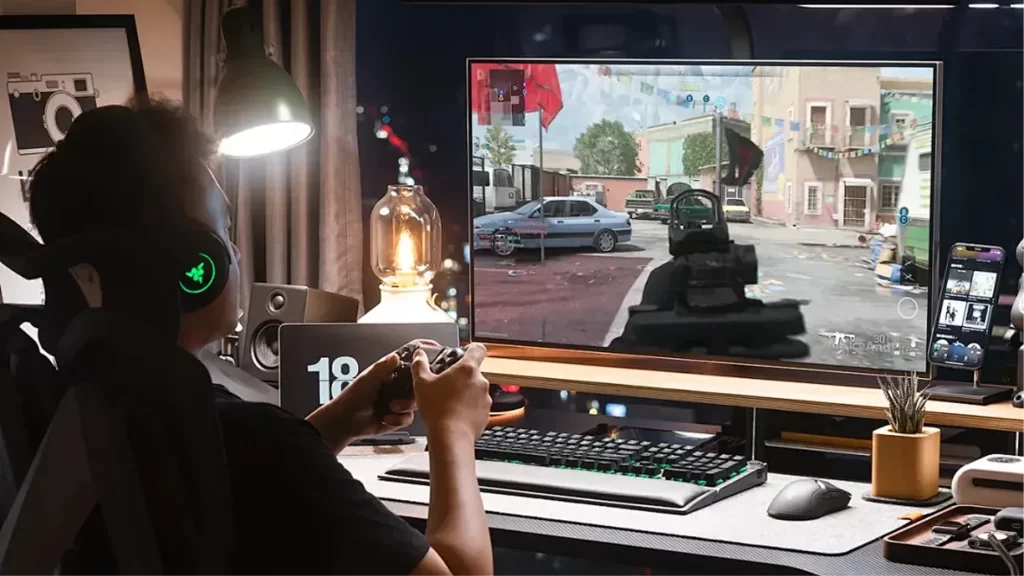
Engineered for enthusiasts, the Indilinx MAGIC RGB DDR5 UDIMM features pre-configured XMP 3.0 profiles that unlock speeds up to 6000 MT/s with a single click. This delivers a significant boost in bandwidth and reduces latency, providing the responsive performance needed for competitive gaming, 3D rendering, and intensive multitasking without manual tuning.
Vibrant RGB Lighting with Intelligent Cooling
This module features fully customizable addressable RGB lighting that synchronizes with major motherboard ecosystems for stunning visual effects. It is paired with an optimized aluminum heat spreader that ensures efficient heat dissipation, maintaining stable high-frequency operation and component longevity even during extended gaming or overclocking sessions.
Installing the Indilinx MAGIC RGB DDR5 UDIMM is a straightforward process designed to enhance both your system’s performance and its visual appeal. Before starting, ensure your PC is powered off and unplugged. Ground yourself to prevent static discharge. Locate the DDR5 DIMM slots on your motherboard, gently open the side clips, align the module’s notch correctly, and press down firmly until the clips snap shut. Finally, connect the optional RGB sync cable to a compatible header on your motherboard to enable lighting control.
Standard DIMM Slot Installation
Enabling XMP in BIOS/UEFI
RGB Software Setup & Sync
Standard DIMM Slot Installation
Instant Media Playback
This is the core physical installation step. After powering down your system and opening the case, identify the DDR5 slots (often the second and fourth slots for dual-channel setups). Release the plastic retention clips at both ends of the slot. Align the module’s gold connector notch with the slot’s ridge. Apply even, firm pressure on both ends until the module is fully seated and the clips automatically lock into the upright position with a click.
Enabling XMP in BIOS/UEFI
Instant Media Playback
To achieve the advertised high performance (e.g., 6000 MT/s), you must enable the Extreme Memory Profile (XMP) in your system’s BIOS or UEFI. After installing the RAM and booting up, press the designated key (often Del or F2) to enter the BIOS. Navigate to the memory or overclocking section, select the pre-configured XMP profile for your MAGIC RGB modules, save the changes, and exit. Your system will then reboot with the optimized speed and timings.
RGB Software Setup & Sync
Instant Media Playback
To control and synchronize the vibrant lighting effects, you need to install the RGB management software corresponding to your motherboard brand (e.g., ASUS Aura Sync, MSI Mystic Light, Gigabyte RGB Fusion). Launch the software after installation, and the MAGIC RGB modules should be automatically detected. You can then customize the lighting modes, colors, and effects, and sync them with other compatible components in your system for a unified aesthetic.
Standard DIMM Slot Installation
Instant Media Playback
This is the core physical installation step. After powering down your system and opening the case, identify the DDR5 slots (often the second and fourth slots for dual-channel setups). Release the plastic retention clips at both ends of the slot. Align the module’s gold connector notch with the slot’s ridge. Apply even, firm pressure on both ends until the module is fully seated and the clips automatically lock into the upright position with a click.
Enabling XMP in BIOS/UEFI
Instant Media Playback
To achieve the advertised high performance (e.g., 6000 MT/s), you must enable the Extreme Memory Profile (XMP) in your system’s BIOS or UEFI. After installing the RAM and booting up, press the designated key (often Del or F2) to enter the BIOS. Navigate to the memory or overclocking section, select the pre-configured XMP profile for your MAGIC RGB modules, save the changes, and exit. Your system will then reboot with the optimized speed and timings.
RGB Software Setup & Sync
Instant Media Playback
To control and synchronize the vibrant lighting effects, you need to install the RGB management software corresponding to your motherboard brand (e.g., ASUS Aura Sync, MSI Mystic Light, Gigabyte RGB Fusion). Launch the software after installation, and the MAGIC RGB modules should be automatically detected. You can then customize the lighting modes, colors, and effects, and sync them with other compatible components in your system for a unified aesthetic.
We provide dedicated technical support for the Indilinx MAGIC RGB DDR5 UDIMM to ensure optimal performance and a seamless user experience. From installation guidance to RGB software setup and long-term reliability, our comprehensive service framework is designed to assist you at every step.
Limited Lifetime Warranty
Your purchase is protected by our robust lifetime warranty, covering defects in materials and workmanship for dependable, long-term use.
Dedicated Technical Assistance
Access expert support for installation, XMP enabling, compatibility checks, and general troubleshooting through our online portal or hotline.
RGB Software & Sync Support
Get guidance on installing and using motherboard RGB control software to customize and synchronize your module’s lighting effects.
Performance Optimization Service
Receive assistance with BIOS settings, memory overclocking, and system tuning to achieve stable performance at advertised speeds.
RMA & Replacement Process
Benefit from a streamlined return/replacement procedure for quick resolution in the unlikely event of a product issue.