Founded in 2012,Indilinx is a natinal high-tech enterprise in the field of design,software development, packaging and testing, manufacturering and application of memory chips.
Building C, BaiYang Industrial Zone, No. 44 KengweiRoad, Shiyan Street, Bao’an District, ShenZhen, china
Founded in 2012,Indilinx is a natinal high-tech enterprise in the field of design,software development, packaging and testing, manufacturering and application of memory chips.
Building C, BaiYang Industrial Zone, No. 44 KengweiRoad, Shiyan Street, Bao’an District, ShenZhen, china
Ryan@indilinx.cn
+86 755 28234608
USB Flash Drive
Indilinx Titan X SSD: USB3.2 Gen1, military-grade, 256-bit AES, 128GB-1TB for professionals
Founded in 2012,Indilinx is a natinal high-tech enterprise in the field of design,software development, packaging and testing, manufacturering and application of memory chips.
Building C, BaiYang Industrial Zone, No. 44 KengweiRoad, Shiyan Street, Bao’an District, ShenZhen, china
Ryan@indilinx.cn
+86 755 28234608
Micro SD
Indilinx Micro SD: compact portable, seamless data flow across phones, cameras, game consoles
Founded in 2012,Indilinx is a natinal high-tech enterprise in the field of design,software development, packaging and testing, manufacturering and application of memory chips.
Building C, BaiYang Industrial Zone, No. 44 KengweiRoad, Shiyan Street, Bao’an District, ShenZhen, china
Founded in 2012,Indilinx is a natinal high-tech enterprise in the field of design,software development, packaging and testing, manufacturering and application of memory chips.
Building C, BaiYang Industrial Zone, No. 44 KengweiRoad, Shiyan Street, Bao’an District, ShenZhen, china
Ryan@indilinx.cn
+86 755 28234608
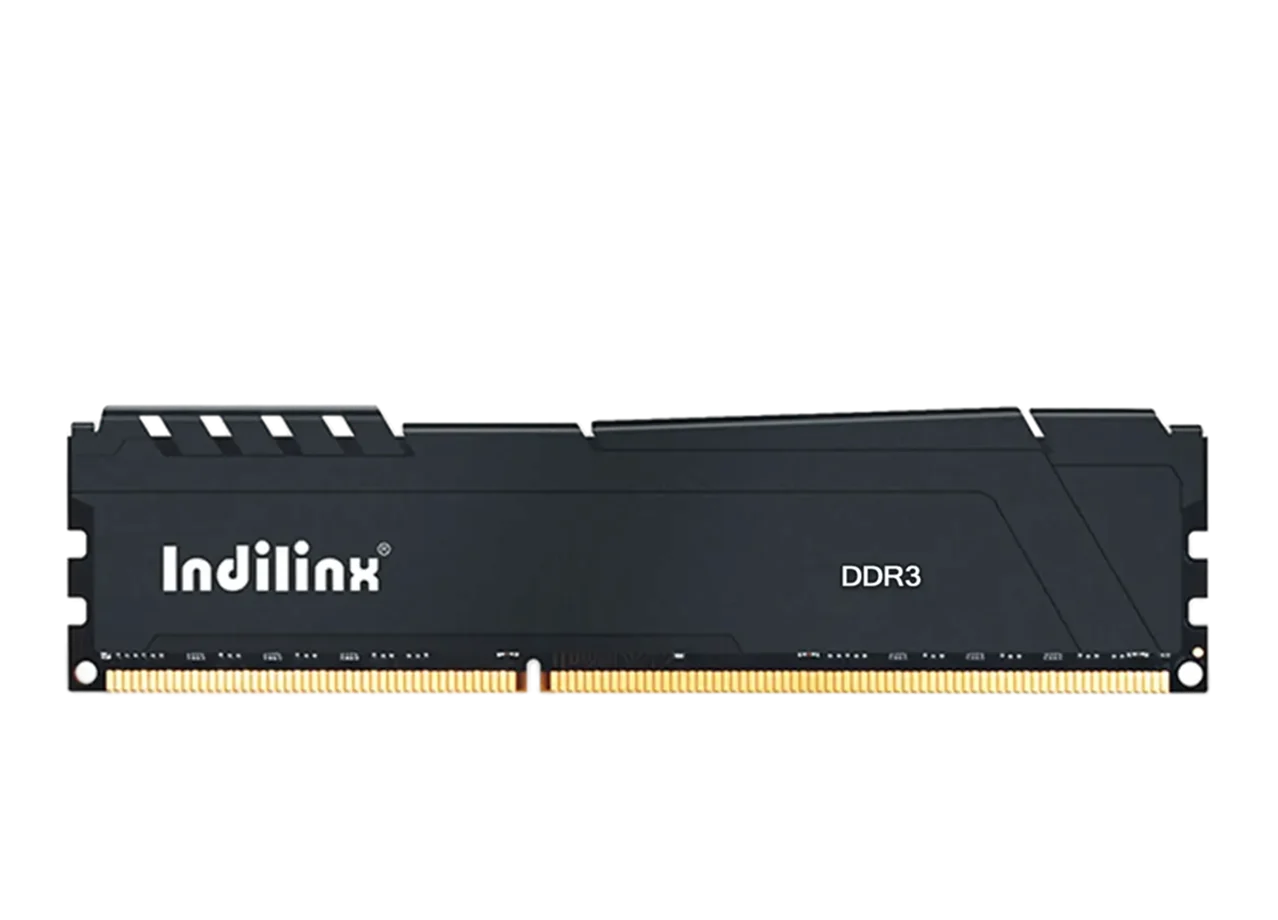
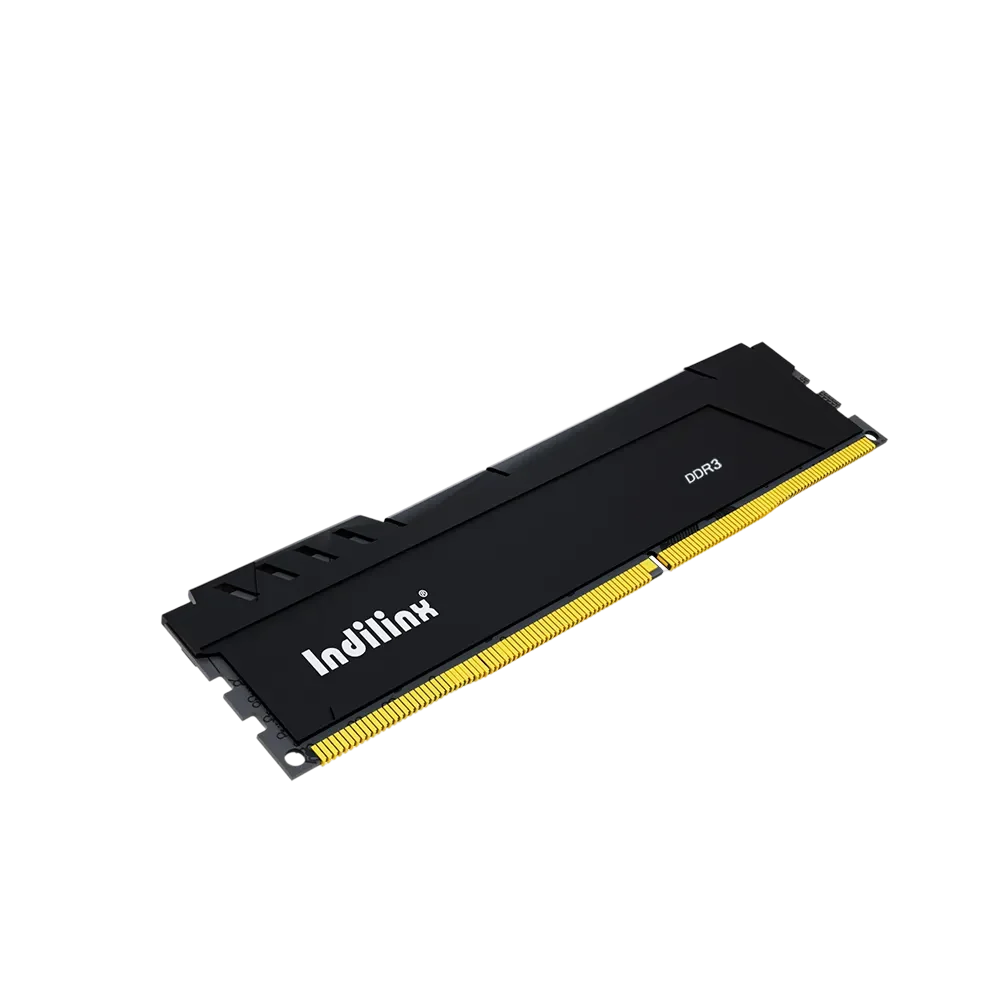
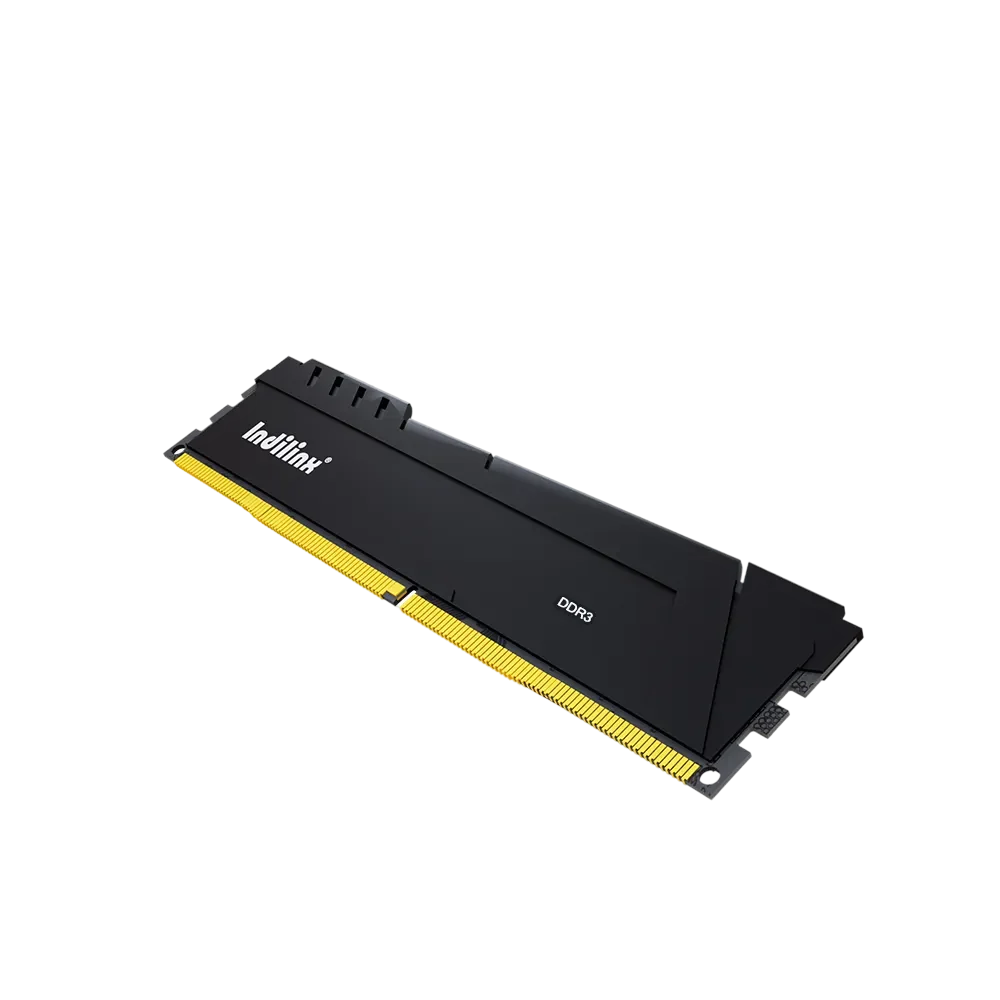
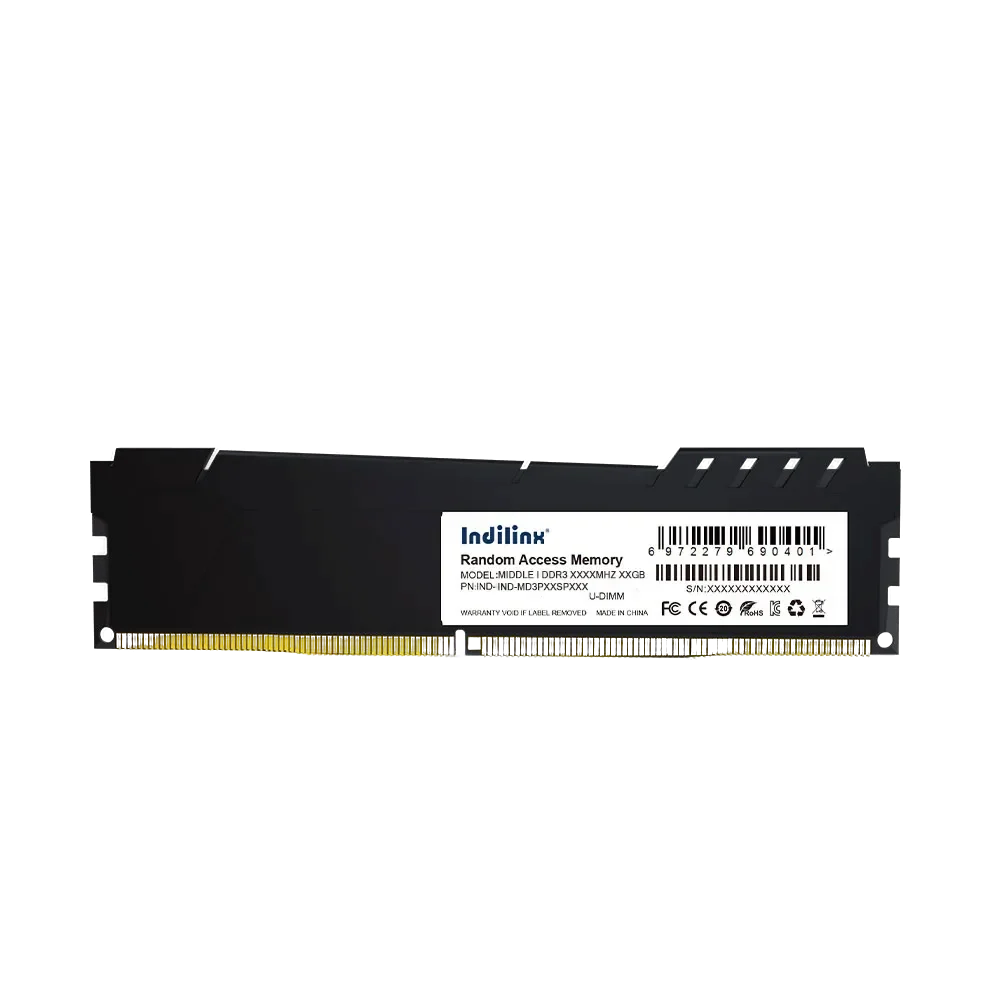
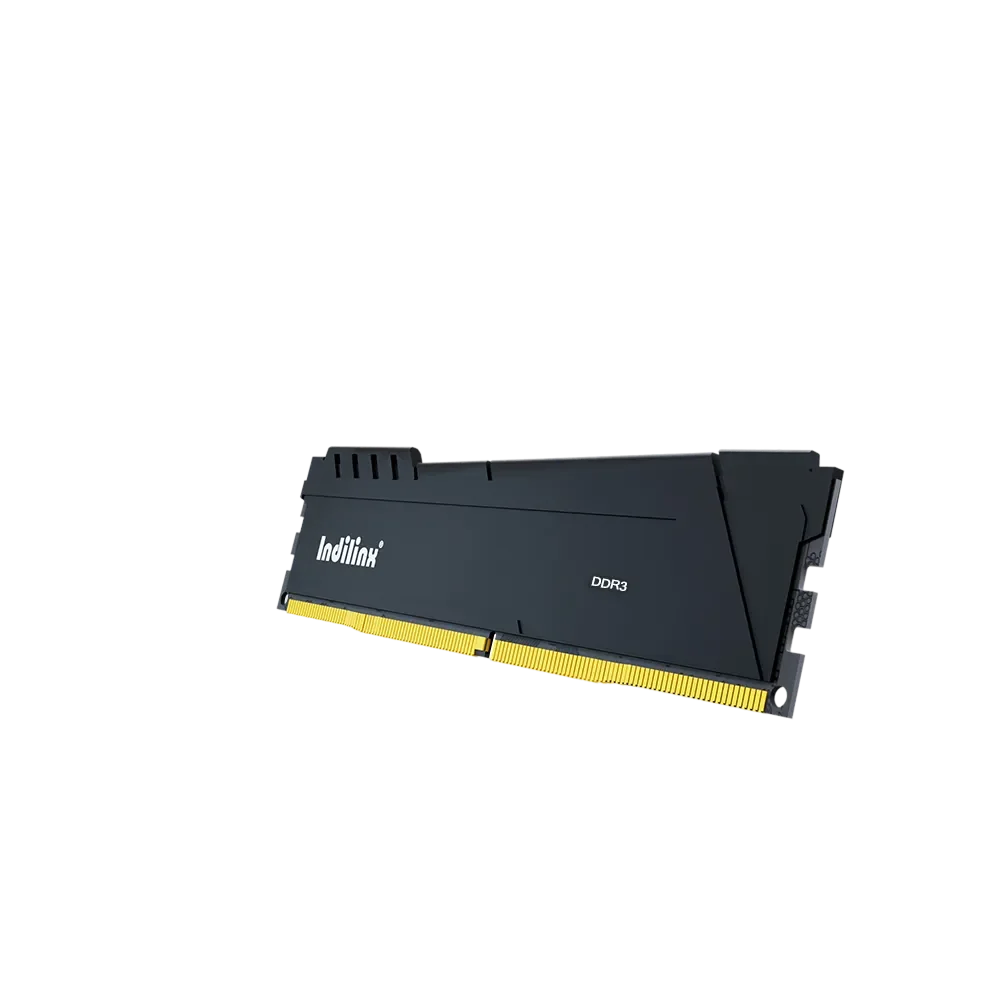
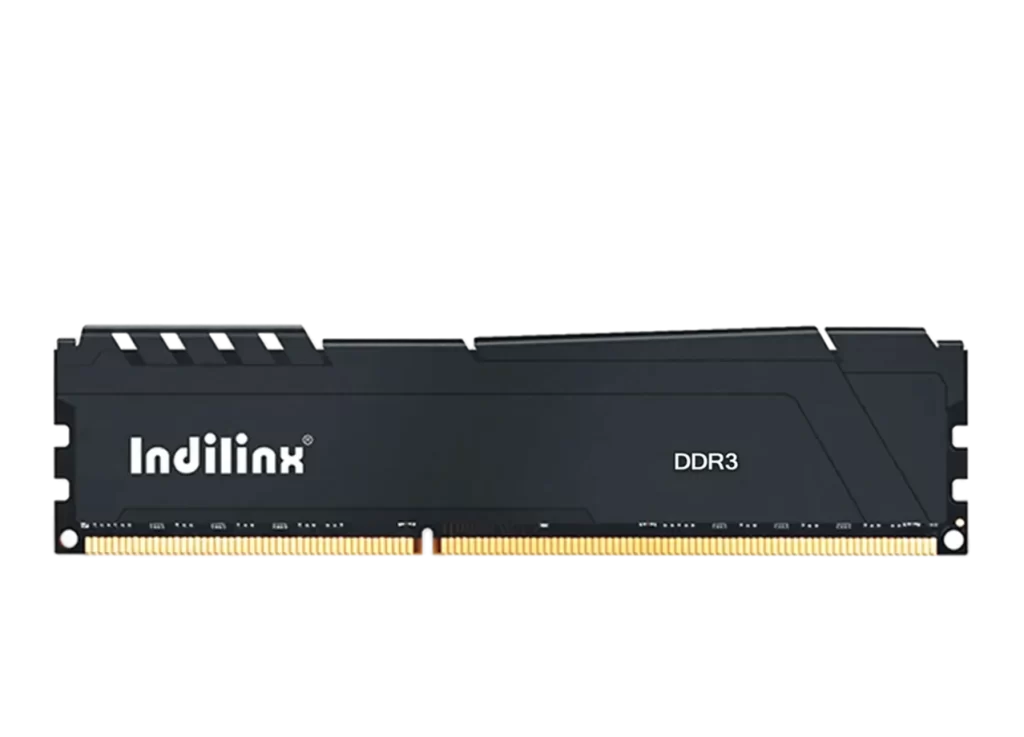
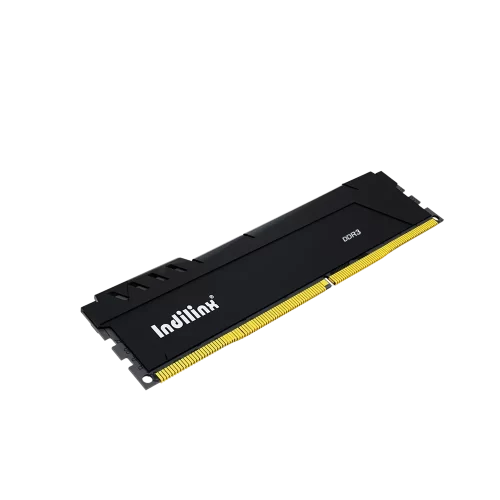
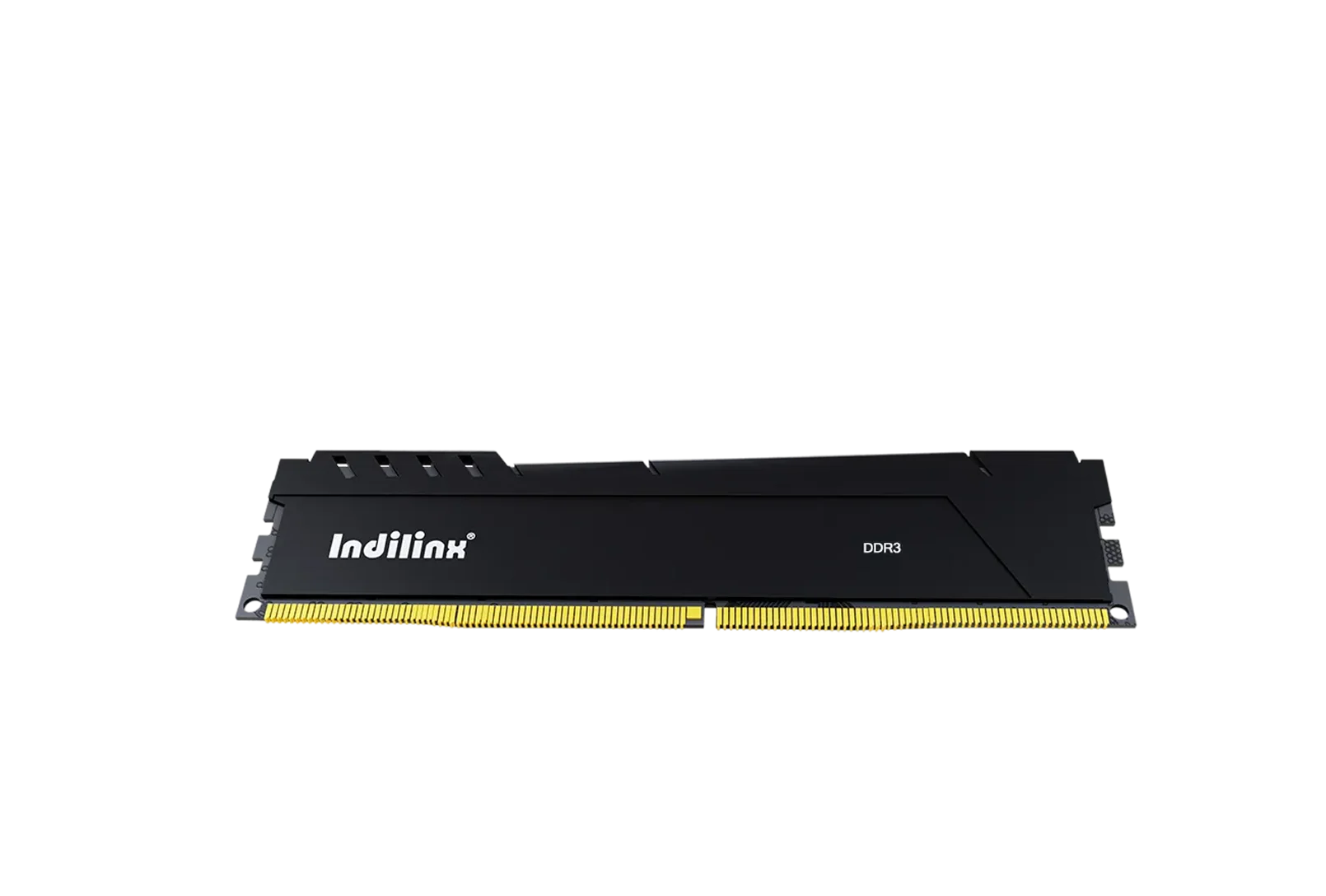
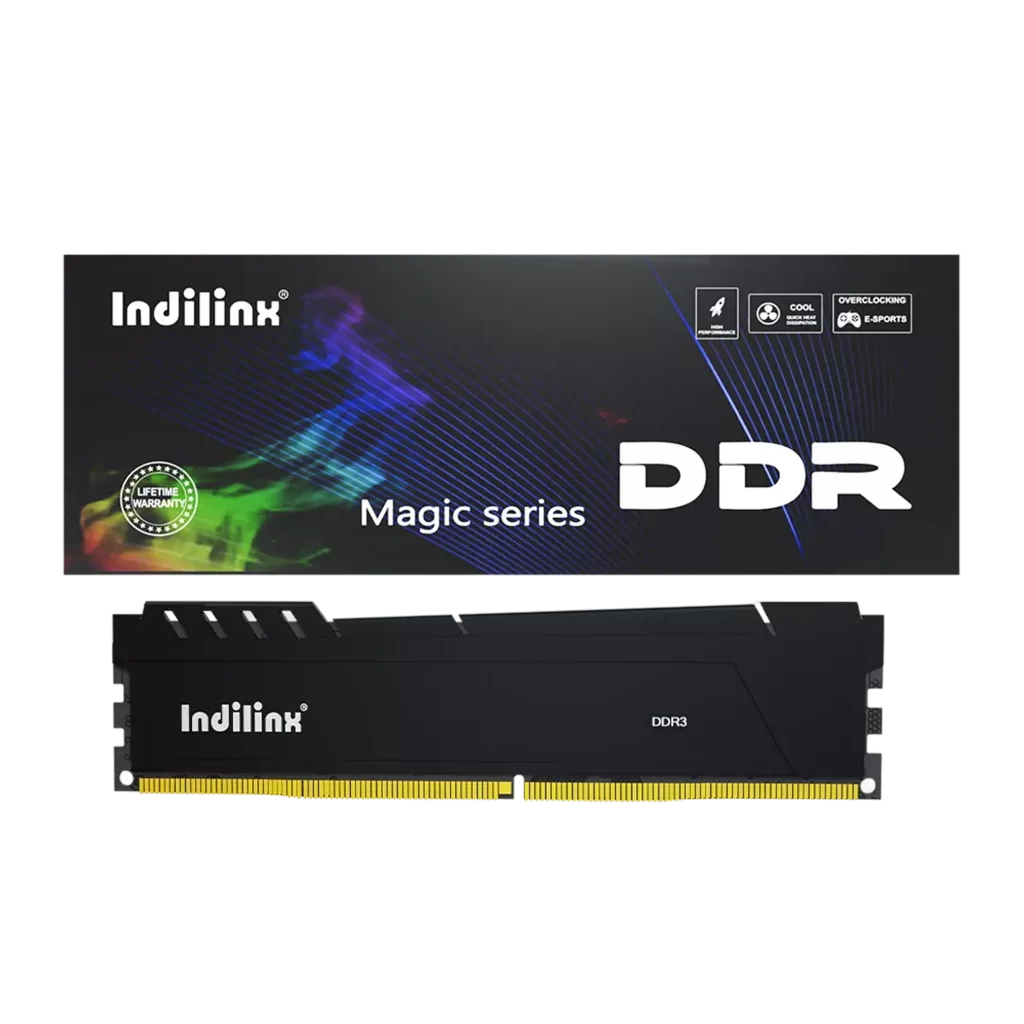
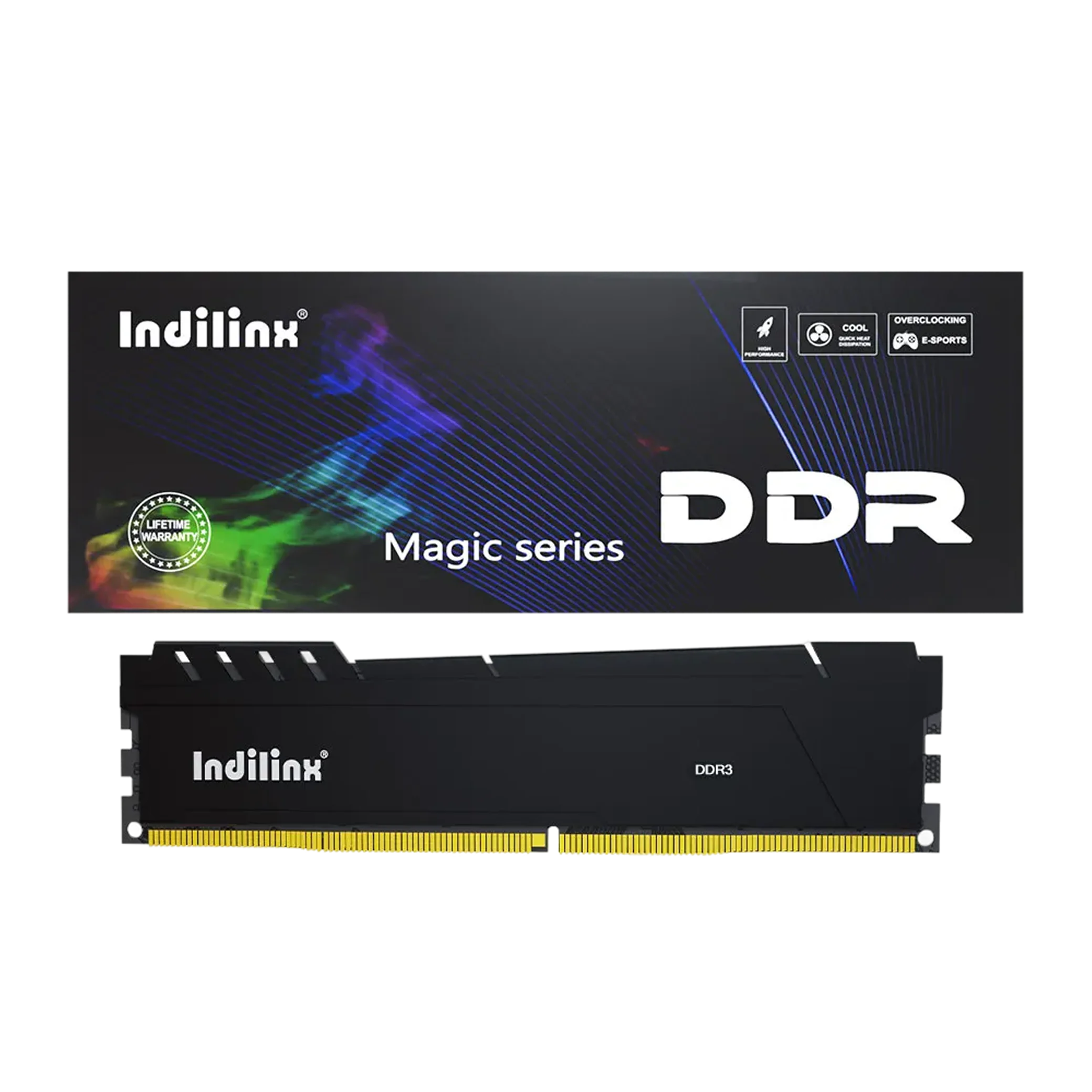
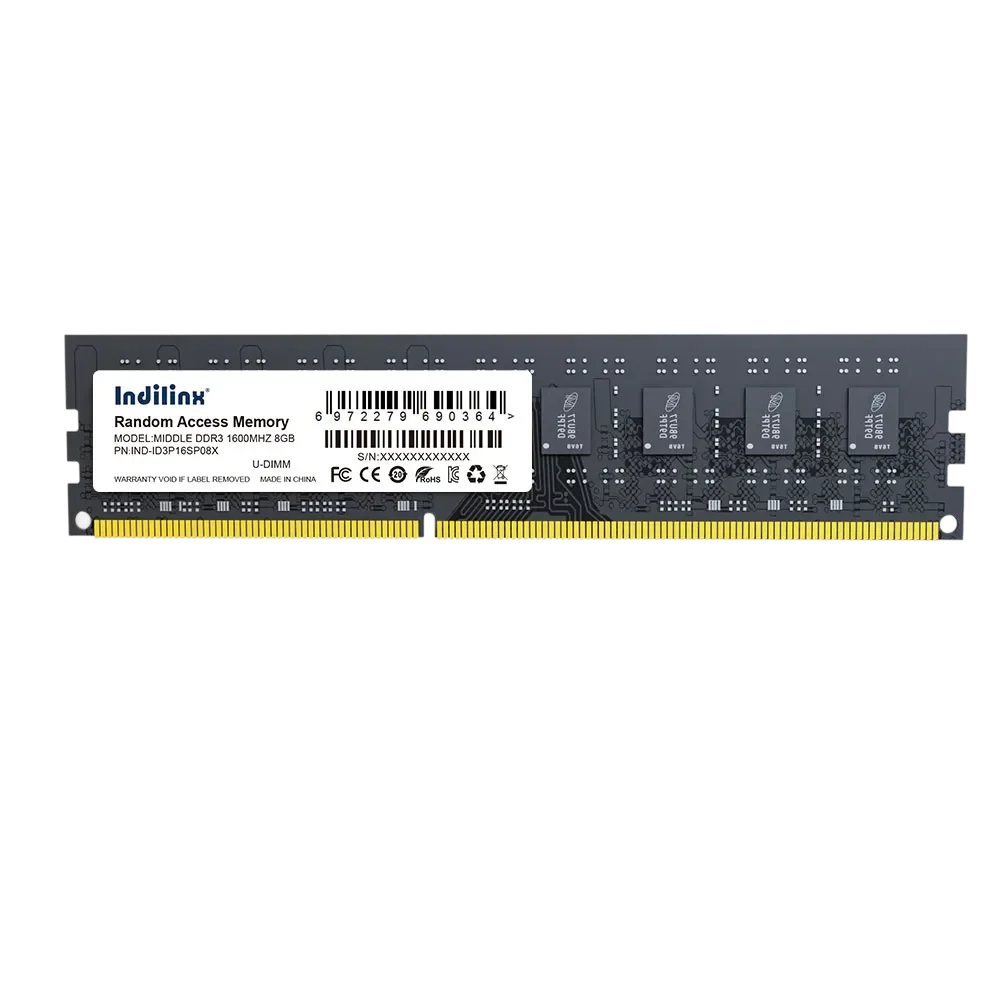
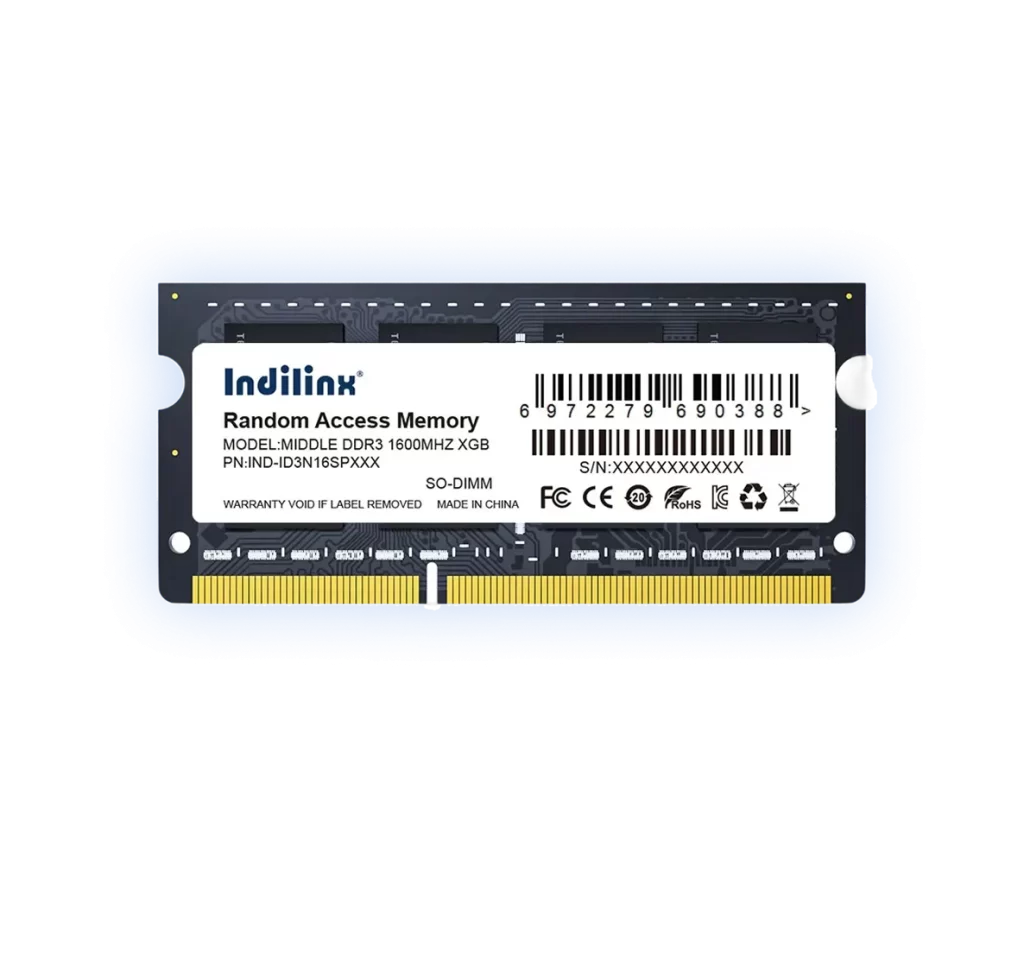
High-Performance DDR3 RAM UDIMM(MAGIC Series)
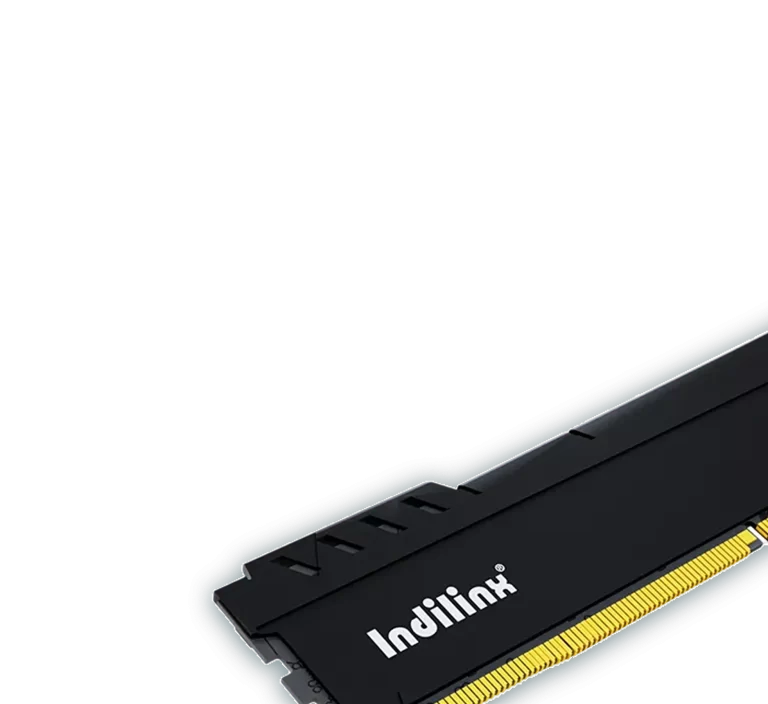
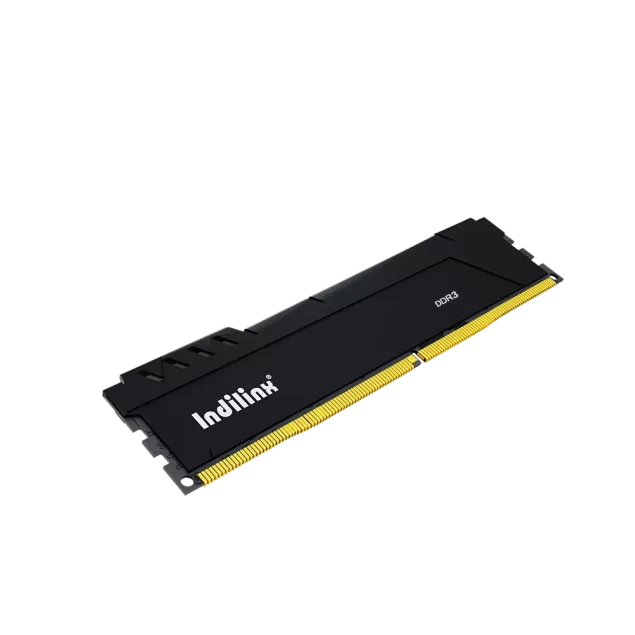
Our DDR3 RAM UDIMM MAGIC Series (models: MAGIC DDR3 UDIMM features an integrated heat spreader design that enhances thermal dissipation and ensures stable performance under continuous workloads. Engineered for desktops and workstations, this series delivers reliable speed, improved stability, and stronger visual appeal, making it ideal for users who value both performance and durability.
The MAGIC Series DDR3 UDIMM modules feature a built-in aluminum heatsink for improved thermal dissipation and stable operation. Designed to meet mainstream DDR3 platform requirements, each module delivers reliable speed, broad compatibility, and consistent performance. Strict quality testing ensures dependable memory solutions for desktops and professional systems.
DDR3 UDIMM MAGIC Series modules deliver fast, reliable memory performance for desktops and workstations. The combination of high-quality components and integrated heatsink ensures stable operation under continuous and heavy workloads, improving overall system responsiveness.
Efficient Thermal Management and Durability
The built-in aluminum heatsink provides effective heat dissipation, maintaining optimal temperature during intensive use. Strict quality testing guarantees long-term stability, durability, and dependable performance for professional computing environments.
Installing DDR3 UDIMM MAGIC Series modules is quick and straightforward. Designed for desktops and workstations, these modules feature standard UDIMM form factors with integrated heatsinks for safe, stable installation. Correct placement ensures optimal thermal performance, reliable data transmission, and long-term system stability for both daily computing and professional workloads.
Desktop PC Slot Installation
Workstation Upgrade Installation
System Builder Assembly
Desktop PC Slot Installation
Efficient External Storage Expansion:
Power off the system before opening the case. Align the module notch with the motherboard slot and press firmly until it clicks into place. Proper installation ensures secure contact, stable performance, and optimal heat dissipation through the built-in heatsink.
Workstation Upgrade Installation
Efficient External Storage Expansion:
For workstations, install the MAGIC Series UDIMM into the recommended memory channels following the motherboard manual. Correct placement improves memory bandwidth, maintains system stability under heavy workloads, and ensures the heatsink functions effectively for thermal management.
System Builder Assembly
Efficient External Storage Expansion:
During full system assembly, modules can be installed following standard build procedures. Observing anti-static precautions and proper handling guarantees module reliability, compatibility, and optimal performance with sustained operation.
Desktop PC Slot Installation
Efficient External Storage Expansion:
Power off the system before opening the case. Align the module notch with the motherboard slot and press firmly until it clicks into place. Proper installation ensures secure contact, stable performance, and optimal heat dissipation through the built-in heatsink.
Workstation Upgrade Installation
Efficient External Storage Expansion:
For workstations, install the MAGIC Series UDIMM into the recommended memory channels following the motherboard manual. Correct placement improves memory bandwidth, maintains system stability under heavy workloads, and ensures the heatsink functions effectively for thermal management.
System Builder Assembly
Efficient External Storage Expansion:
During full system assembly, modules can be installed following standard build procedures. Observing anti-static precautions and proper handling guarantees module reliability, compatibility, and optimal performance with sustained operation.
We provide comprehensive technical support and after-sales service for the MAGIC Series UDIMM modules. Our team assists with installation guidance, compatibility consultation, troubleshooting, and long-term maintenance to ensure stable performance and reliable operation across desktops and workstations.
Compatibility Guidance
Support for desktops and workstations to ensure proper module selection.
Installation Assistance
Step-by-step instructions help users install modules safely and correctly.
Performance Optimization
Advice on memory configuration to maximize speed and system responsiveness.
Quality Assurance Support
All modules are rigorously tested to guarantee long-term stability and reliability.
After-Sales Service
Support Lifetime warranty, Responsive support for inquiries, technical issues, and warranty assistance.