Founded in 2012,Indilinx is a natinal high-tech enterprise in the field of design,software development, packaging and testing, manufacturering and application of memory chips.
Building C, BaiYang Industrial Zone, No. 44 KengweiRoad, Shiyan Street, Bao’an District, ShenZhen, china
Founded in 2012,Indilinx is a natinal high-tech enterprise in the field of design,software development, packaging and testing, manufacturering and application of memory chips.
Building C, BaiYang Industrial Zone, No. 44 KengweiRoad, Shiyan Street, Bao’an District, ShenZhen, china
Ryan@indilinx.cn
+86 755 28234608
USB Flash Drive
Indilinx Titan X SSD: USB3.2 Gen1, military-grade, 256-bit AES, 128GB-1TB for professionals
Founded in 2012,Indilinx is a natinal high-tech enterprise in the field of design,software development, packaging and testing, manufacturering and application of memory chips.
Building C, BaiYang Industrial Zone, No. 44 KengweiRoad, Shiyan Street, Bao’an District, ShenZhen, china
Ryan@indilinx.cn
+86 755 28234608
Micro SD
Indilinx Micro SD: compact portable, seamless data flow across phones, cameras, game consoles
Founded in 2012,Indilinx is a natinal high-tech enterprise in the field of design,software development, packaging and testing, manufacturering and application of memory chips.
Building C, BaiYang Industrial Zone, No. 44 KengweiRoad, Shiyan Street, Bao’an District, ShenZhen, china
Founded in 2012,Indilinx is a natinal high-tech enterprise in the field of design,software development, packaging and testing, manufacturering and application of memory chips.
Building C, BaiYang Industrial Zone, No. 44 KengweiRoad, Shiyan Street, Bao’an District, ShenZhen, china
Ryan@indilinx.cn
+86 755 28234608
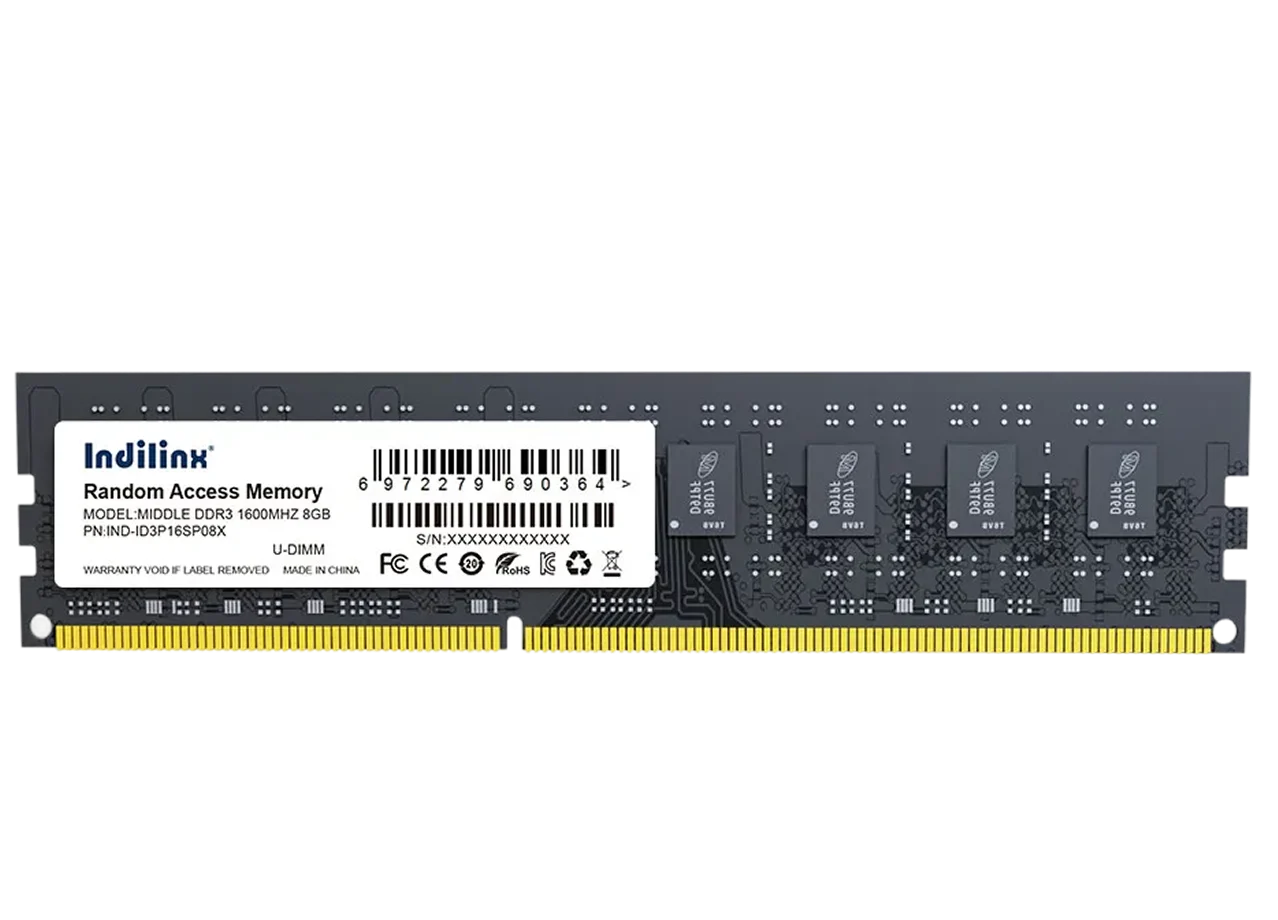
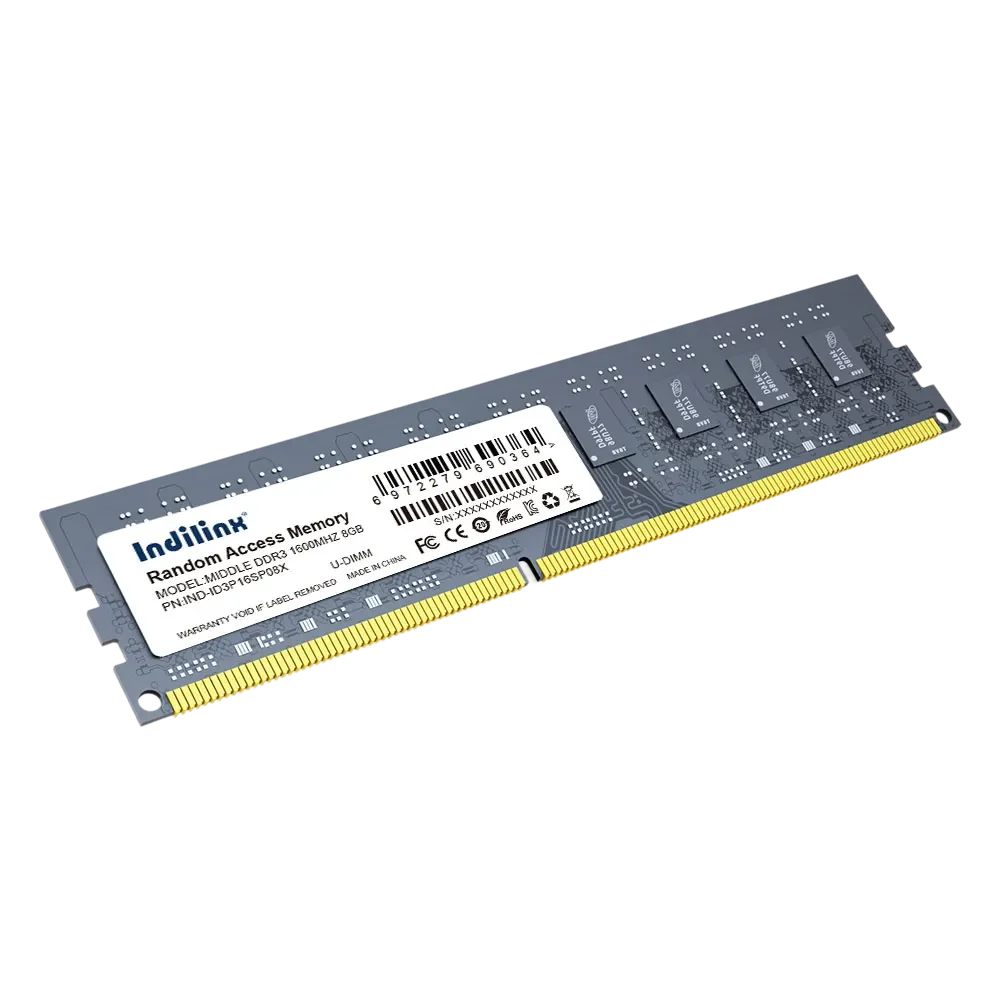
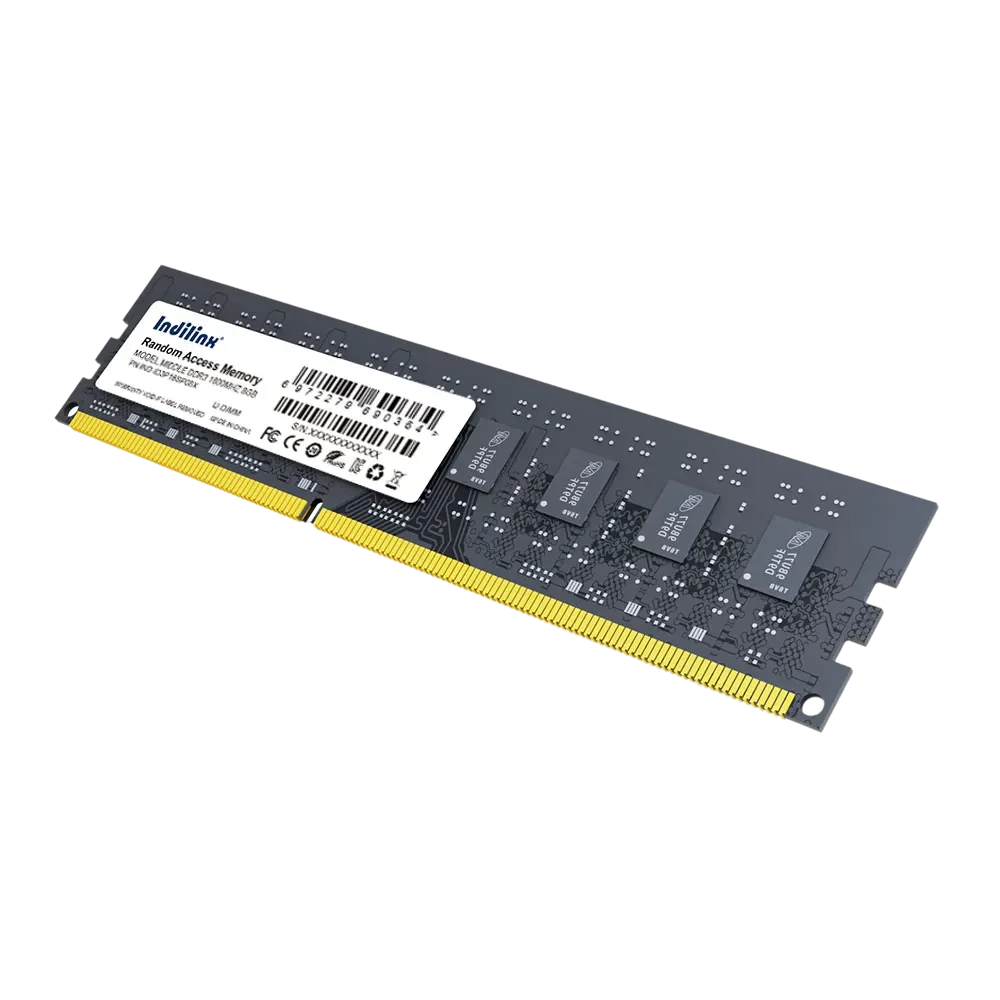
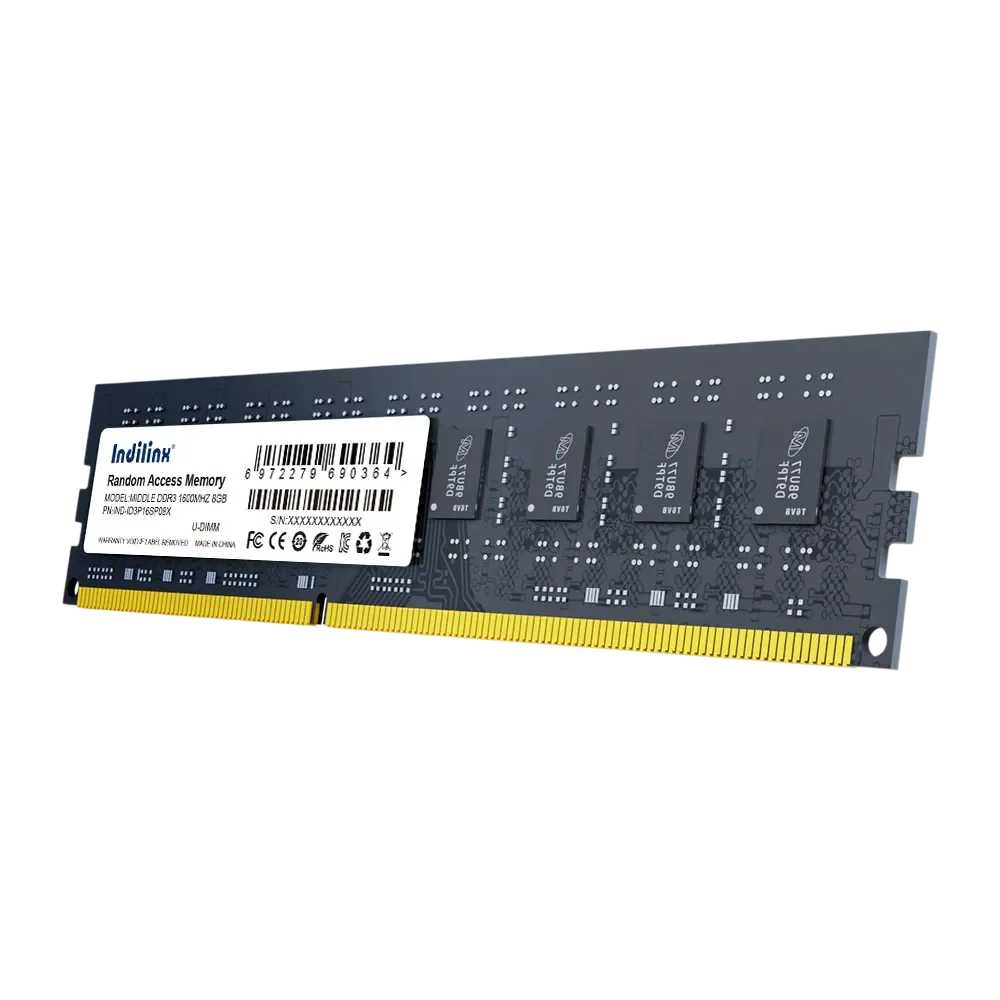
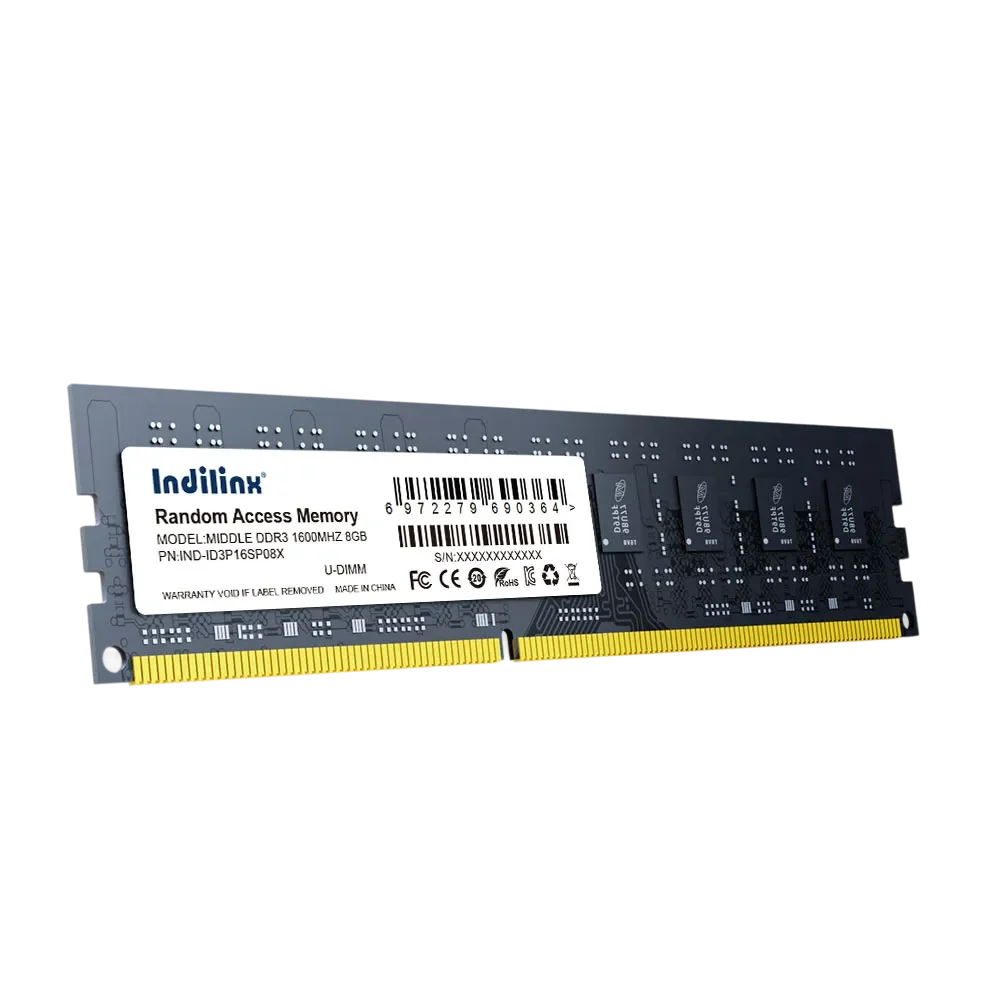
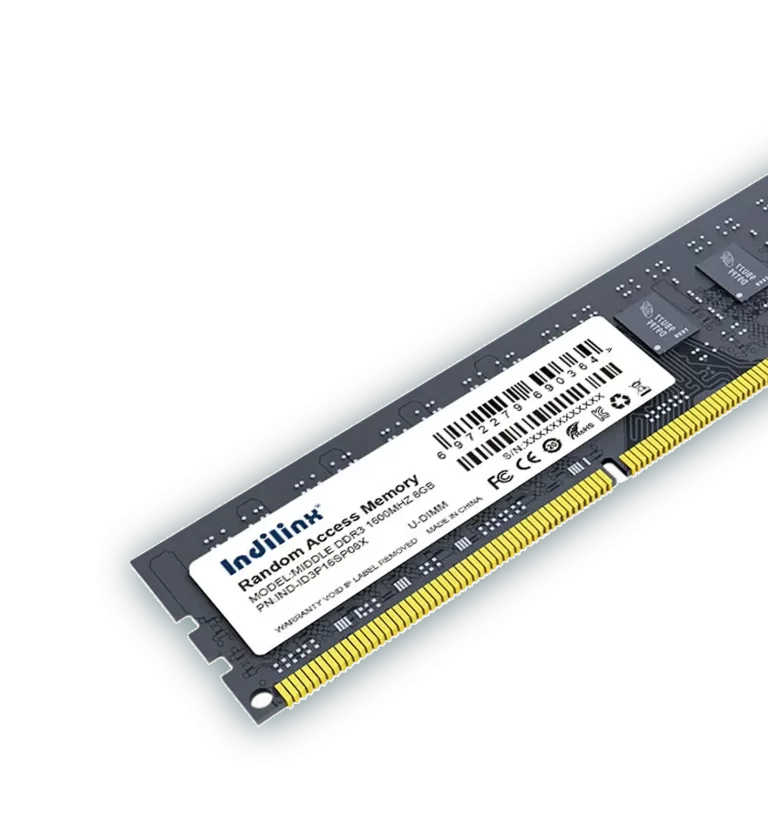
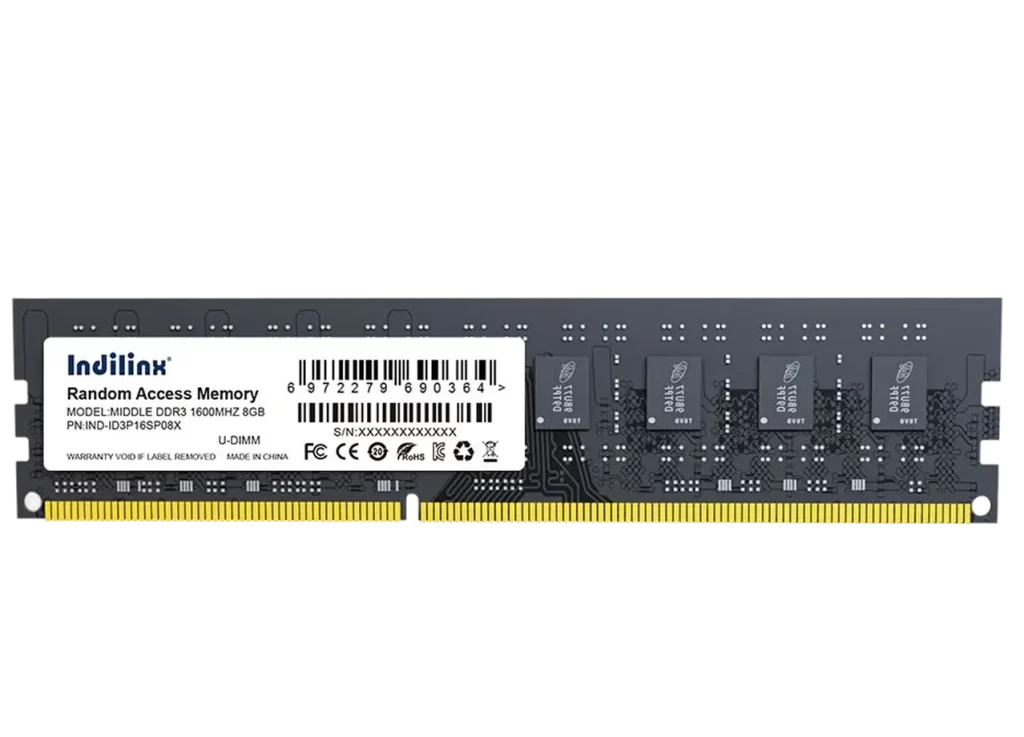
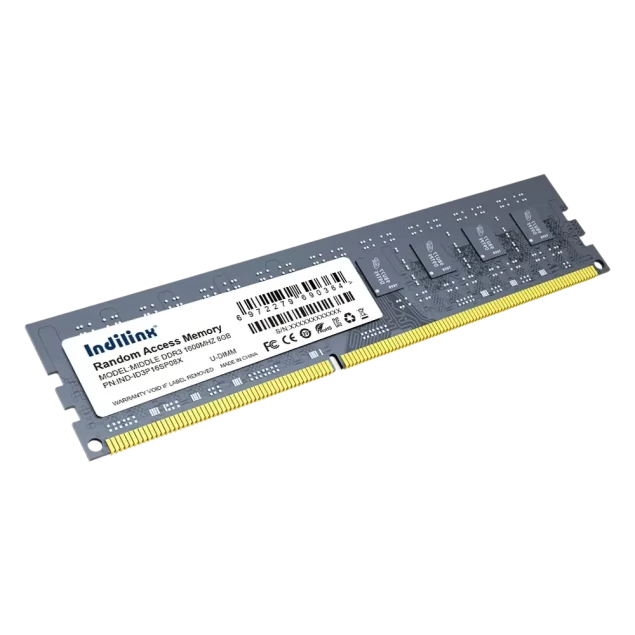
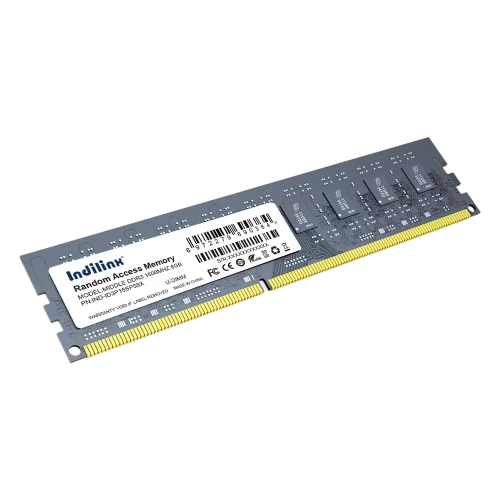
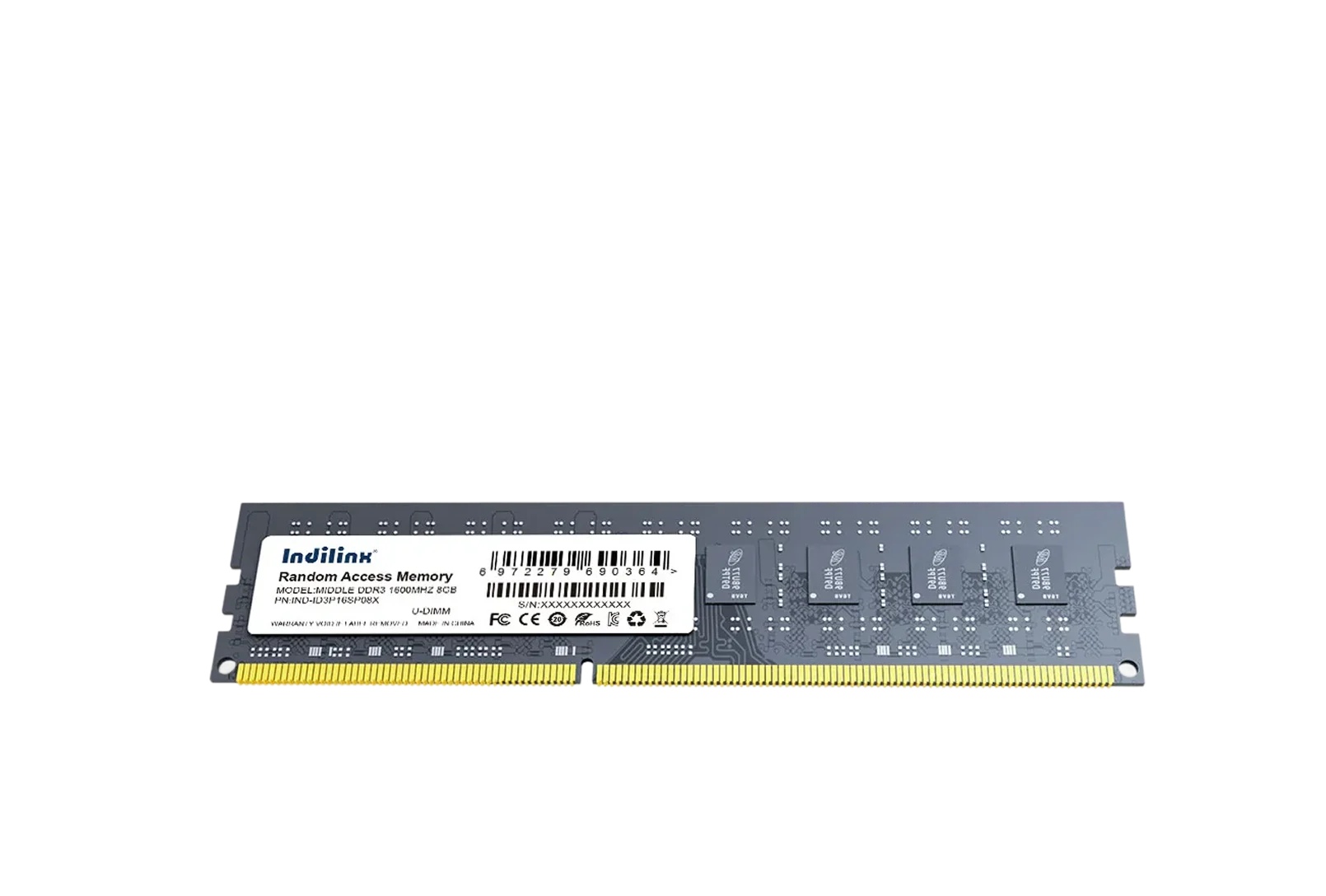
High-Performance DDR3 RAM UDIMM 2GB/4GB/8GB/16GB
Our DDR3 RAM UDIMM memory deliver reliable performance and stable operation for desktops and workstations. With high-speed data transfer and efficient power management, they ensure smooth multitasking and improved system responsiveness for demanding applications.
Our DDR3 UDIMM modules are engineered for desktops and workstations, offering stable performance and high-speed data transfer. Each module undergoes rigorous quality testing to ensure long-term reliability, broad compatibility, and efficient operation. With optimized design and consistent output, these UDIMM modules provide dependable memory solutions for both professional and everyday computing applications.
Optimized Performance for Daily and Professional Use
DDR3 UDIMM modules deliver balanced performance for office tasks, multitasking, and professional workloads. Stable data transmission and efficient processing help improve system responsiveness, ensuring smoother operation across a wide range of applications.
Reliable Stability Backed by Strict Testing
Each DDR3 UDIMM module undergoes comprehensive testing for compatibility, stability, and durability. This ensures consistent performance under long-term operation, reducing system errors and supporting dependable use in various environments.
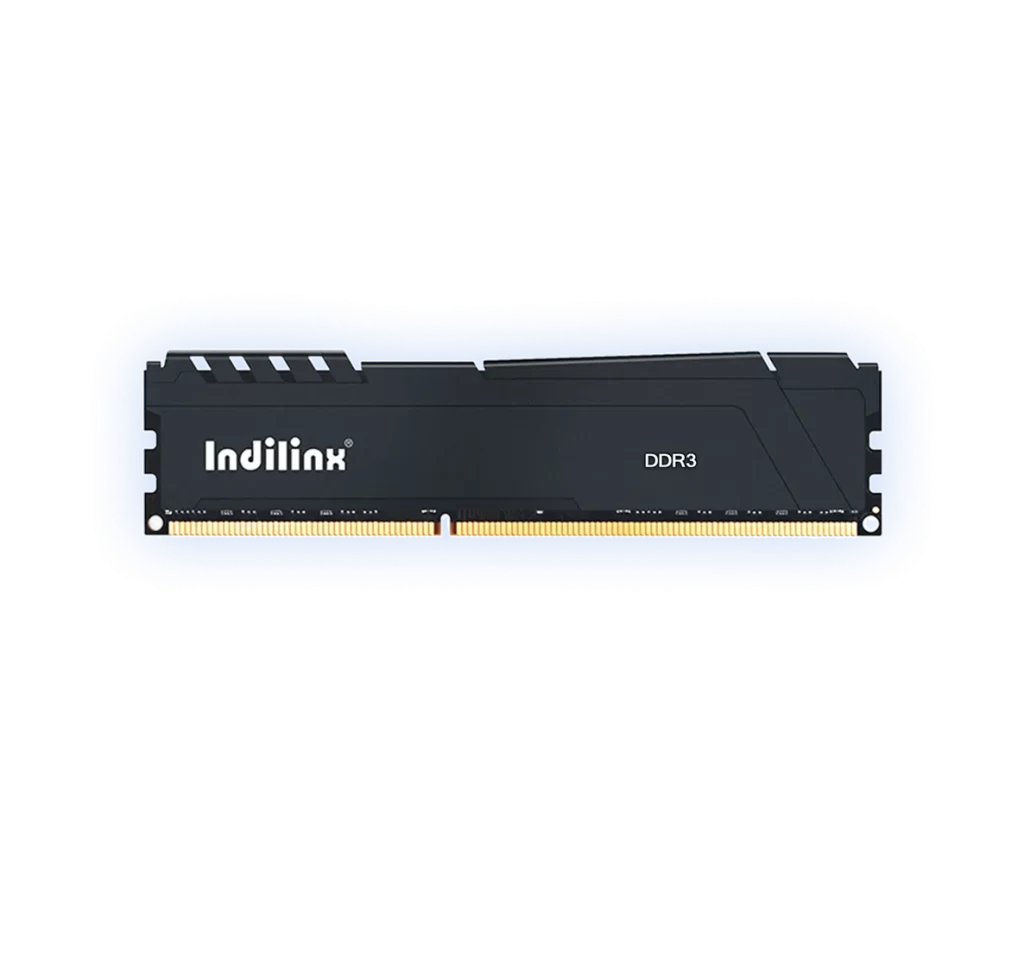
Heatsink Cooling
Efficient heat dissipation for long-term stability
Installing DDR3 UDIMM is simple and efficient for both system integrators and end users. With standard desktop form factor design, the module fits securely into compatible motherboards. Correct installation helps ensure stable performance, reliable data transmission, and long-term system operation across office, home, and professional environments.
Desktop PC Installation
Workstation Upgrade Installation
System Integrator Assembly
Desktop PC Installation
Efficient External Storage Expansion:
Power off the system and open the computer case before installation. Align the notch on the DDR3 UDIMM with the slot on the motherboard and press firmly until the latches lock into place. Proper installation ensures stable electrical contact, reliable performance, and smooth system startup for everyday computing needs.
Workstation Upgrade Installation
Efficient External Storage Expansion:
For workstations requiring higher multitasking capability, install the DDR3 UDIMM into supported memory channels according to the motherboard manual. This helps optimize memory bandwidth and system efficiency. Correct slot placement improves overall performance and supports stable operation under heavier workloads.
System Integrator Assembly
Efficient External Storage Expansion:
During new system assembly, DDR3 UDIMM can be installed as part of the standard build process. Following correct anti-static handling and installation procedures ensures consistent product quality, reduces compatibility risks, and supports reliable performance before delivery to end customers.
Desktop PC Installation
Efficient External Storage Expansion:
Power off the system and open the computer case before installation. Align the notch on the DDR3 UDIMM with the slot on the motherboard and press firmly until the latches lock into place. Proper installation ensures stable electrical contact, reliable performance, and smooth system startup for everyday computing needs.
Workstation Upgrade Installation
Efficient External Storage Expansion:
For workstations requiring higher multitasking capability, install the DDR3 UDIMM into supported memory channels according to the motherboard manual. This helps optimize memory bandwidth and system efficiency. Correct slot placement improves overall performance and supports stable operation under heavier workloads.
System Integrator Assembly
Efficient External Storage Expansion:
During new system assembly, DDR3 UDIMM can be installed as part of the standard build process. Following correct anti-static handling and installation procedures ensures consistent product quality, reduces compatibility risks, and supports reliable performance before delivery to end customers.
We provide professional technical support and after-sales service to ensure smooth integration and long-term stable operation. Our team assists with compatibility guidance, troubleshooting, and product consultation, helping customers reduce risk and maintain reliable system performance.
Compatibility Guidance
Support for motherboard matching and platform compatibility to ensure correct product selection.
Installation Assistance
Clear guidance for proper installation to reduce errors and improve system stability.
Performance Consultation
Advice on optimizing memory configuration for better overall system performance.
Quality Assurance Support
All products are strictly tested, with support available for any quality-related concerns.
After-Sales Service
Support Lifetime warranty, responsive service to handle feedback, questions, and long-term customer support needs.