Founded in 2012,Indilinx is a natinal high-tech enterprise in the field of design,software development, packaging and testing, manufacturering and application of memory chips.
Building C, BaiYang Industrial Zone, No. 44 KengweiRoad, Shiyan Street, Bao’an District, ShenZhen, china
Founded in 2012,Indilinx is a natinal high-tech enterprise in the field of design,software development, packaging and testing, manufacturering and application of memory chips.
Building C, BaiYang Industrial Zone, No. 44 KengweiRoad, Shiyan Street, Bao’an District, ShenZhen, china
Ryan@indilinx.cn
+86 755 28234608
USB Flash Drive
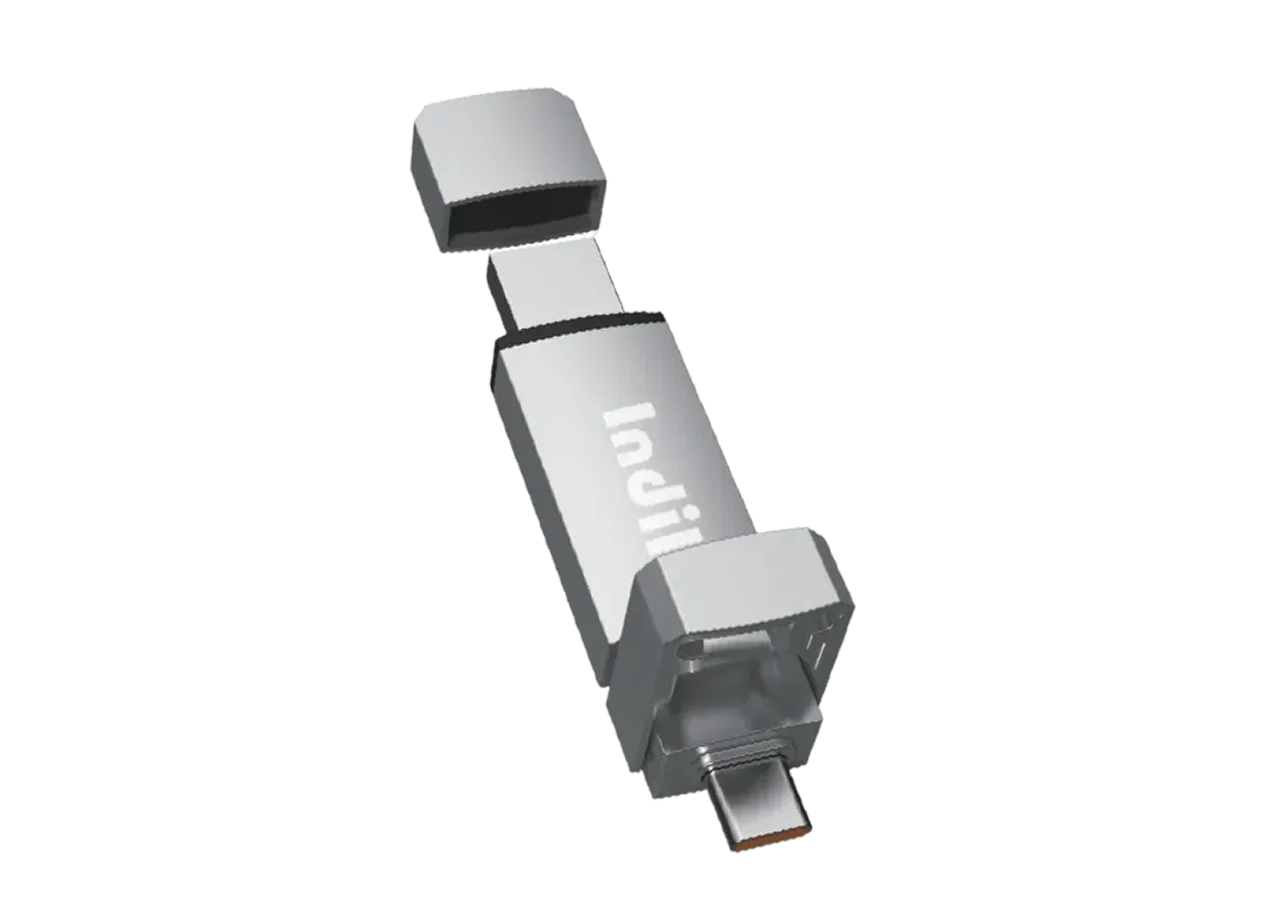
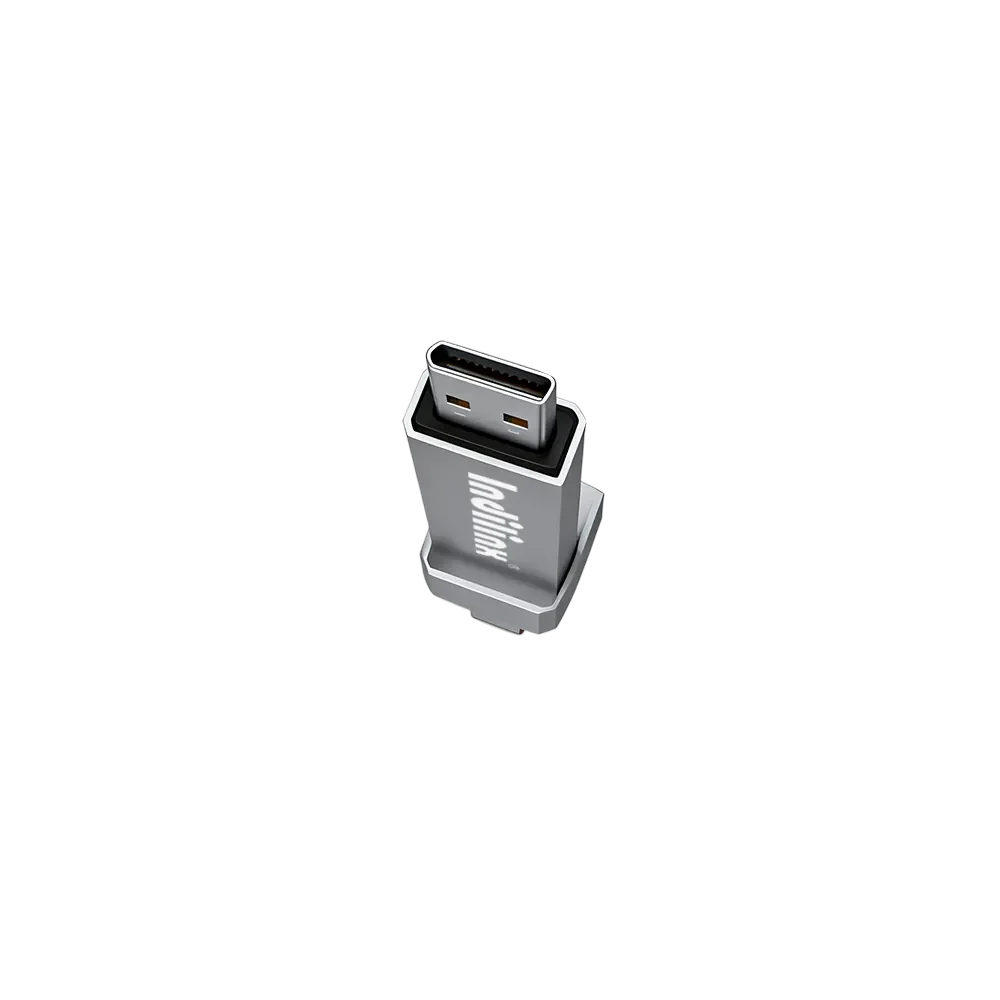
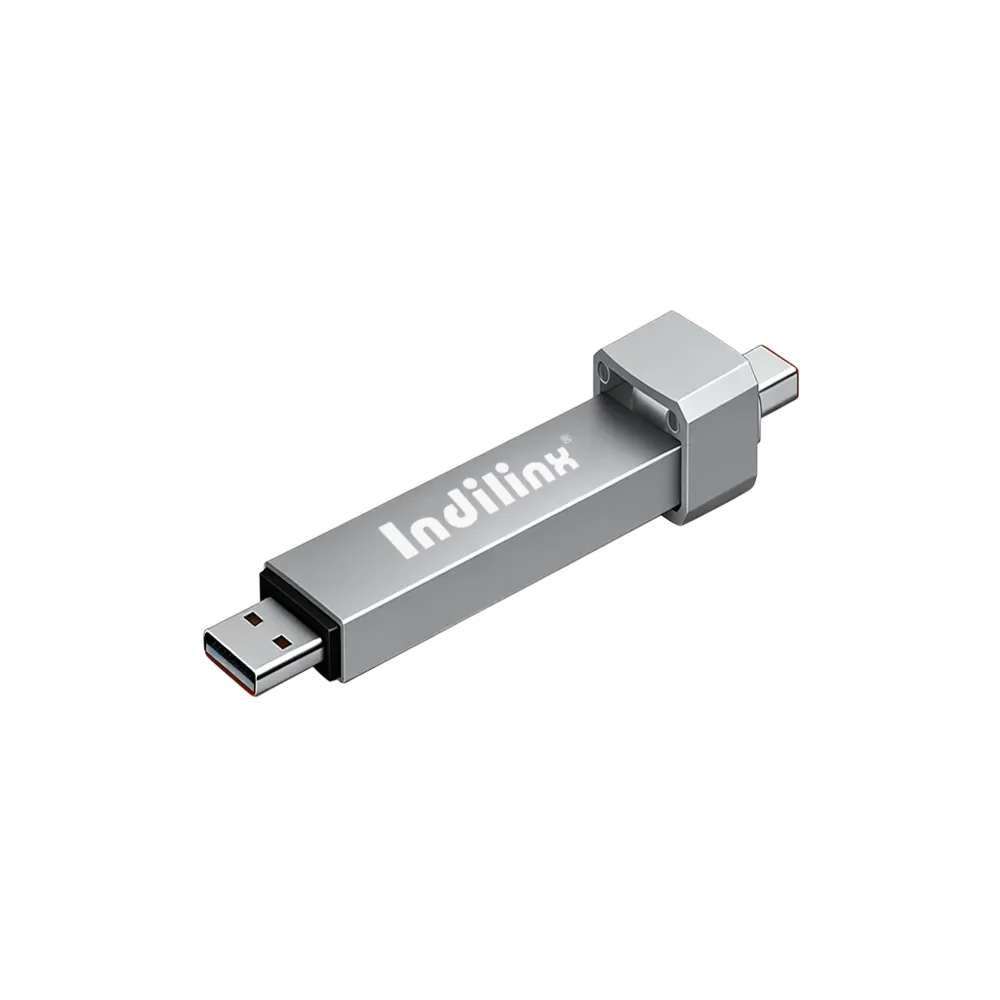
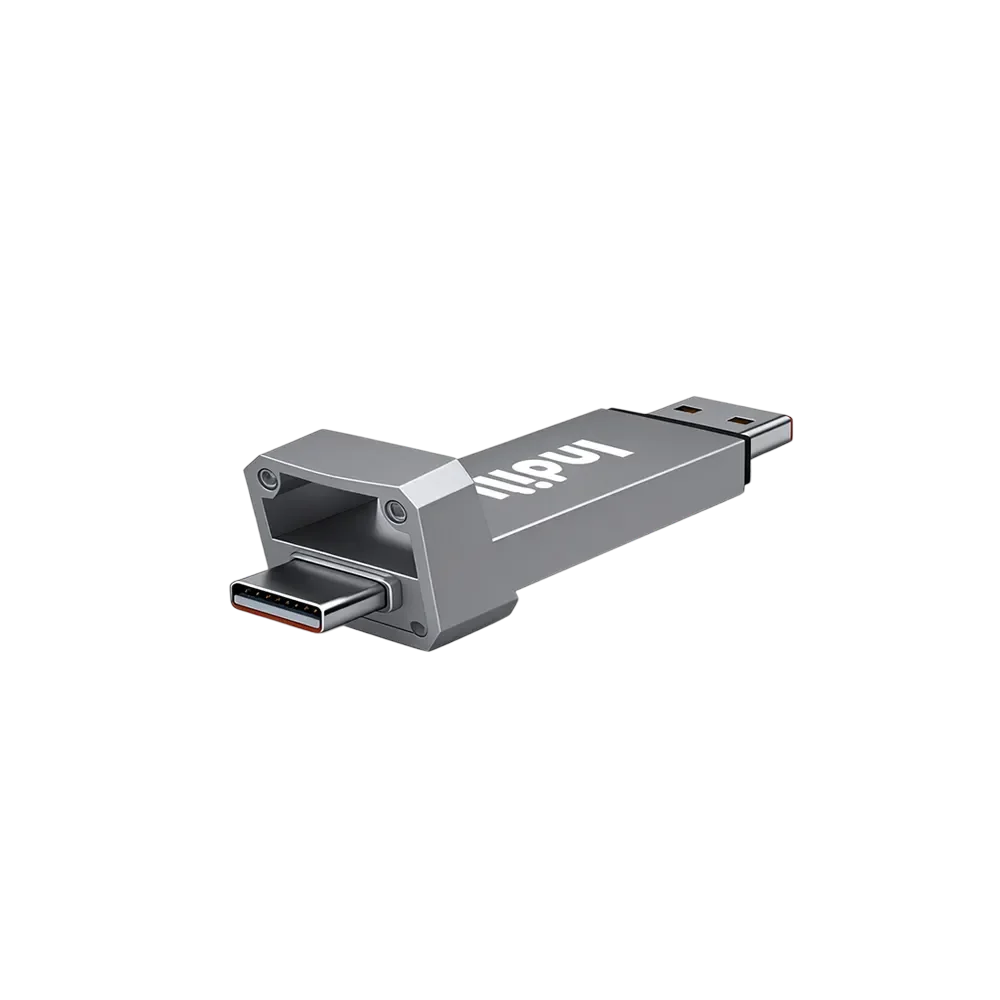
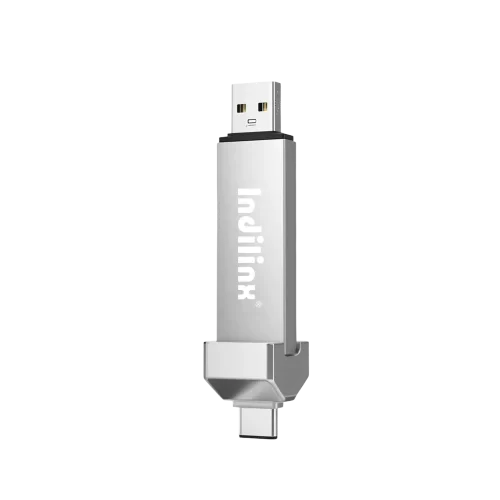
Indilinx Titan X SSD: USB3.2 Gen1, military-grade, 256-bit AES, 128GB-1TB for professionals
Founded in 2012,Indilinx is a natinal high-tech enterprise in the field of design,software development, packaging and testing, manufacturering and application of memory chips.
Building C, BaiYang Industrial Zone, No. 44 KengweiRoad, Shiyan Street, Bao’an District, ShenZhen, china
Ryan@indilinx.cn
+86 755 28234608
Micro SD
Indilinx Micro SD: compact portable, seamless data flow across phones, cameras, game consoles
Founded in 2012,Indilinx is a natinal high-tech enterprise in the field of design,software development, packaging and testing, manufacturering and application of memory chips.
Building C, BaiYang Industrial Zone, No. 44 KengweiRoad, Shiyan Street, Bao’an District, ShenZhen, china
Founded in 2012,Indilinx is a natinal high-tech enterprise in the field of design,software development, packaging and testing, manufacturering and application of memory chips.
Building C, BaiYang Industrial Zone, No. 44 KengweiRoad, Shiyan Street, Bao’an District, ShenZhen, china
Ryan@indilinx.cn
+86 755 28234608
USB Solid State Drive with Capacity Options
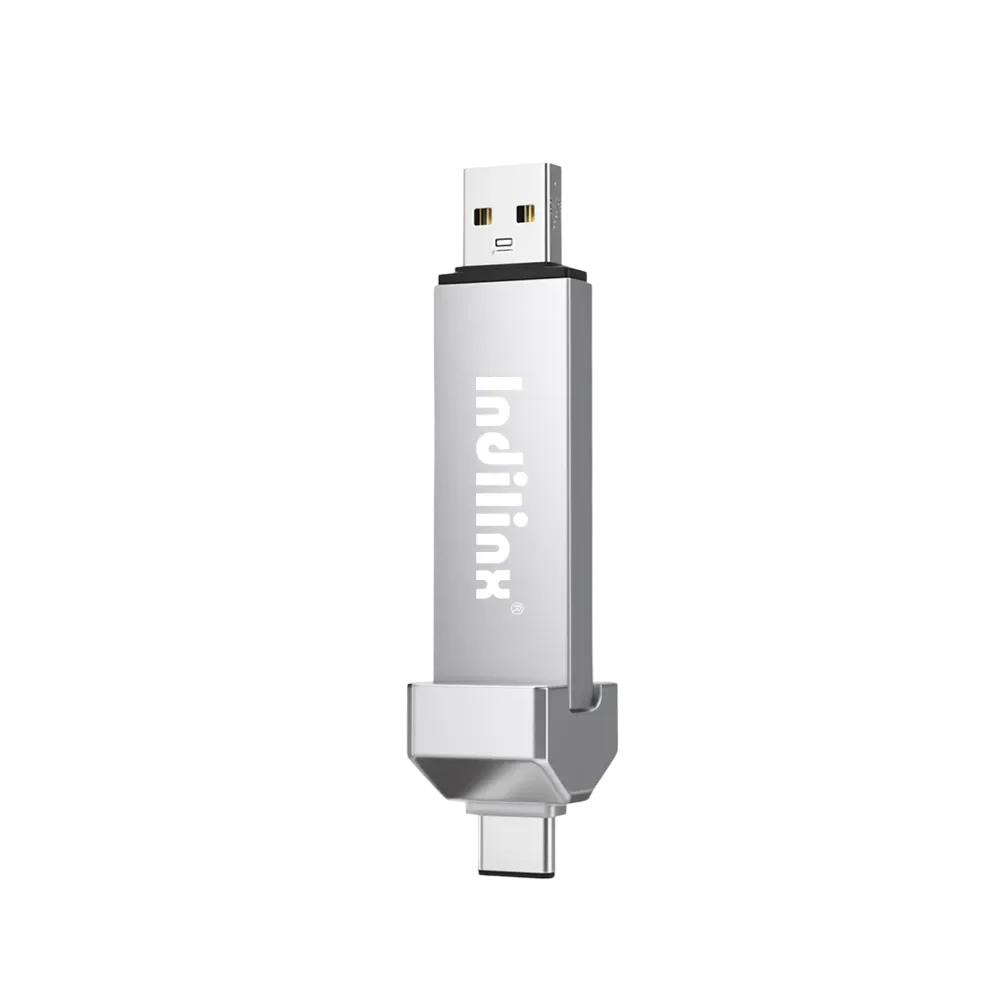
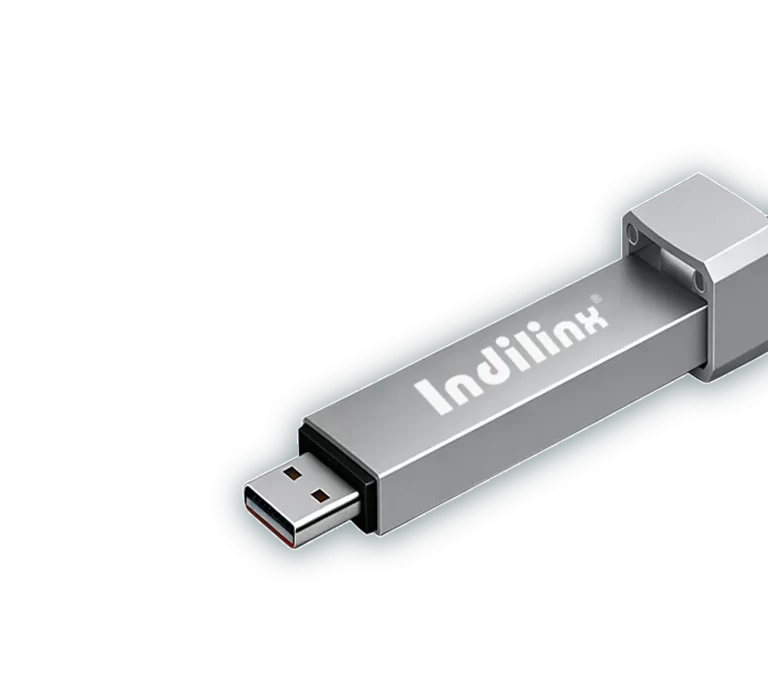
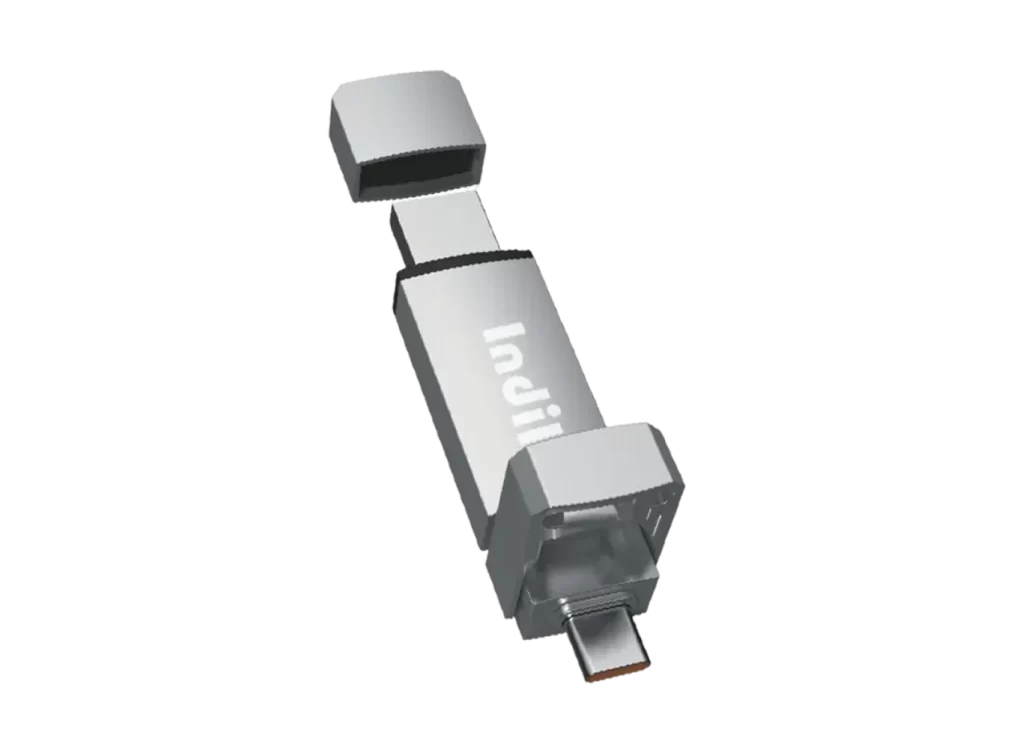
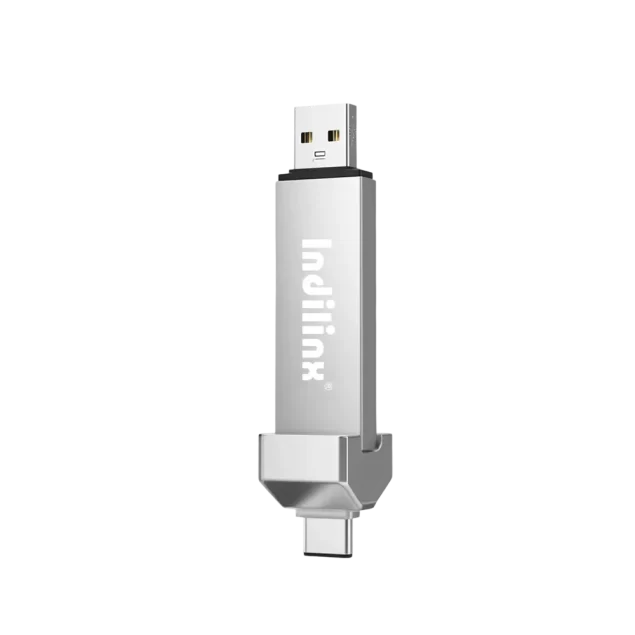
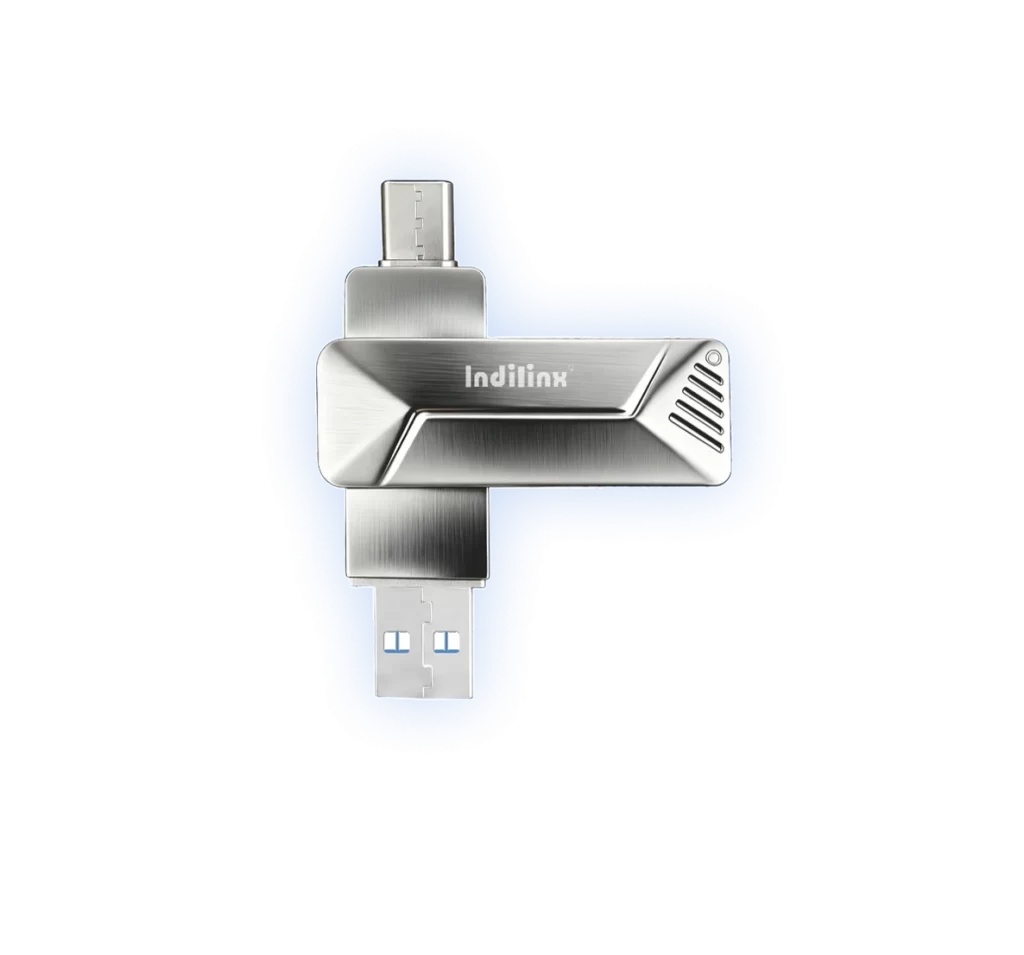
Indilinx USB SSD series combines the portability of a USB drive with the high performance of an SSD, making it an indispensable portable storage device for modern work and life. Its compact design allows for direct connection to devices without the need for cables, and some models are equipped with both Type C and USB dual interfaces, offering enhanced compatibility and flexibility for diverse usage scenarios.
Business and Mobile Office: The Memostone USB SSD is perfect for business professionals who need portable storage, offering fast data access and enabling file sharing anytime, anywhere. Personal Data Backup: Ideal for personal users to back up important files, photos, and videos on a daily basis, without the hassle of cables, making it more convenient to use. Multi-Device File Management: With its multi-interface design, the Memostone USB SSD makes it easy to manage files across devices, helping users efficiently handle cross-platform data storage needs.
The enclosure is manufactured using anodized aluminum alloy technology, offering enhanced resistance to shock and impact for improved device protechion.
Super Capacity for High Speed Transmission
USB SSD Super Capacity for High Speed Transmission delivers ultra-fast read/write speeds and large storage in a compact design, ideal for quick transfers, backups, and handling large files.
Installation of a USB Solid State Drive is simple and requires no special tools. Plug the drive into an available USB port, wait for automatic recognition, and follow on-screen prompts. The device is ready for use within seconds.
Connect to the Computer
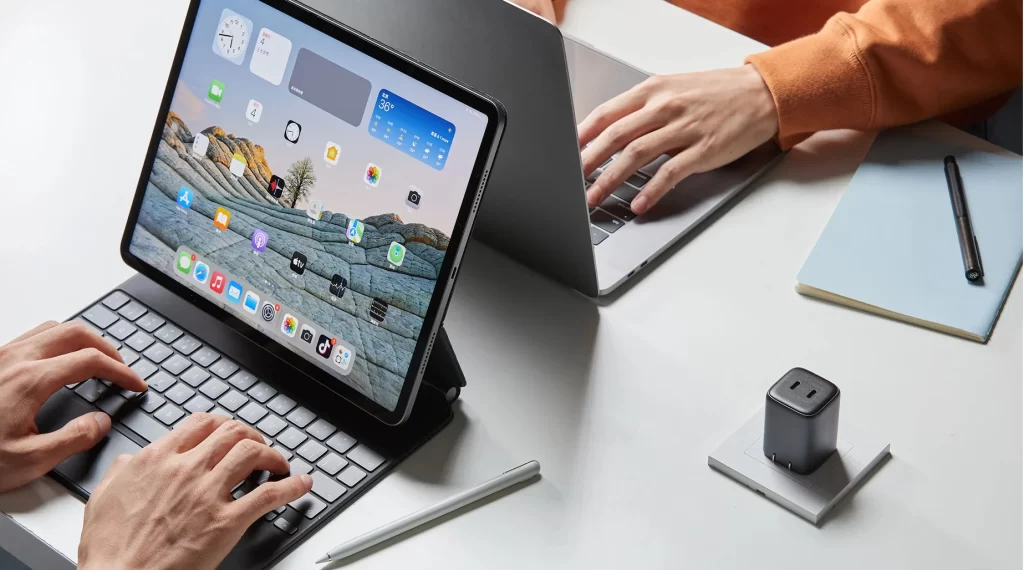
Connect to the Phone/Tablet
Connect to the TV
CONNECT TO THE COMPUTER
Efficient External Storage Expansion:
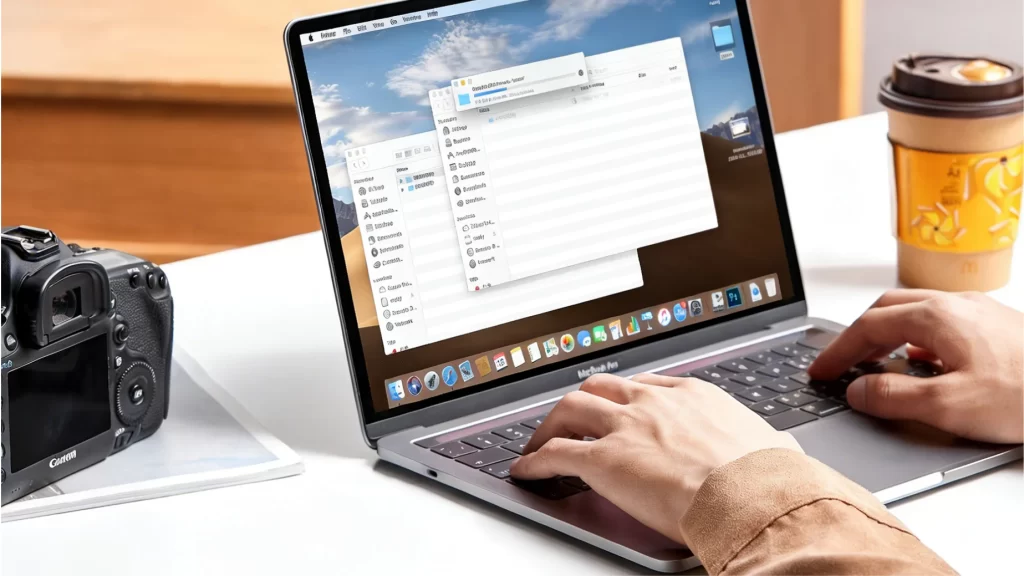
To use a USB device with a computer, insert the USB connector into an available port. The system will automatically detect it. Open File Explorer or Finder to access the drive, transfer files as needed, and safely eject the device before unplugging.
Connect to the Phone/Tablet
Mobile Data Offloading and Backup
To connect the device to a phone or tablet, attach it using the appropriate USB or OTG adapter. The system will automatically recognize the storage. Open the file manager app to view, transfer, or back up files, then safely remove the device after use.
Connect to the TV
Instant Media Playback
To connect the device to a TV, plug it into the TV’s USB port. Power on the TV and select the USB or Media source from the menu. The TV will detect the device automatically, allowing you to browse and play supported files using the remote control.
CONNECT TO THE COMPUTER
Efficient External Storage Expansion:
To use a USB device with a computer, insert the USB connector into an available port. The system will automatically detect it. Open File Explorer or Finder to access the drive, transfer files as needed, and safely eject the device before unplugging.
Connect to the Phone/Tablet
Mobile Data Offloading and Backup
To connect the device to a phone or tablet, attach it using the appropriate USB or OTG adapter. The system will automatically recognize the storage. Open the file manager app to view, transfer, or back up files, then safely remove the device after use.
Connect to the TV
Instant Media Playback
To connect the device to a TV, plug it into the TV’s USB port. Power on the TV and select the USB or Media source from the menu. The TV will detect the device automatically, allowing you to browse and play supported files using the remote control.
USB Solid State Drive Technical Support provides professional assistance for installation, compatibility, performance optimization, and troubleshooting. Our support team ensures reliable operation, data safety, and efficient solutions for everyday and professional storage needs.
5-YEARS warranty USE IT SAFELY
in accordance with strict qualitystandards to build reliable and durable,enjoy 5-years warranty.
Batch-Level Traceability
Each production batch is recorded with detailed manufacturing and testing data for accurate tracking.
Issue ldentification & Analysis
Traceability data enables fast issue identification and root cause analysis when quality concerns arise.
After-Sales Technical Support
Structured after-sales processes support efficient technical assistance, product evaluation, and resolution handling.
Continuous Quality Improvement
Collected data and feedback are used torefine processes, improve reliability, andenhance future products.