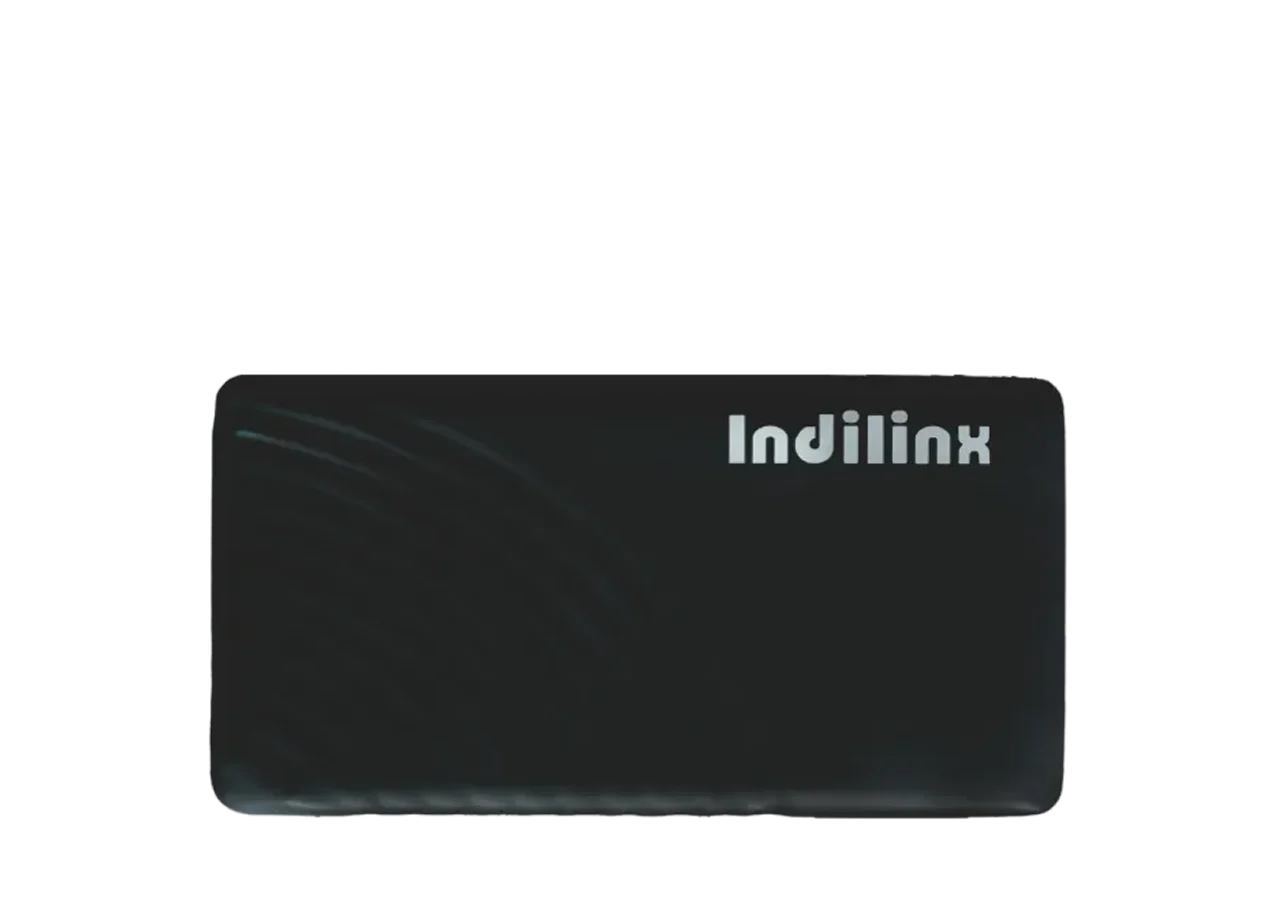
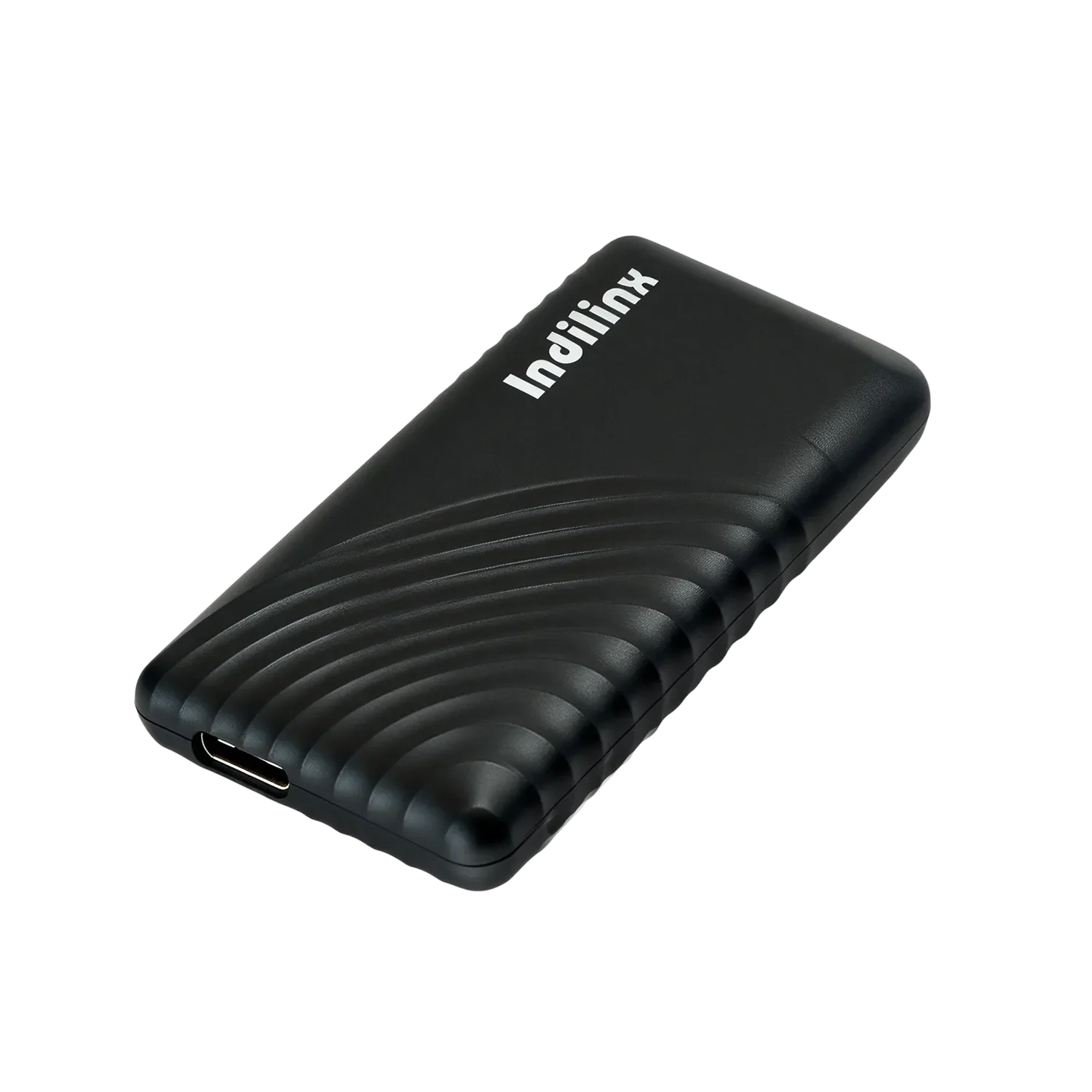
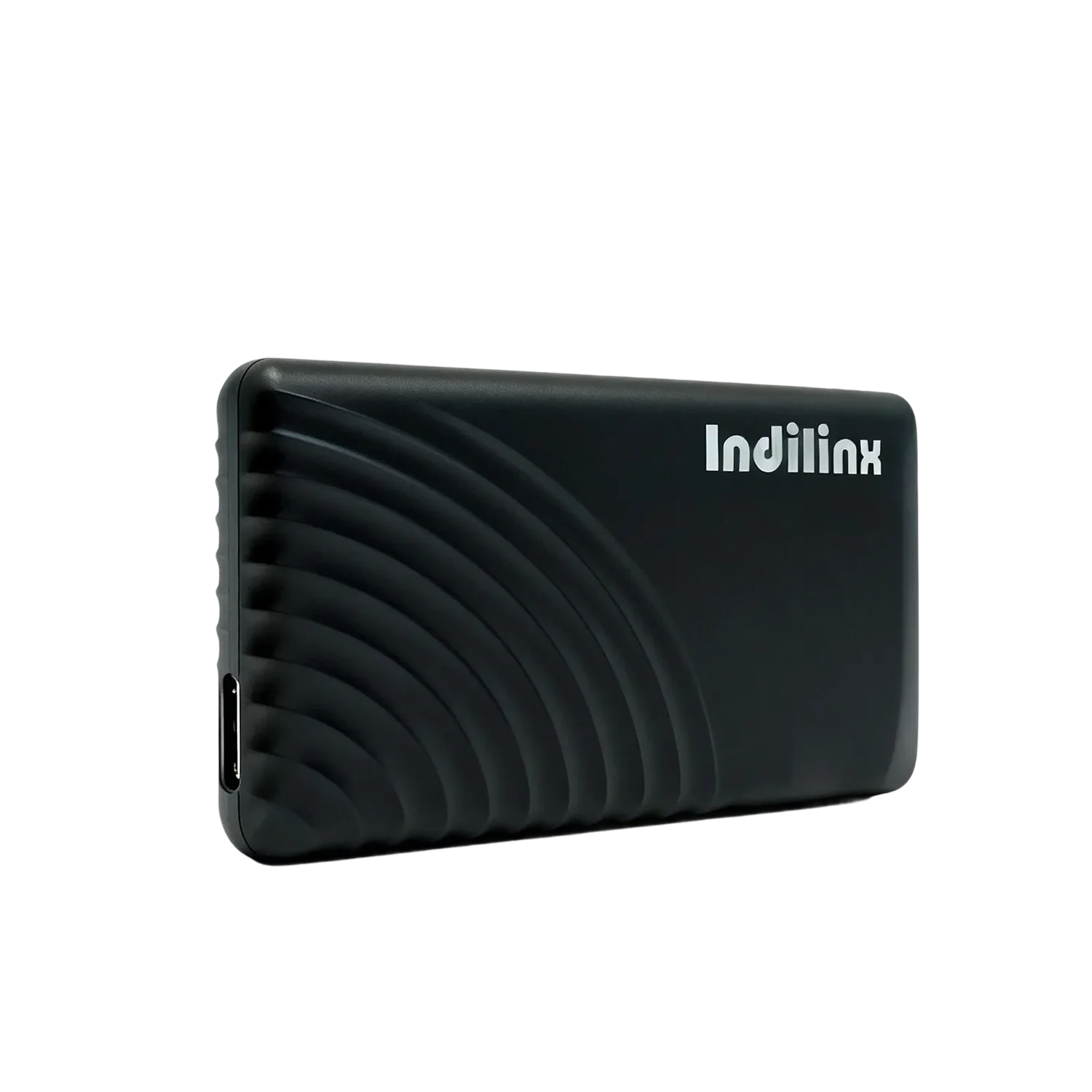
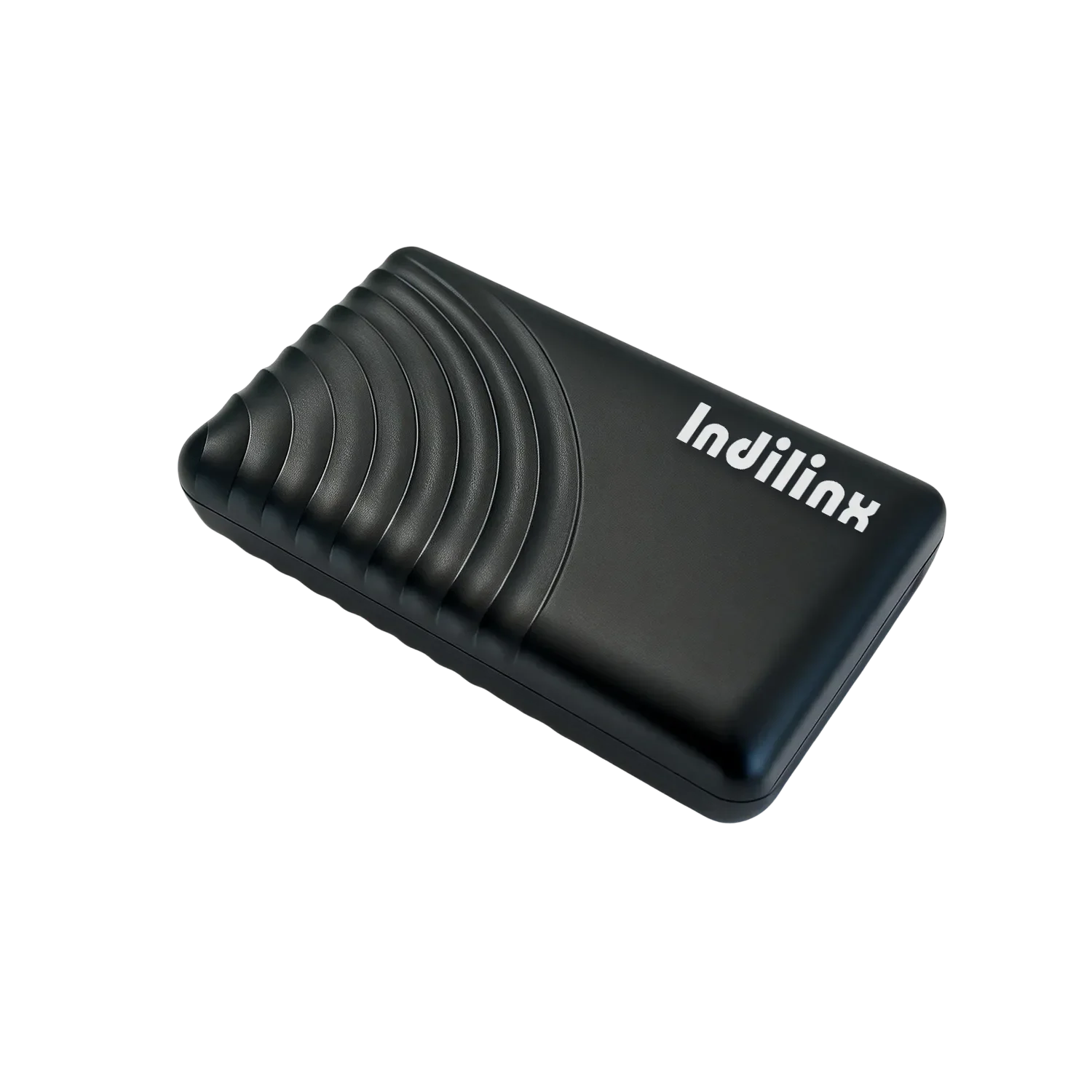
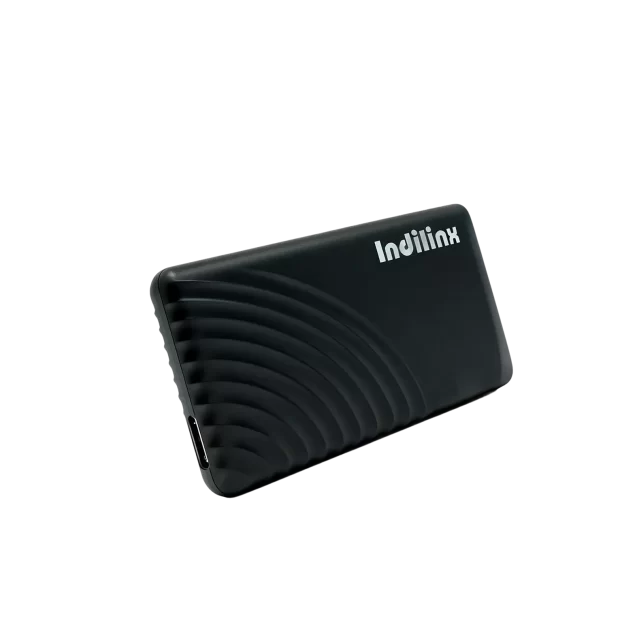
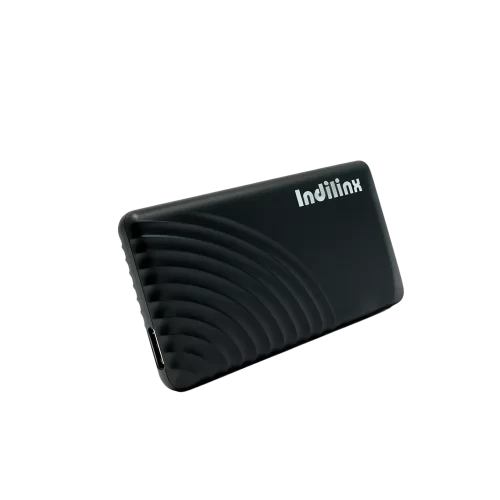
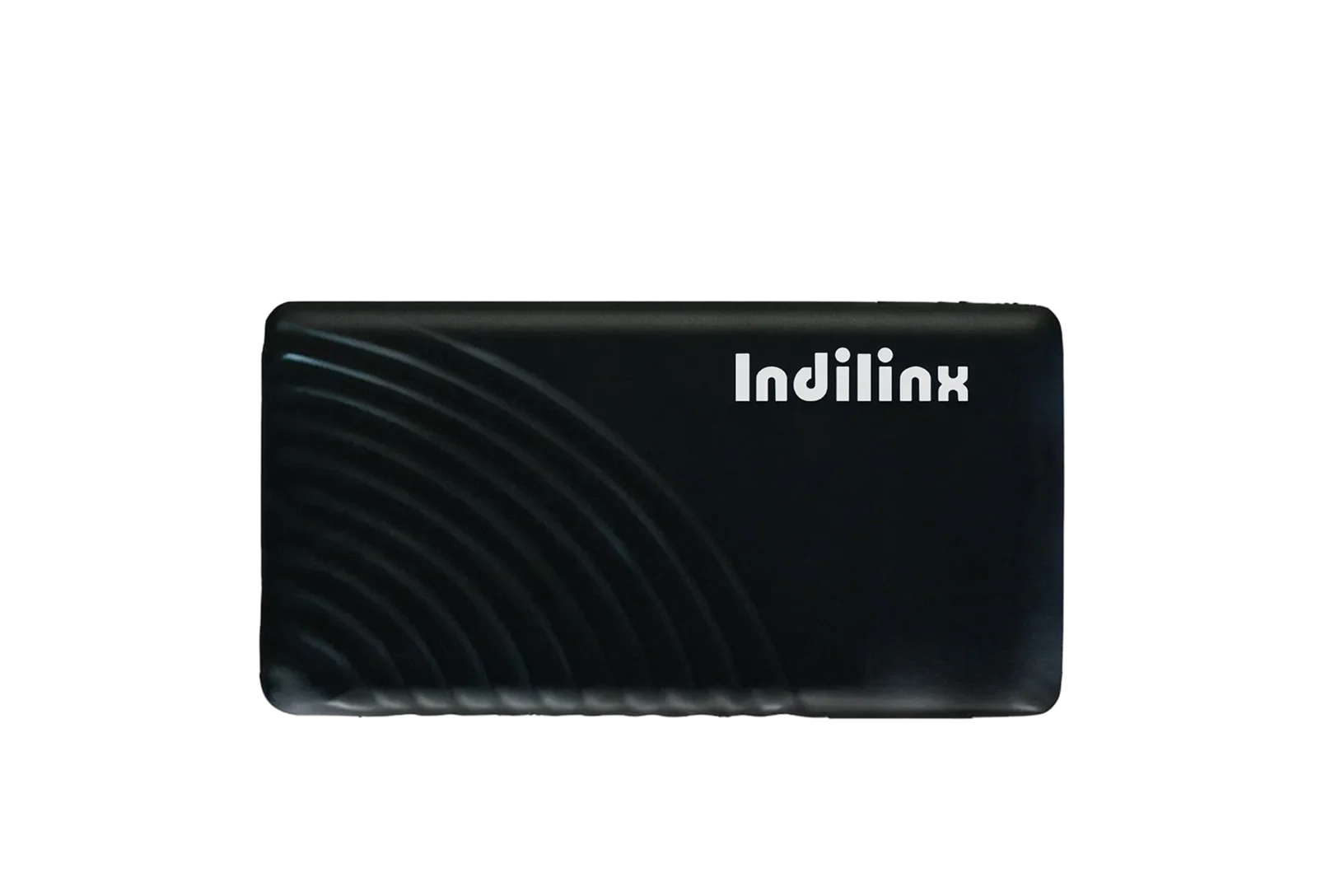
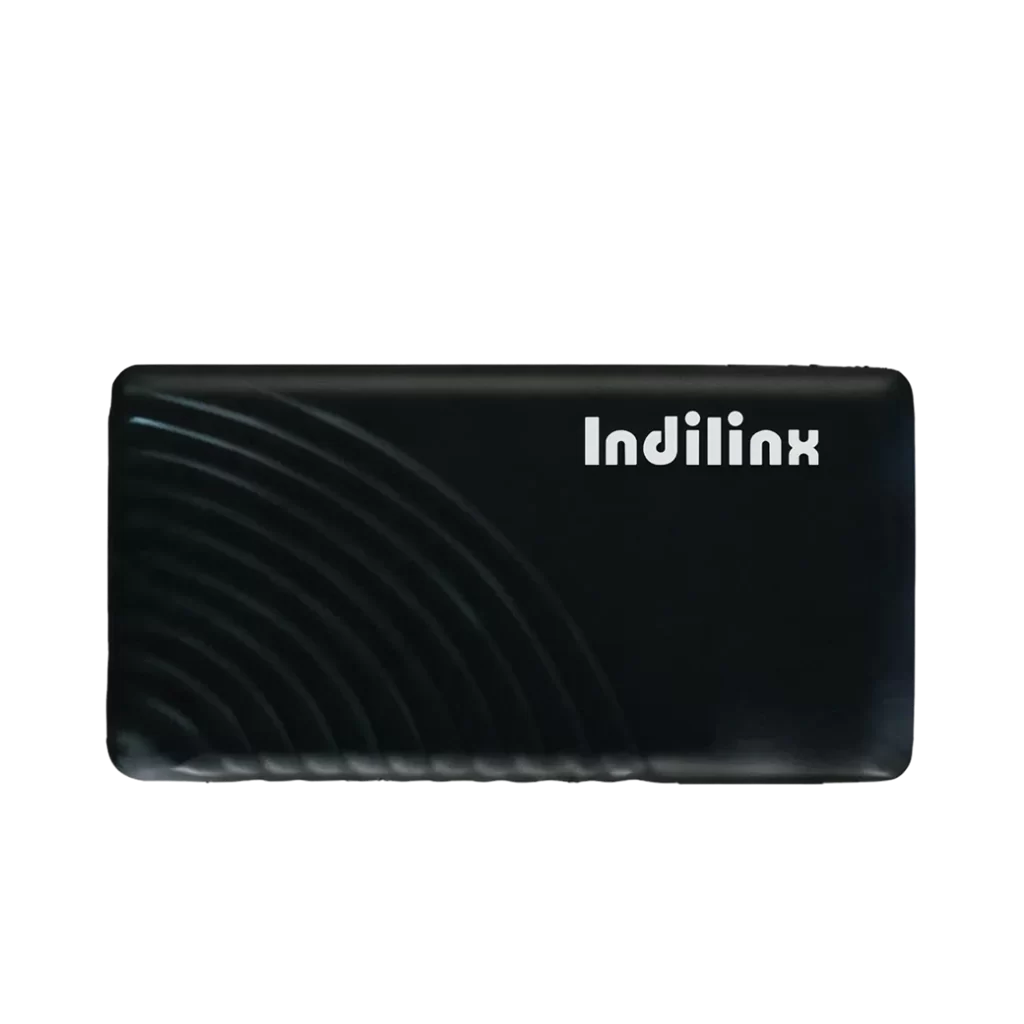
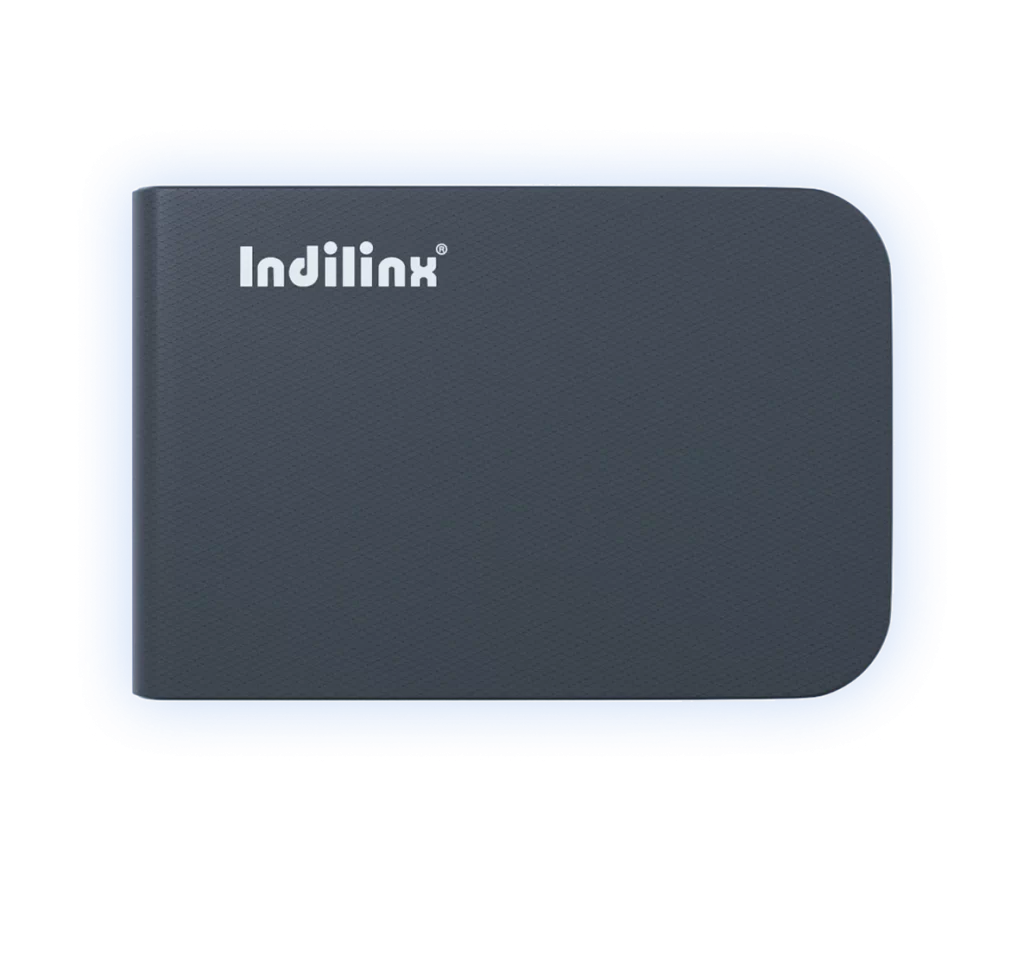
External Solid State Drive with Capacity Options
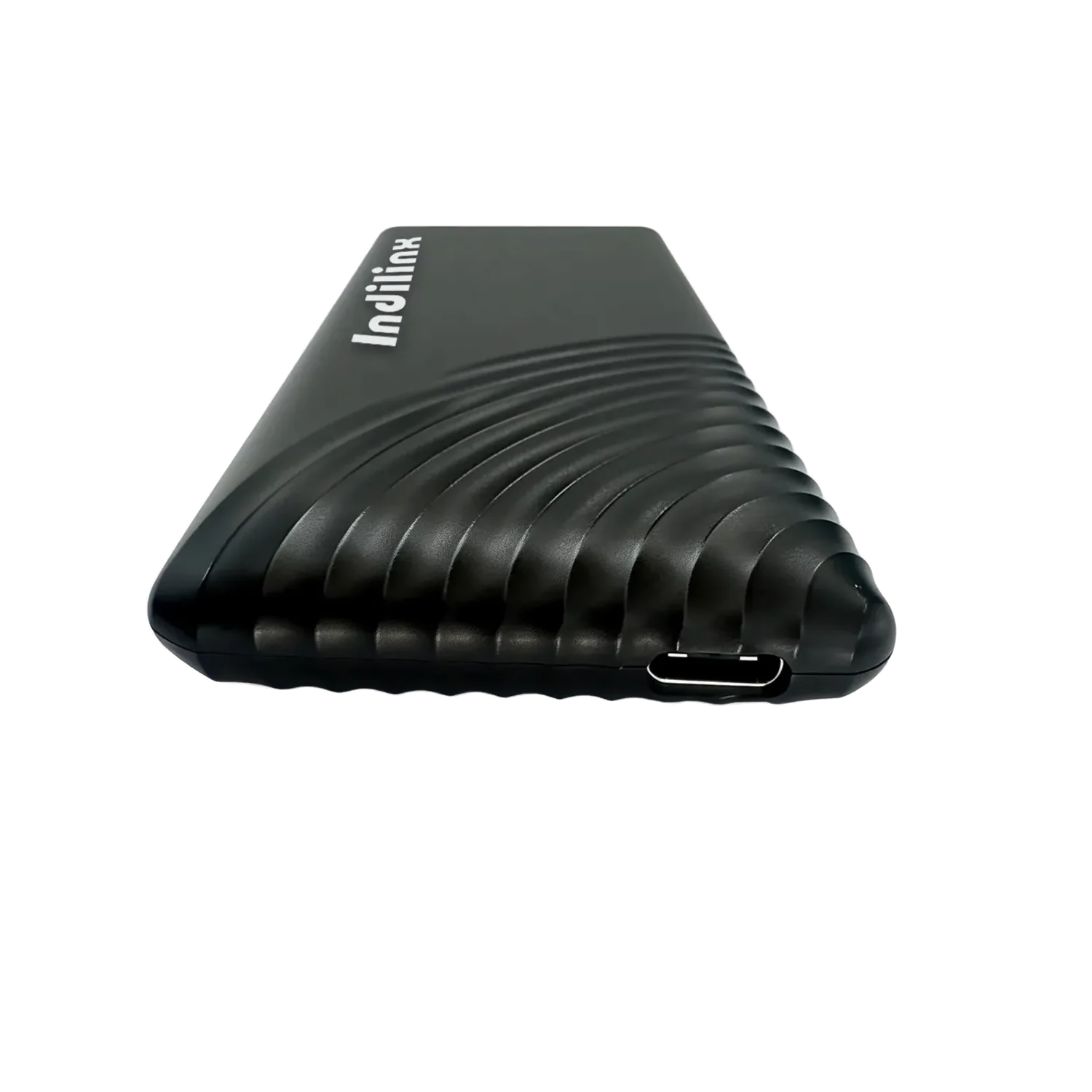
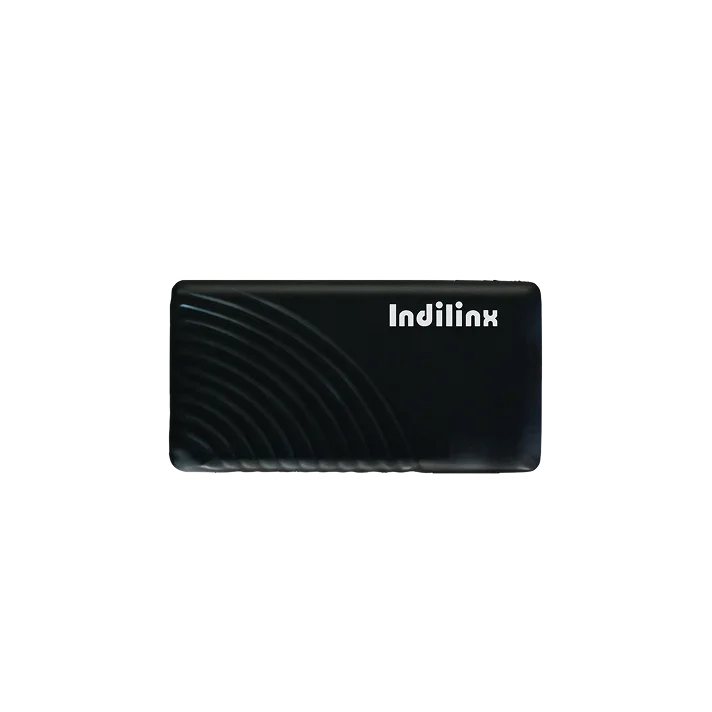
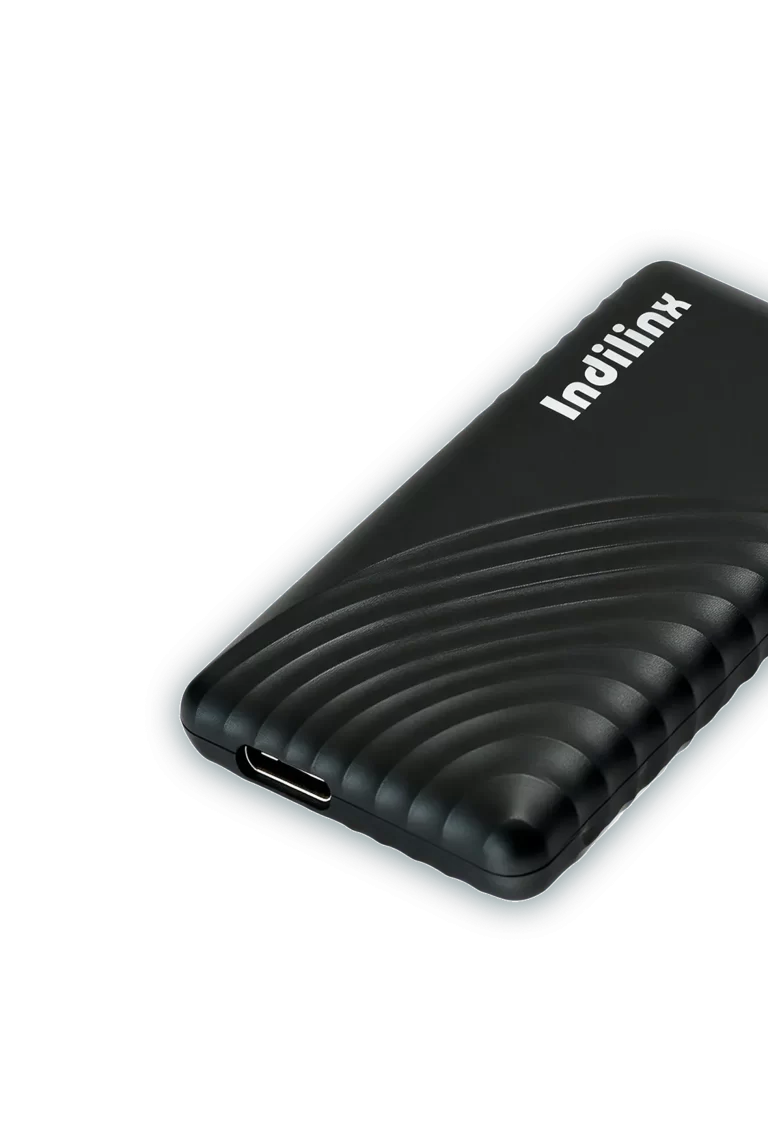
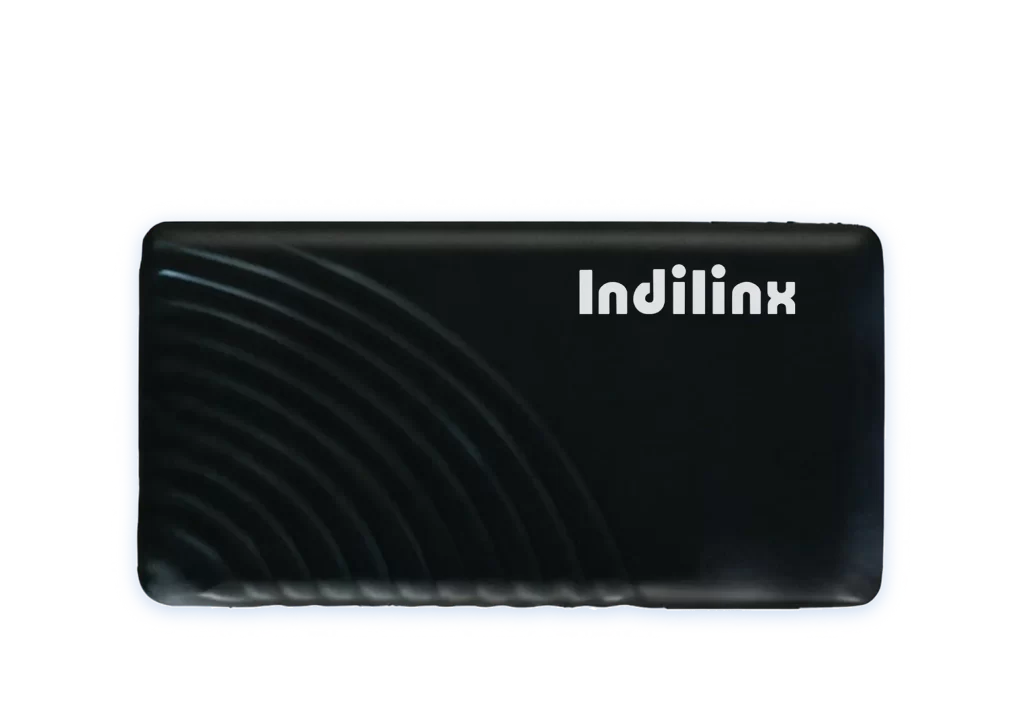
The IND-SA2 external SSD by Indilinx blends portability and functionality, equipped with a Type-C interface that can be converted to USB—enabling smooth connections to laptops, smartphones, tablets, and other devices. It offers flexible capacity choices: 128G, 256G, 512G, and 1TB, satisfying both daily needs like photo/document storage and demands for large-file transfers. With a compact size (90x50x15mm) and lightweight build, it fits easily in pockets or bags for on-the-go use. Certified by CE, FCC, and ROHS, it meets global safety standards, and a 5-year warranty ensures long-term reliable performance for users.
IND-SA2
Model No
Type-C (USB-convertible) interface for wide device compatibility
Multi-capacity options + compact design for portable use
Type-C (USB-convertible) interface for wide device compatibility
Multi-capacity options + compact design for portable use
External Solid State Drive Product Specifications
The IND-SA2 external solid state drive, a high-performance storage solution from Indilinx, is engineered to balance versatility, portability, and reliability for both personal and professional use. Built with user-centric compatibility in mind, it features a Type-C interface that supports USB conversion, enabling seamless connections to a wide range of devices—including laptops, smartphones, tablets, and legacy USB-enabled devices—eliminating barriers across different hardware platforms.
Offering flexible capacity options from 128G to 2TB, the IND-SA2 caters to diverse storage needs: 128G/256G for daily document and photo storage, 512G/1TB for large video or project file backups, and 2TB for heavy-duty use like content creation or data archiving. Its compact design—measuring 926210mm and weighing approximately 35g—ensures easy portability, fitting effortlessly into pockets, laptop bags, or backpacks, making it ideal for on-the-go users such as students, professionals, and travelers.
The IND-SA2 adheres to strict international standards, holding CE, FCC, and ROHS certifications to guarantee safety, environmental friendliness, and stable performance. It operates reliably within a temperature range of -5~75℃, adapting to various environments from cold outdoor settings to warm indoor workspaces without compromising data integrity. Backed by a 5-year official warranty, it provides long-term peace of mind, reinforcing Indilinx’s commitment to product quality and user satisfaction.

Product Specifications
Brand
Indilinx
Model
IND-SA2
Interface
Type-C (Can be converted to USB)
Capacity
128G/256G/512G/1TB
Size
90X50X15mm
Net Weight
≈35g
Sequential Read/Write Speed
501-600MB/s
Authentication
CE/FCC/ROHS
Operating Temperature
-5~75℃
Colour
Dark Night
Warranty
5 Years
Category
External Solid State Drive (PSSD)
Compatibility
Windows/Mac OS/Linux
Shell Material
ABS Engineering Plastic
Core Performance of External Solid State Drive
Type-C Interface with USB Conversion, Multi-Device Adaptation
Works with computers, smartphones, etc., breaks connection barriers, enabling efficient cross-device data transfer.
128G-1TB Multiple Capacities, On-Demand Matching
Covers daily storage and large-file backup, meeting personal and office data storage needs.
High-Speed Transfer Performance, Efficient Data Handling
Supports up to 1050MB/s read speed, significantly reducing waiting time for file transmission.
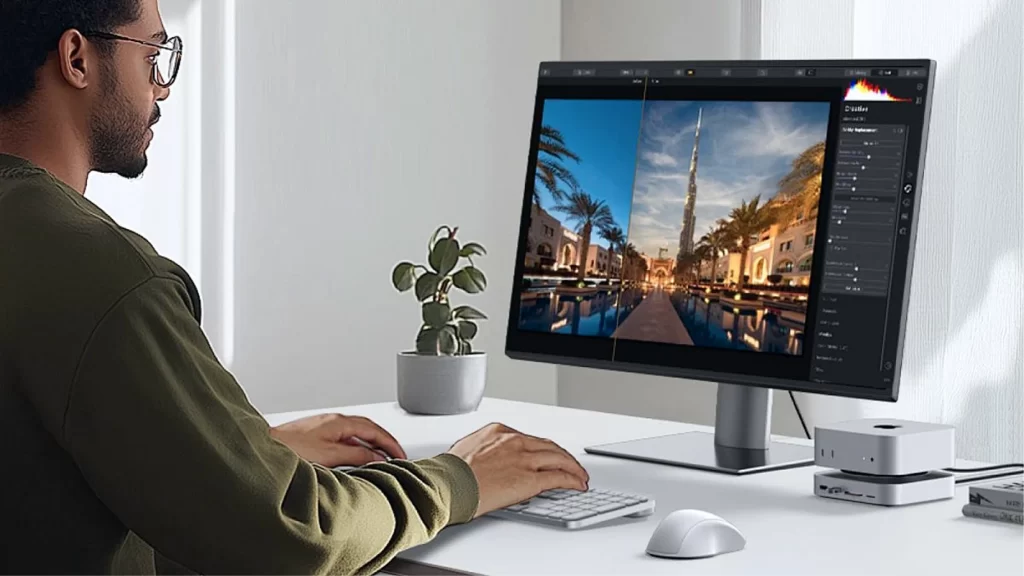
Compact 926210mm Size, Portable Anywhere
Slim and lightweight design, fits in pockets or backpacks, ideal for mobile work and travel.nsuring stable and reliable use.
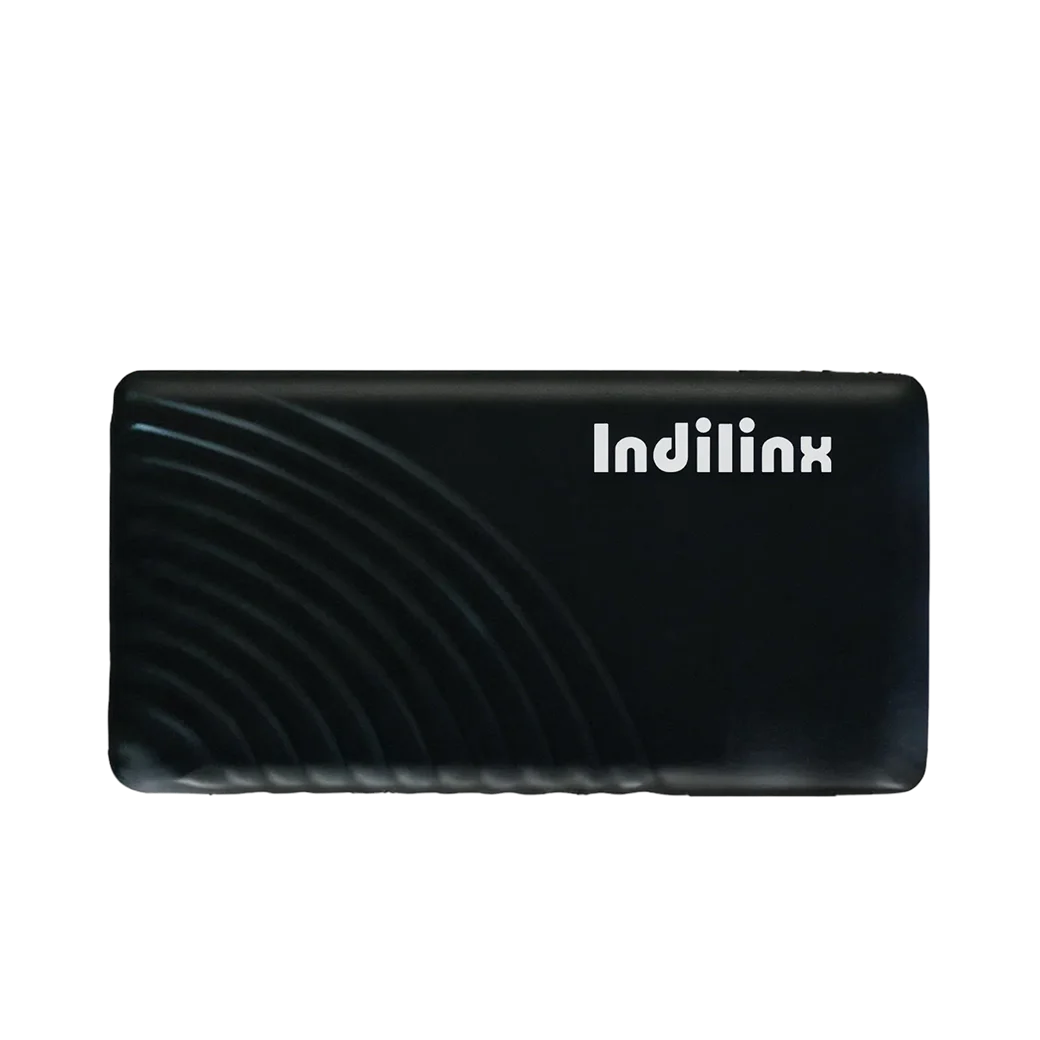
CE/FCC/ROHS Certifications, Wide-Temp Stability
Meets safety and environmental standards, runs stably at -5~75℃ to protect data security.
5-Year Official Warranty, Worry-Free After-Sales
Long-term after-sales support eliminates usage concerns, highlighting product reliability.
Type-C High-Speed Interface with USB Conversion for Wide Device Compatibility
The IND-SA2 adopts a Type-C interface supporting USB conversion and USB 3.2 Gen 2 standard, delivering up to 1050MB/s sequential read speed. It seamlessly connects to laptops, smartphones, cameras, and tablets, enabling smooth cross-device data transfer—ideal for quickly moving large files like 4K videos or RAW photos without lag.
Ultra-Compact, Lightweight Build with Durability & Safety Certifications
Measuring 926210mm and weighing approximately 35g, the IND-SA2 fits easily in pockets or bags for on-the-go use. It features IP65 dustproof and waterproof protection, 2-meter drop resistance, and meets CE/FCC/ROHS standards, ensuring reliable performance in daily or outdoor scenarios.
Ultra-Compact & Lightweight Design
926210mm size and ≈35g weight, perfect for portable carrying.
Multi-Protection & Certifications
IP65 protection, 2m drop resistance, CE/FCC/ROHS certified.
Installation of External Solid State Drive
The IND-SA2 external solid state drive features a user-friendly, tool-free installation design, requiring no professional technical skills. Its versatile Type-C interface (supports USB conversion) ensures broad compatibility with laptops, desktops, smartphones, and tablets. The plug-and-play functionality allows quick setup—users can connect the drive to devices directly or via an adapter, and most systems will automatically recognize it, enabling immediate data storage or transfer without complex configurations.
Direct Type-C Connection to Type-C-Enabled Devices
Type-C to USB Adapter Connection for USB-Only Devices
Type-C Connection to Mobile Devices (Phones/Tablets)
Direct Type-C Connection to Type-C-Enabled Devices
Efficient External Storage Expansion:
This method works for devices with built-in Type-C ports, such as modern laptops, desktops, or new smartphones. Simply insert the IND-SA2’s Type-C connector into the device’s Type-C port. The system will detect the drive within 2-3 seconds, no additional drivers or software needed. Once recognized, you can instantly use it to store files, transfer large videos, or back up data, making it ideal for daily quick access to storage.
Type-C to USB Adapter Connection for USB-Only Devices
Efficient External Storage Expansion:
For devices with only USB ports (e.g., old laptops, USB hubs), use a compatible Type-C to USB adapter (not included with the drive). First, connect the adapter to the IND-SA2’s Type-C port, then plug the adapter into the device’s USB port. The system will rapidly identify the drive as external storage, ensuring stable data transfer. This method expands the drive’s usability, allowing it to work with legacy devices seamlessly.
Type-C Connection to Mobile Devices (Phones/Tablets)
Efficient External Storage Expansion:
For Type-C-equipped smartphones or tablets, directly plug the IND-SA2 into the device’s Type-C port. A pop-up prompt may appear on the mobile screen; select “File Transfer” or “External Storage” mode. The drive will then be recognized, letting you transfer photos, videos, or documents between the mobile device and the SSD. This is perfect for on-the-go data management, such as offloading phone photos to free up space.
Direct Type-C Connection to Type-C-Enabled Devices
Efficient External Storage Expansion:
This method works for devices with built-in Type-C ports, such as modern laptops, desktops, or new smartphones. Simply insert the IND-SA2’s Type-C connector into the device’s Type-C port. The system will detect the drive within 2-3 seconds, no additional drivers or software needed. Once recognized, you can instantly use it to store files, transfer large videos, or back up data, making it ideal for daily quick access to storage.
Type-C to USB Adapter Connection for USB-Only Devices
Efficient External Storage Expansion:
For devices with only USB ports (e.g., old laptops, USB hubs), use a compatible Type-C to USB adapter (not included with the drive). First, connect the adapter to the IND-SA2’s Type-C port, then plug the adapter into the device’s USB port. The system will rapidly identify the drive as external storage, ensuring stable data transfer. This method expands the drive’s usability, allowing it to work with legacy devices seamlessly.
Type-C Connection to Mobile Devices (Phones/Tablets)
Efficient External Storage Expansion:
For Type-C-equipped smartphones or tablets, directly plug the IND-SA2 into the device’s Type-C port. A pop-up prompt may appear on the mobile screen; select “File Transfer” or “External Storage” mode. The drive will then be recognized, letting you transfer photos, videos, or documents between the mobile device and the SSD. This is perfect for on-the-go data management, such as offloading phone photos to free up space.
External Solid State Drive Technical Support
Indilinx provides comprehensive technical support and after-sales services for the IND-SA2 external SSD to ensure a smooth user experience. Covering warranty claims, technical inquiries, and fault resolution, our team responds promptly—backed by the product’s CE/FCC/ROHS certifications—to safeguard your storage investment.
5-Year Official Warranty Servicee
Covers manufacturing defects and performance failures within 5 years. Free repair or replacement via official channels with valid purchase proof.
24/7 Online & Email Consultation
Offers guidance for interface connection, device compatibility, and data transfer issues. Responds within 24 hours.